55
Enabled Switch the toggle to enable or disable the function.
Interface Allows WAN traffic to be sent to a specific LAN IP address.
WAN IP Enable the function of applying WAN alias IP. Then, select a WAN alias
IP from the available IPv4 alias settings set on Configuration >> WAN
>> WAN Connections.
Private IP Select one private IP address in the list to be the DMZ host.
Cancel Discard current settings and return to the previous page.
Apply Save the current settings and exit the page.
After finishing this web page configuration, please click Apply to save the settings.
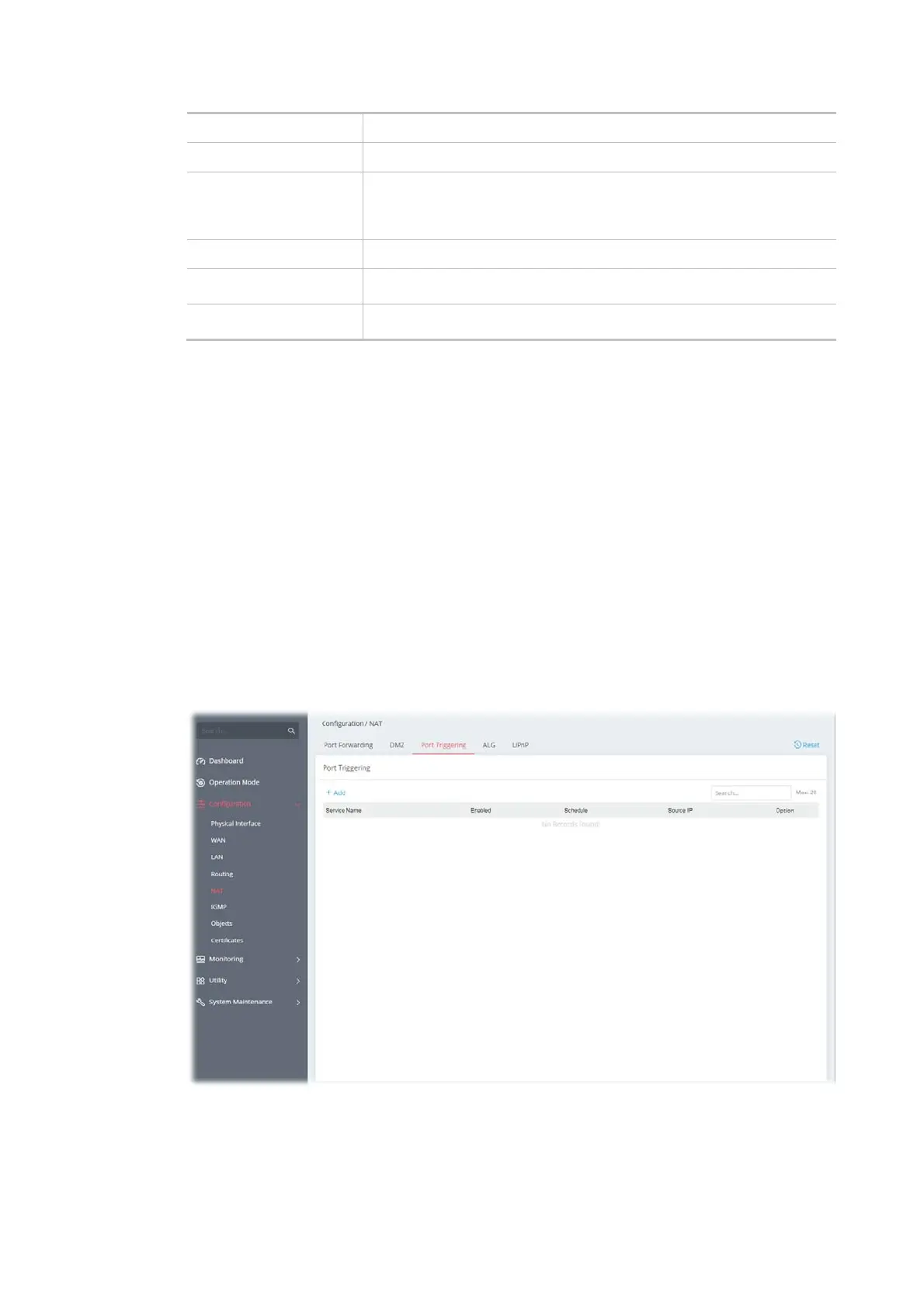
II-2-5-3 Port Triggering
If you run programs that function as server applications where they expect to receive unsolicited
traffic from the WAN, you can set up rules in Port Triggering to detect LAN-to-WAN traffic initiated
by those programs, and automatically open up WAN ports to accept incoming traffic and forward it
to the LAN client running the server applications.
The duration that these ports are opened depends on the type of protocol used. The "default"
values are shown below and these duration values can be modified via telnet commands.
TCP: 86400 sec.
UDP: 180 sec.
IGMP: 10 sec.
TCP WWW: 60 sec.
TCP SYN: 60 sec.
To add a new port triggering profile, click the +Add link to get the following page.



 To Next Page