105
IV-2 Utility
IV-2-1 Ping Tool
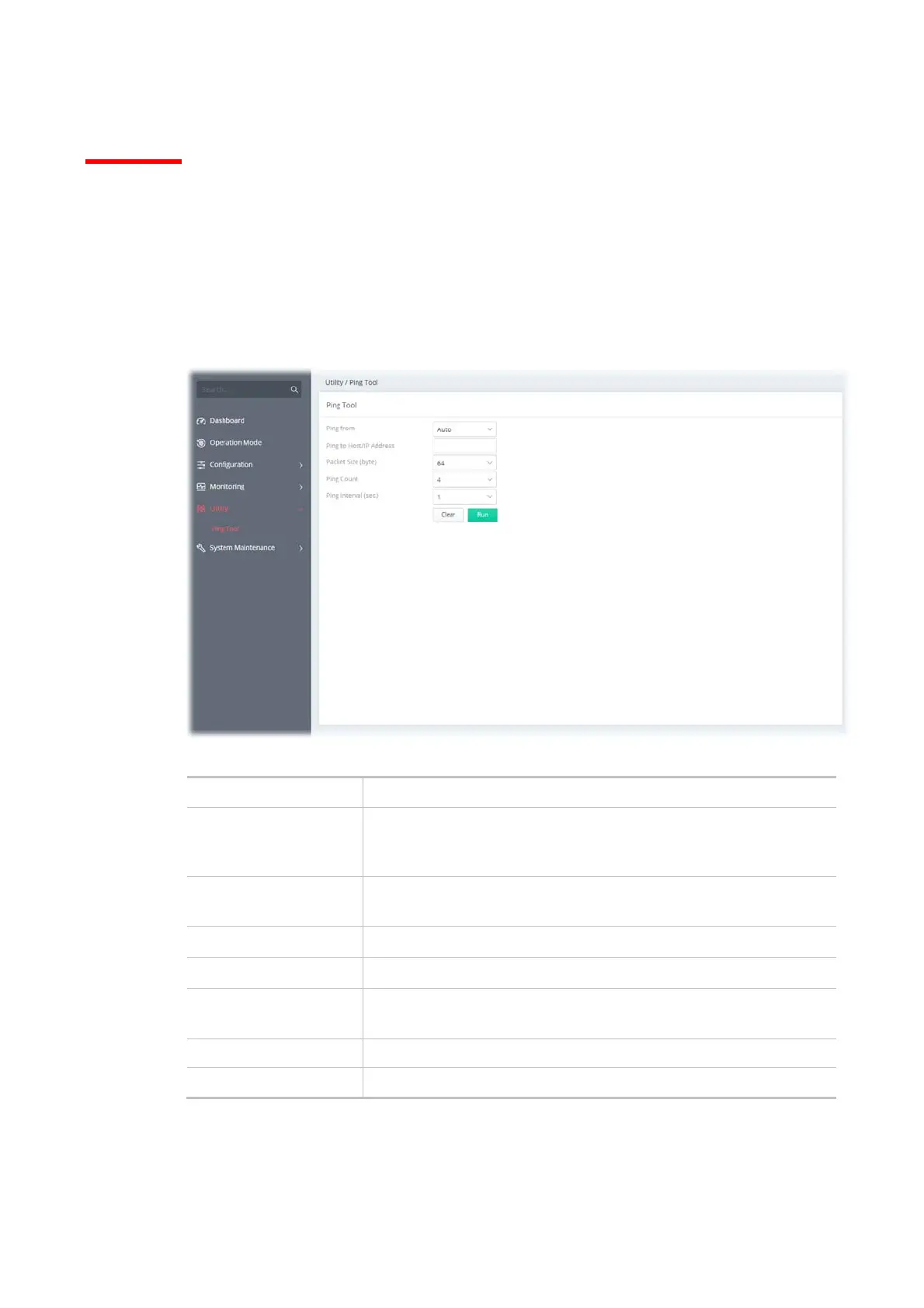
The user can perform the ping job for specified IP (host) to diagnose if the data transmission via the
Vigor system is well or not.
Available settings are explained as follows:
Item Description
Ping from Select an interface (LAN or WAN) from drop down list to through
which you want to perform the ping operation, or choose Auto to be
let the router select the WAN interface.
Ping to Host/IP
Address
Enter the IP address of the Host/IP that you want to ping.
Packet Size (byte) Determine the packet size for the ping job.
Ping Count Determine the quantity of the packet being pinged.
Ping Interval (sec.) Set a time interval (unit:second) for the system to ping the IP address
specified above.
Clear Remove the settings and return to the factory settings.
Run Perform the ping job.



 To Next Page