5
I-3 Accessing to Web User Interface
All functions and settings of this access point must be configured via the web user interface. Please
start your web browser (e.g., Firefox).
1. Make sure your PC connects to the Vigor router correctly.
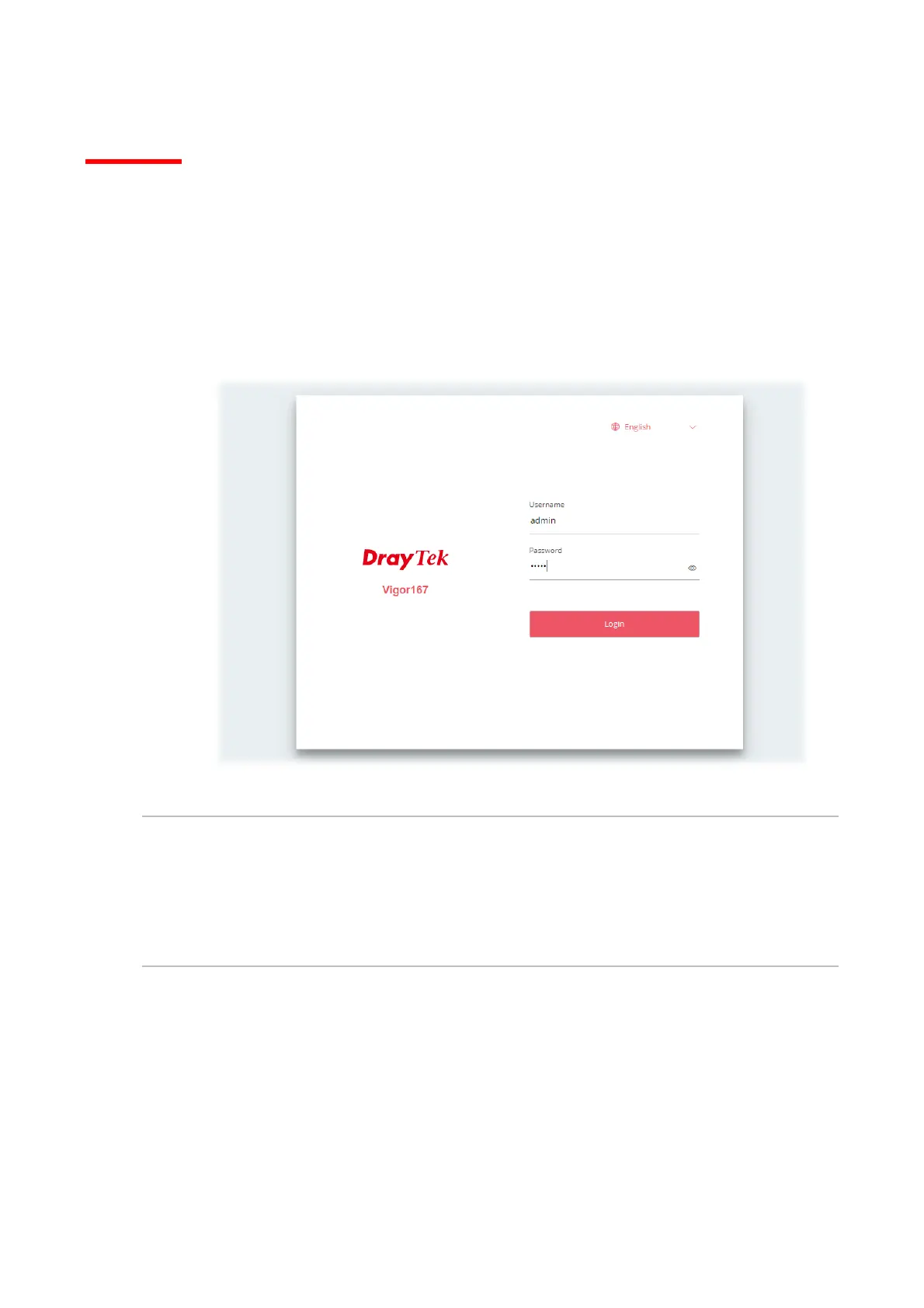
2. Open a web browser on your PC and type http://192.168.1.1. A pop-up window will open to
ask for a username and password. Pease type “admin/admin” on Username/Password and
click Login.
Note:
If you fail to access the web configuration, please go to “Trouble Shooting” for detecting and solving
your problem.



 To Next Page