7
I-5 Changing Password
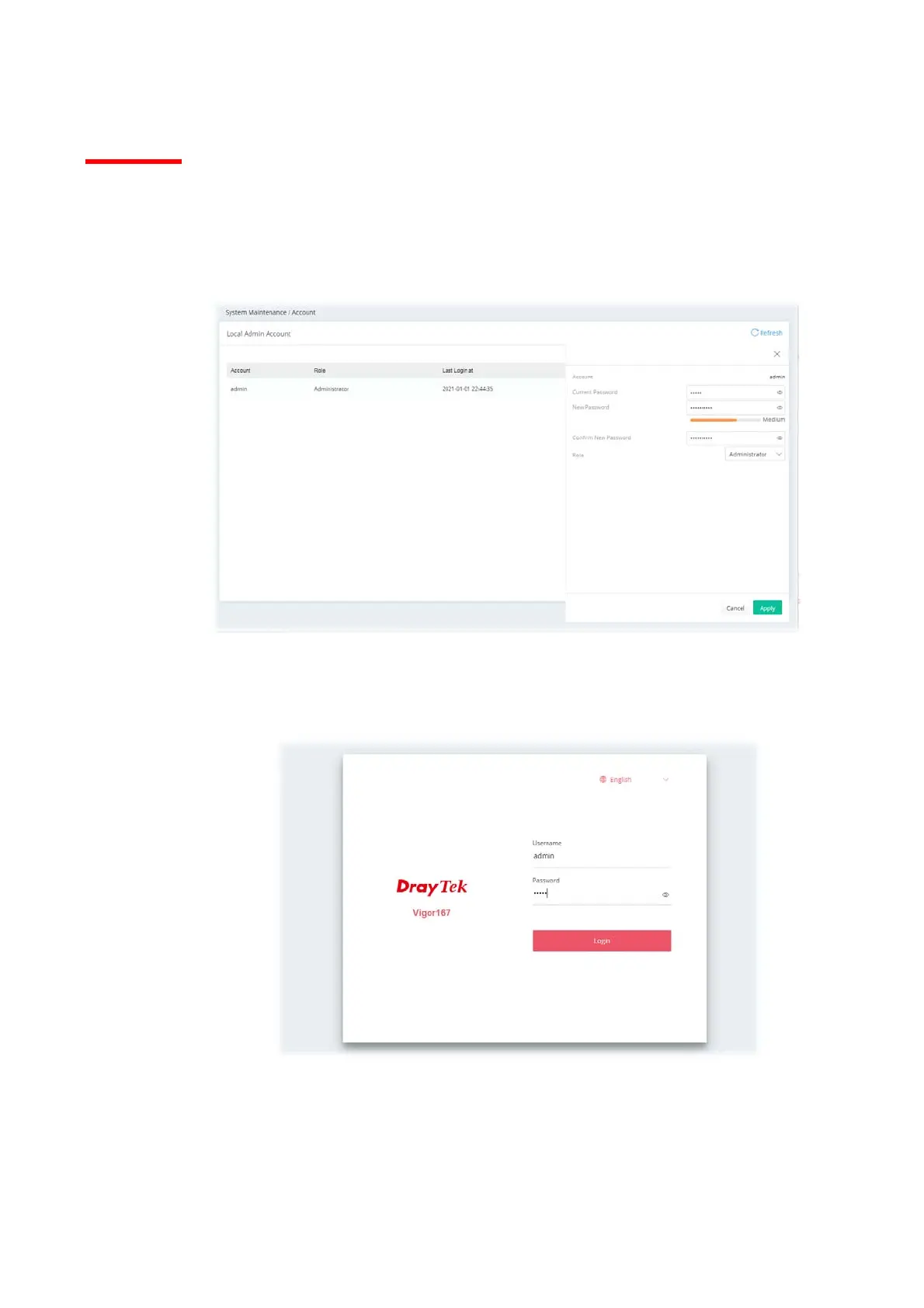
1. Please change the password for the original security of the modem.
2. Go to System Maintenance page and choose Account. Click Edit to open the modification
page.
3. Enter the new login password on the fields of New Password and Confirm New Password.
Then click Apply to continue.
4. Now, the password has been changed. Next time, use the new password to access the Web
User Interface for this modem.



 To Next Page