1
I-1 Introduction
This is a generic International version of the user guide. Specification, compatibility and features
vary by region. For specific user guides suitable for your region or product, please contact local
distributor.
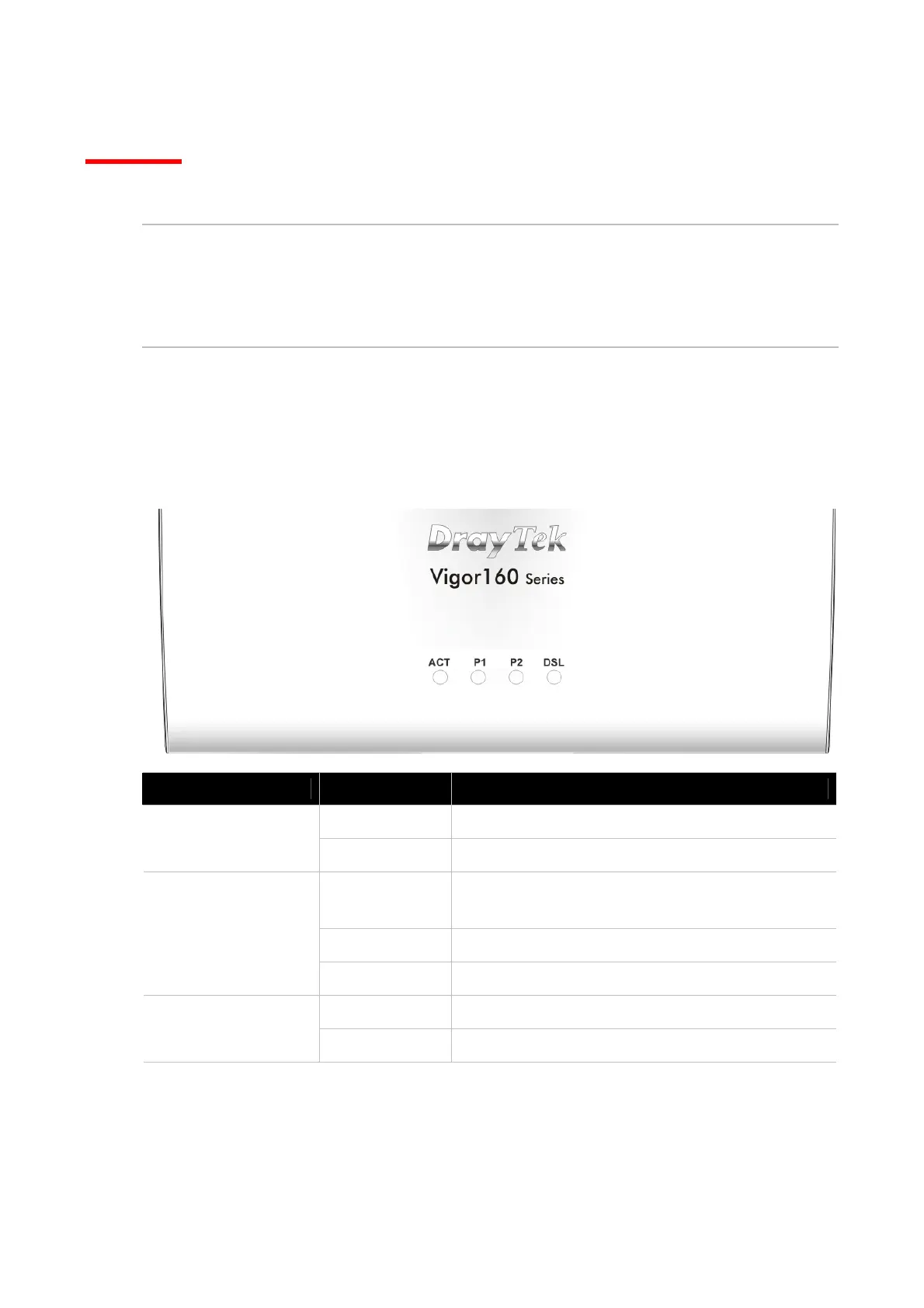
I-1-1 LED Indicators and Connectors
Before you use the Vigor modem, please get acquainted with the LED indicators and connectors
first.
LED Status Explanation
Off The system is not ready or is failed.
ACT
Blinking The system is ready and can work normally.
On A normal connection is through its
corresponding port.
Off LAN is disconnected.
P1/P2
Blinking Data is transmitting (sending/receiving).
On xDSL connection synchronized.
DSL
Blinking xDSL connection is synchronizing.



 To Next Page