19
with tag. If enabled, enter the values for the tag and priority.
Tag - Enter the value as the VLAN ID number. The range is from 0 to
4094.
Priority - Enter the packet priority number for such VLAN. The range
is from 0 to 7.
VDSL2 Setting
Customer VLAN Switch the toggle to enable or disable the function of VLAN with tag. If
enabled, enter the values for the tag and priority.
Tag - Enter the value as the VLAN ID number. The range is from 0 to
4094.
Priority - Enter the packet priority number for such VLAN. The range
is from 0 to 7.
Service VLAN Switch the toggle to enable or disable the function of VLAN with tag. If
enabled, enter the values for the tag and priority.
Tag - Enter the value as the VLAN ID number. The range is from 0 to
4094.
Priority - Enter the packet priority number for such VLAN. The range
is from 0 to 7.
QoS
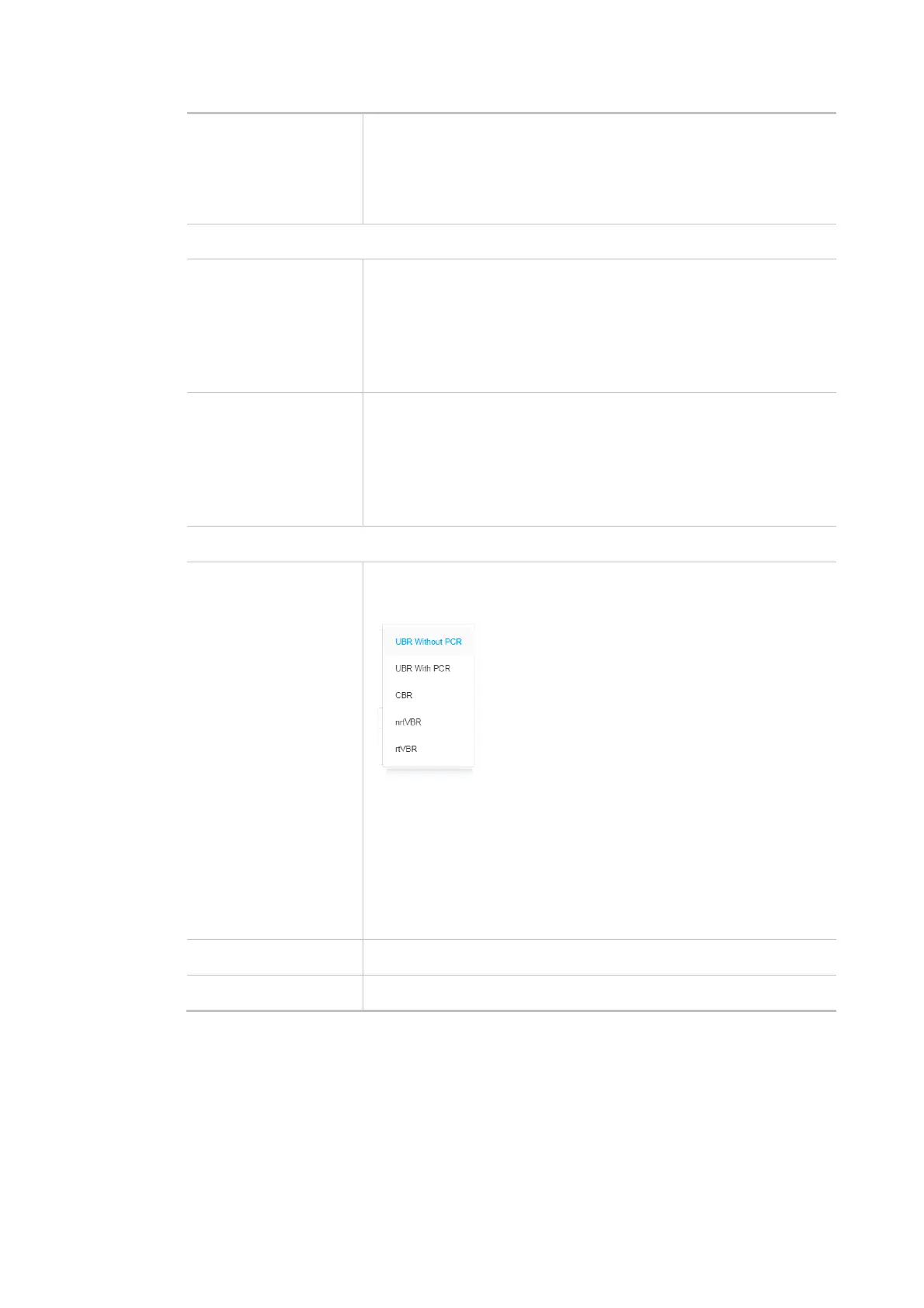
ATM QoS Configure the Quality of Service (QoS) of the ATM circuit.
Select a proper QoS type for the interface.
UBR Without PCR- Unspecified Bit Rate.
UBR With PCR- Unspecified Bit Rate. Enter the value for PCR (Peak
Cell Rate, 0_5500) if select UBR With PCR.
CBR - Constant Bit Rate.
nrtVBR - Non-real-time Variable Bit Rate.
rtVBR - Real-time Variable Bit Rate.
Cancel Discard current settings and return to previous page.
Apply Save the current settings and exit the page.
After finishing this web page configuration, please click Apply to save the settings.



 To Next Page