33
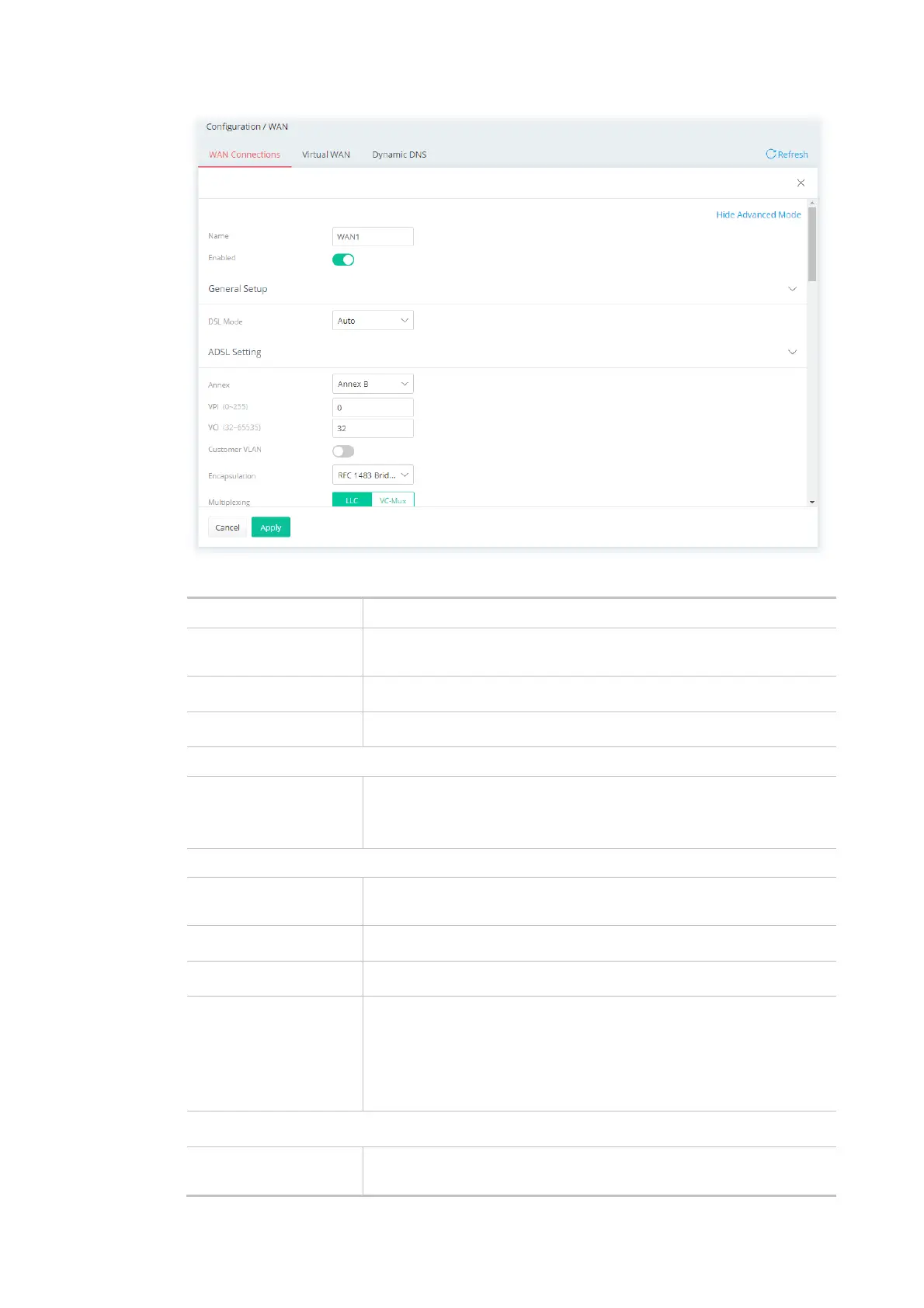
Available settings are explained as follows:
Item Description
Show / Hide Advanced
Mode
Click to show or hide the advanced settings for the WAN interface.
Name Displays current WAN interface.
Enabled Switch the toggle to enable or disable the function.
General Setup
DSL Mode Specify which DSL mode (e.g., VDSL2, ADSL2, ADSL2 multimode,
ADSL2+, T1.413, G.DMT) can be used for such WAN connection.
Auto – The system will choose the suitable one automatically.
ADSL Setting
Annex Choose the correct modem version of the device, e.g., Annex A, Annex
B, Annex A/B/M, Annex A/B/J and etc.
VPI Enter the value provided by ISP.
VCI Enter the value provided by ISP.
Customer VLAN Click to enable the function of VLAN with tag. If enabled,
Tag - Enter the value as the VLAN ID number. The range is from 0 to
4094.
Priority - Enter the packet priority number for such VLAN. The range
is from 0 to 7.
VDSL2 Setting
Customer VLAN Click to enable the function of VLAN with tag. If enabled,
Tag - Enter the value as the VLAN ID number. The range is from 0 to



 To Next Page