35
destination. Valid values range from 1 to 255.
Ping Interval It is available when Ping Detect is selected as WAN Connection
Detection Mode.
Enter the interval for the system to execute the PING operation.
Ping Retry It is available when Ping Detect is selected as WAN Connection
Detection Mode.
Enter the number of times that the system is allowed to execute the
PING operation before WAN disconnection is judged.
PPPoE Pass-through
To Wired LAN Switch the toggle to enable or disable the function. If enabled, the
wired LAN clients can initiate PPPoE dial-up connections to the WAN.
The router offers PPPoE dial-up connection. Besides, you also can
establish the PPPoE connection directly from local clients to your ISP
via the Vigor router. When PPPoA protocol is selected, the PPPoE
package transmitted by PC will be transformed into PPPoA package
and sent to WAN server. Thus, the PC can access Internet through
such direction.
Options under the Advanced Mode
ADSL Setting Below shows the additional options for ADSL Setting:
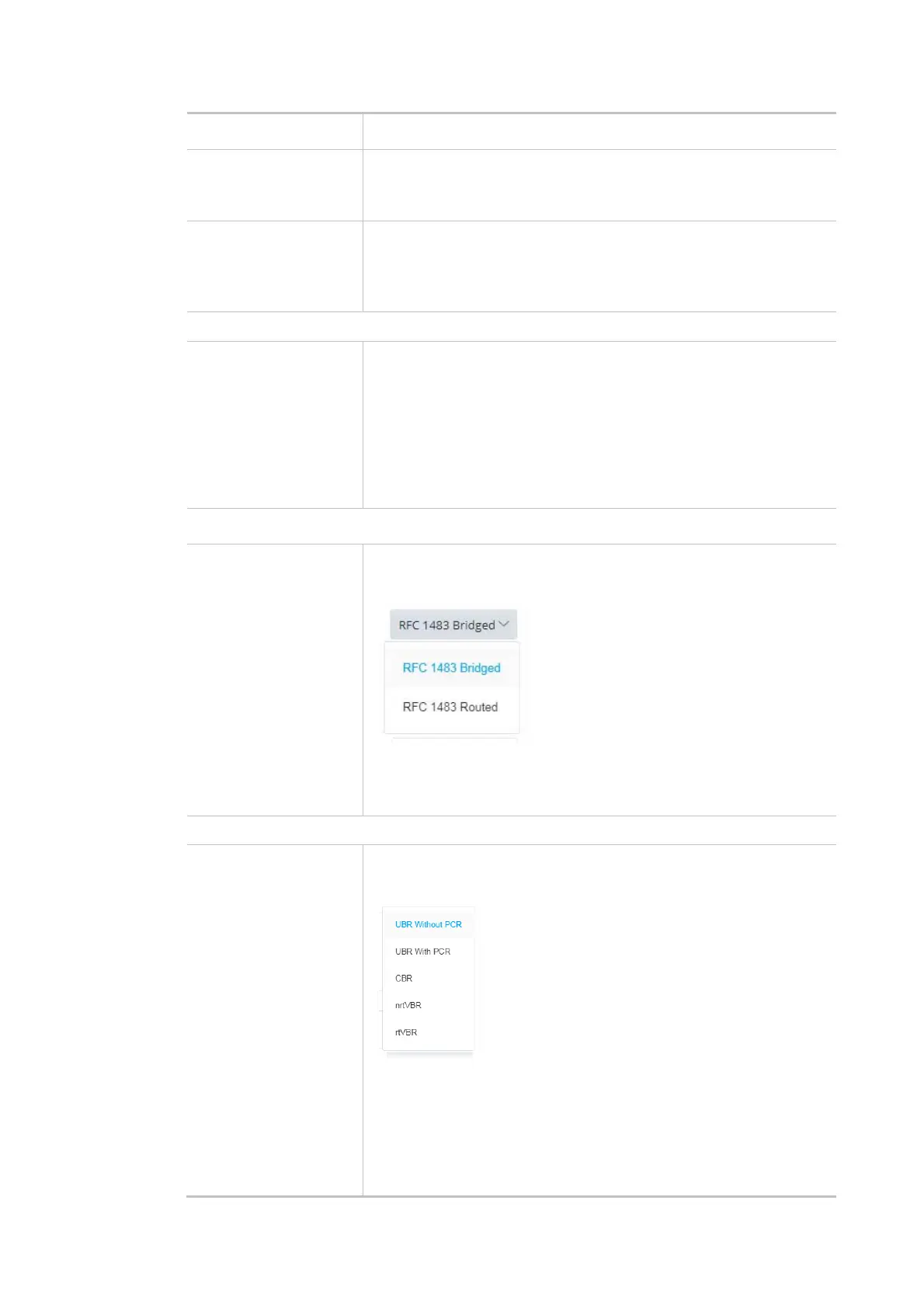
Encapsulation - Encapsulating type of the ADSL connection.
Multiplexing - Encapsulating type of the ADSL connection. Available
values are LLC (Logical Link Control) and VC-Mux (Virtual Circuit
Multiplexing). Contact your ISP for the correct encapsulating type.
QoS
ATM QoS Configure the Quality of Service (QoS) of the ATM circuit.
Select a proper QoS type for the interface.
UBR Without PCR- Unspecified Bit Rate.
UBR With PCR- Unspecified Bit Rate. Enter the value for PCR (Peak
Cell Rate, 0_5500) if select UBR With PCR.
CBR - Constant Bit Rate.
nrtVBR - Non-real-time Variable Bit Rate.



 To Next Page