61
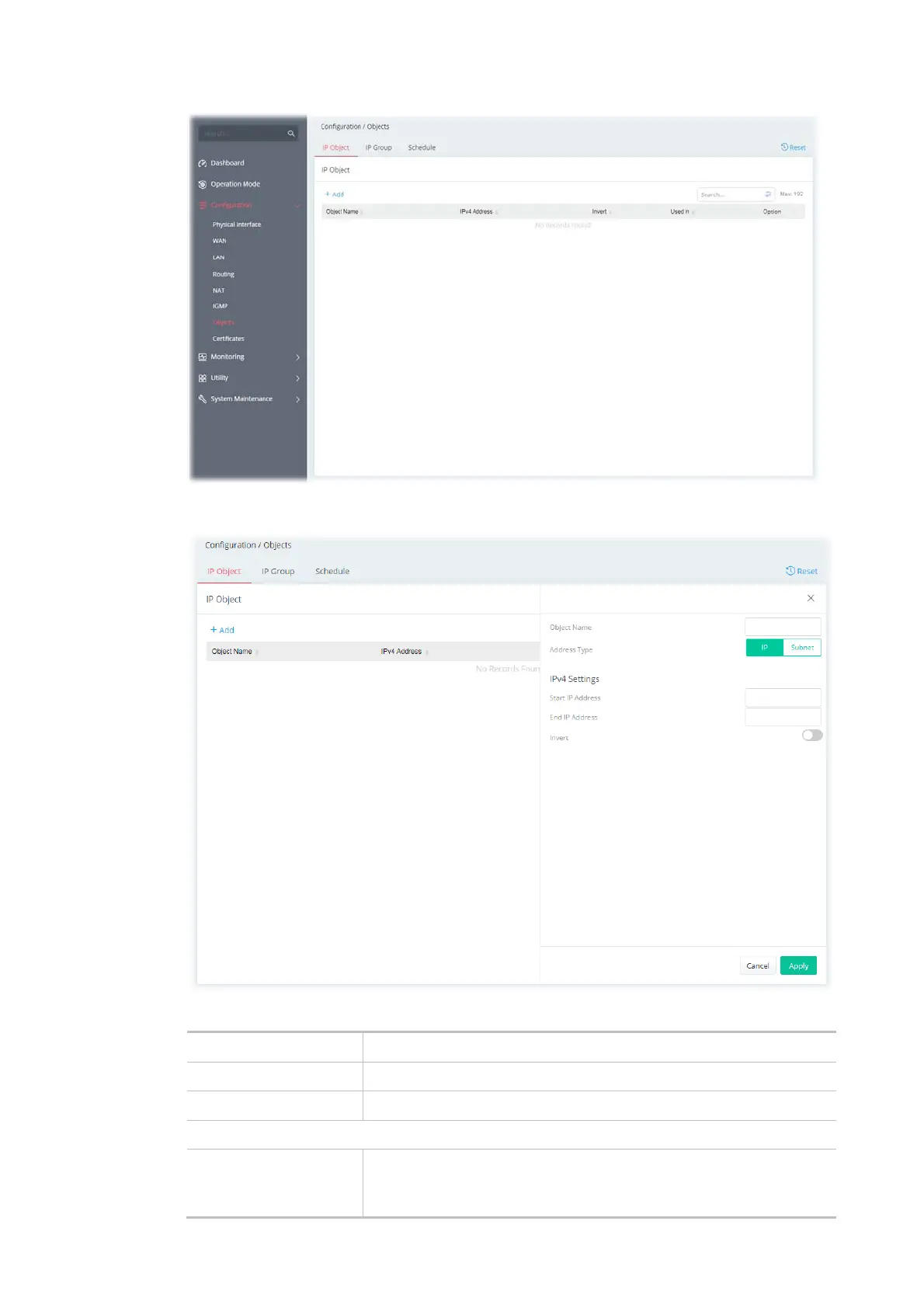
To add a new IP object profile, click the +Add link to get the following page.
Available settings are explained as follows:
Item Description
Object Name Enter the name that identifies this profile.
Address Type Select the type (IP or Subnet) of address.
IPv4 Settings
Start IP Address Enter the beginning IP address, if the Address Type is IP. To set a
range of IP addresses, enter the different IP addresses as start IP
address and end IP address.



 To Next Page