63
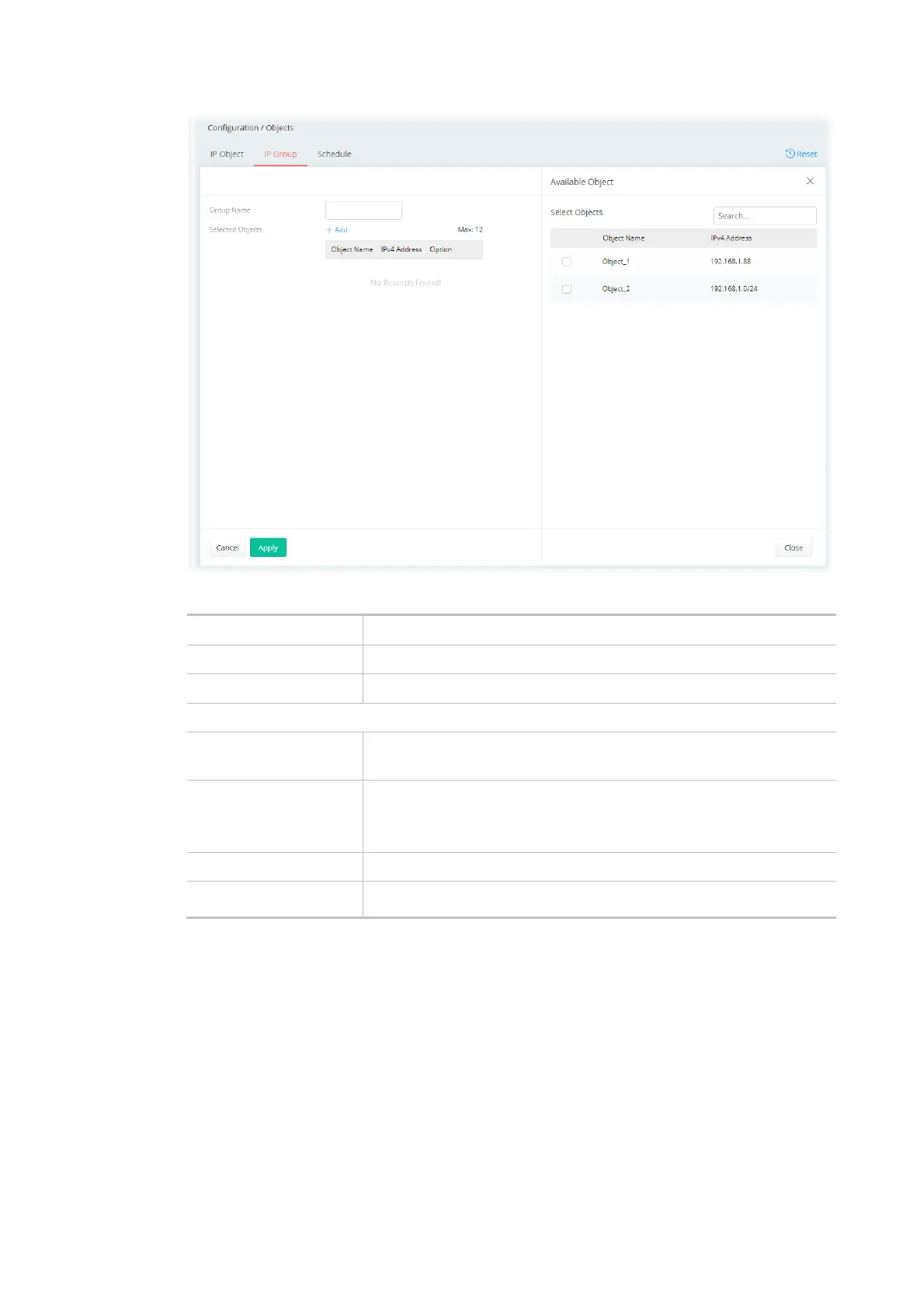
Available settings are explained as follows:
Item Description
Group Name Enter a name that identifies this profile.
Selected Objects +Add - Click to open the page with available objects.
Available Object
Selected Objects Search - Enter the IP object name or the IPv4 address to display
related information.
Object Name / IPv4
Address
Select the object(s) to be grouped under the current IP group.
The selected one will be shown under the Selected Objects on the left
side.
Cancel Discard current settings and return to the previous page.
Apply Save the current settings.
After finishing this web page configuration, please click Apply to save the settings.



 To Next Page