Player
If one is connected, Menu will show the
PLAYER function.
Use (1) or (2) to scroll the Menu functions and
view the PLAYER function.
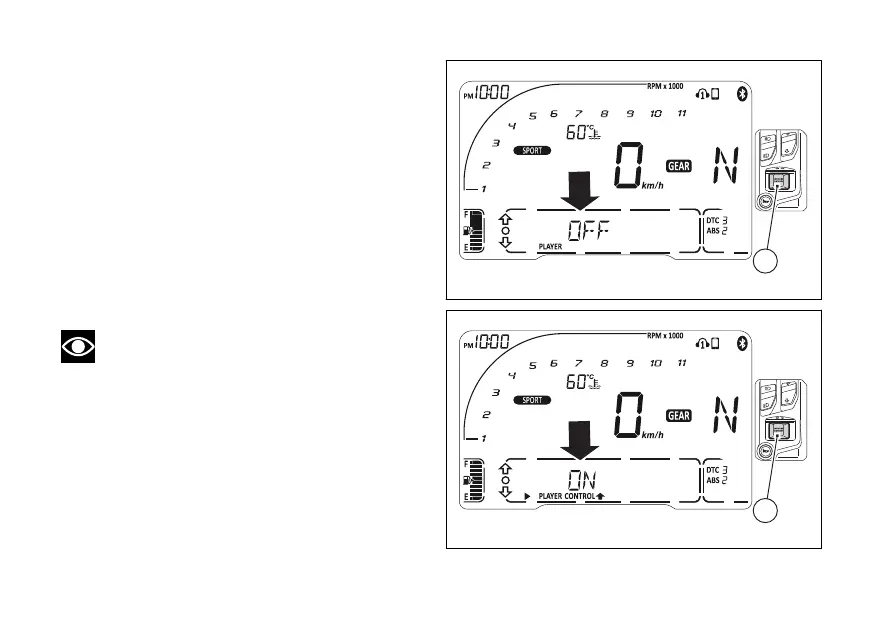
If Player is not active the instrument panel displays
“PLAYER OFF” (Fig 108).
Press (4) to switch it on.
If Player is active the instrument panel displays
“PLAYER ON” (Fig 109).
Press (4) to switch it
Note
The Player function cannot be activated when a
call is incoming, in progress or in recall. If the
is disconnected, player is turned
Fig 108
Fig 109
154













 To Next Page