DynoWare RT Upgrade for Model 424x Dynamometers Installation Guide
1-2
INTRODUCTION
Before installing the DynoWare RT electronics on your Dynojet model 424 dyno,
please take a moment to read this guide for installation instructions, dyno features,
and other important information.
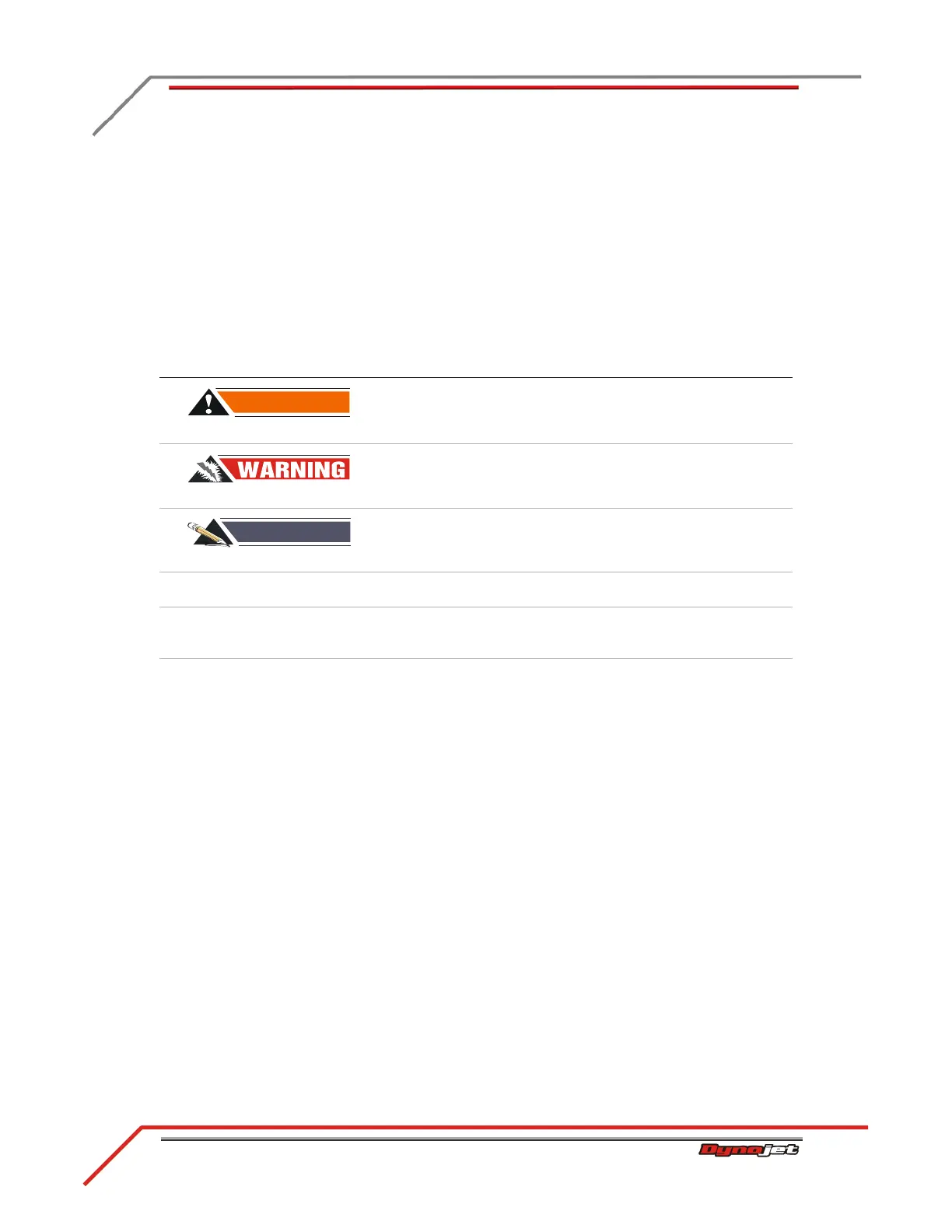
CONVENTIONS USED IN THIS MANUAL
The conventions used in this manual are designed to protect both the user and the
equipment.
TECHNICAL SUPPORT
For assistance, please contact Dynojet Technical Support at 1-800-992-4993, or write
to Dynojet at 2191 Mendenhall Drive, North Las Vegas, NV 89081.
Visit us on the World Wide Web at www.dynojet.com and www.winpep.com where
Dynojet provides state of the art technical support, on-line shopping, and press
releases about our latest product lines. Try our remote support assistance or watch
one of our informative videos.
Access the electronic version of this guide along with additional accessory guides,
software guides, and the latest technical bulletins at www.dynojet.com/downloads.
example of convention description
The Caution icon indicates a potential hazard to the
dynamometer equipment. Follow all procedures
exactly as they are described and use care when
performing all procedures.
The Warning icon indicates potential harm to the
person performing a procedure and the dynamometer
equipment.
The Record # icon reminds you to record your
dynamometer and eddy current brake (retarder)
serial number on the inside cover of this manual.
Bold Highlights items you can select on in the software
interface, including buttons and menus.
> The arrow indicates a menu choice. For example,
“select File >Open” means “select the File menu,
then select the Open choice on the File menu.”
Blue Highlights items you can click on directing you to a
location with additional information.



 To Next Page