2-5
MODEL 424 DYNOWARE RT UPGRADE WITHOUT EDDY CURRENT
Remove the DynoWare EX Electronics
Version 5 DynoWare RT Upgrade for Model 424x Dynamometers Installation Guide
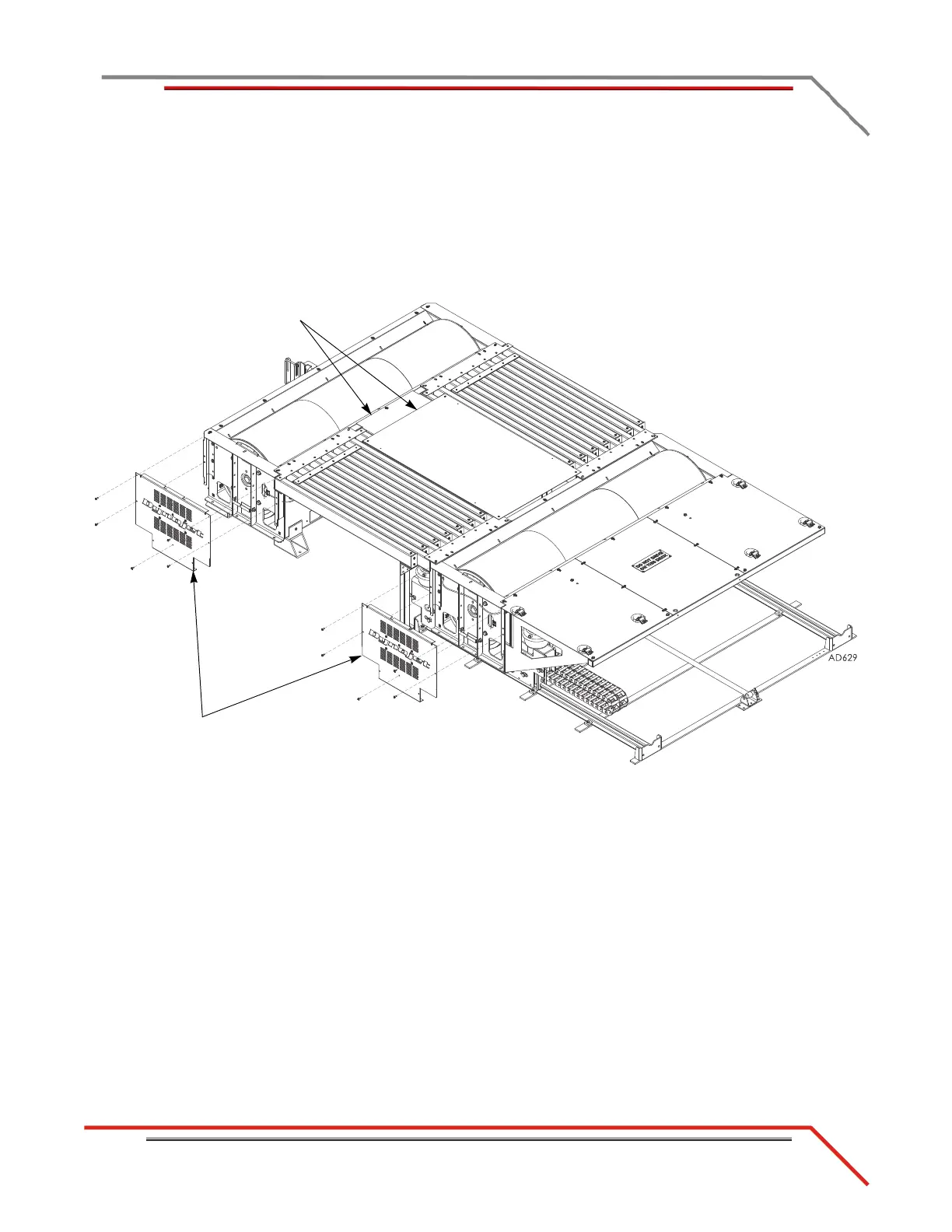
REMOVING THE LOGO PANELS—ABOVE GROUND DYNOS
Remove the logo panel from the speed pickup end of your above ground dynos.
1 Remove the five screws securing each logo panel and set aside.
2 Remove the logo panels and set aside.
3 You may wish to remove the bridge covers for easier access to the air hoses.
Figure 2-2: Remove the Logo Panels



 To Next Page