CHAPTER 3
Load Cell Calibration
DynoWare RT Upgrade for Model 424x Dynamometers Installation Guide
3-30
LOAD CELL CALIBRATION
Before proceeding, make sure all cables have been routed and the covers have been
installed.
This section provides instructions for calibrating the load cell. Follow the directions on
the screen exactly. Failure to perform the directions accurately will result in improper
torque values.
You will need the following parts:
•35430899 Weight (4)
• 61319001 Calibration Arm Assembly
1 Double-click the Power Core program icon.
2Click Dyno Control from the Application Launcher.
3 Verify you are connected to the DynoWare RT.
Note: For more information on connecting to the DynoWare RT, refer to the
Power Core Quick Start Guide included with your dyno or the Power Core Help.
4Click the Configuration tab.
5Click Load Cell Calibration.
Note: Before proceeding, be sure the eddy current brake is free and clear of any
obstructions. There should not be anything resting on the eddy current brake or
the dynamometer drum during this procedure.
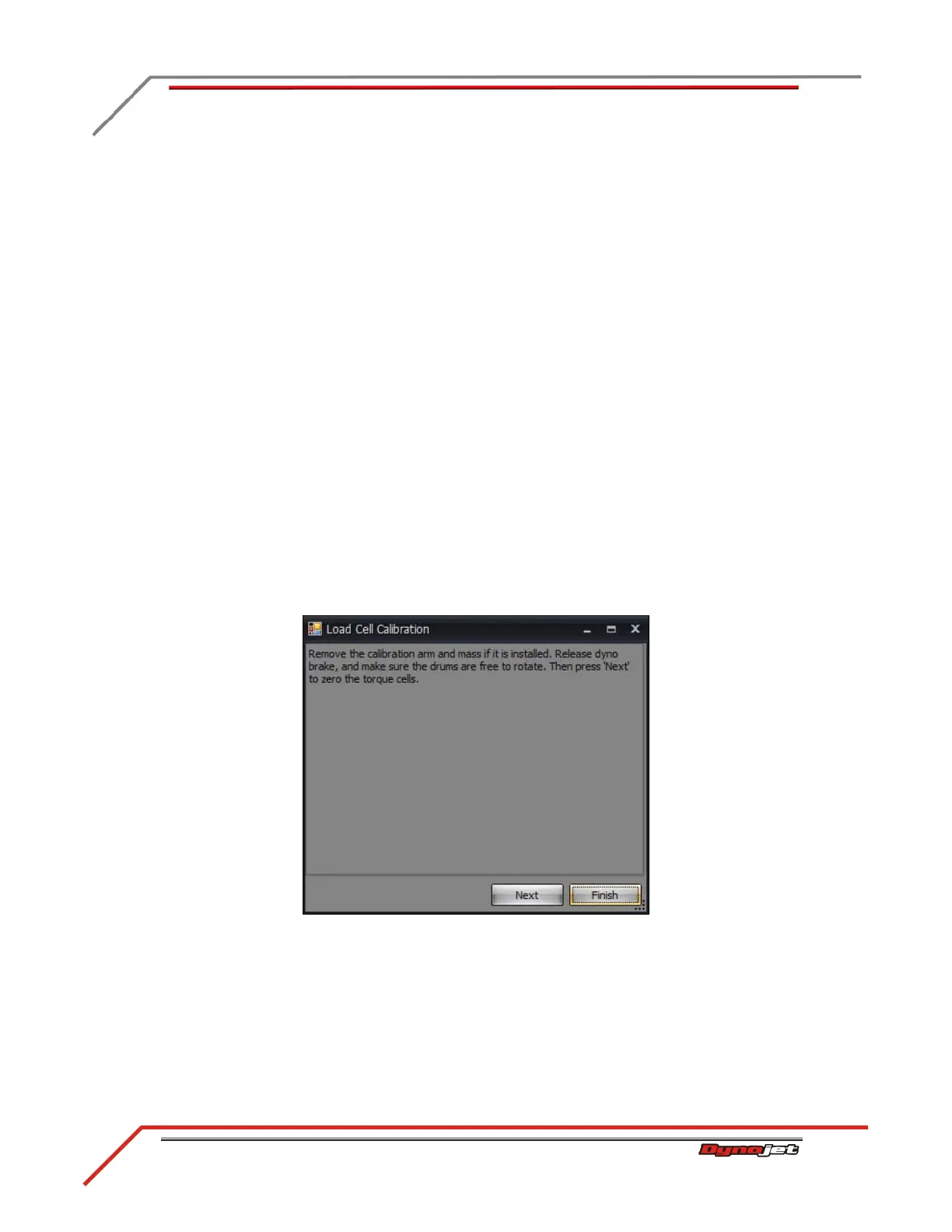
6Click Next to zero the load cell.
Figure 3-25: Zero Calibration Window



 To Next Page