DynoWare RT Upgrade for Model 424x Dynamometers Installation Guide
2-10
CABLE ROUTING
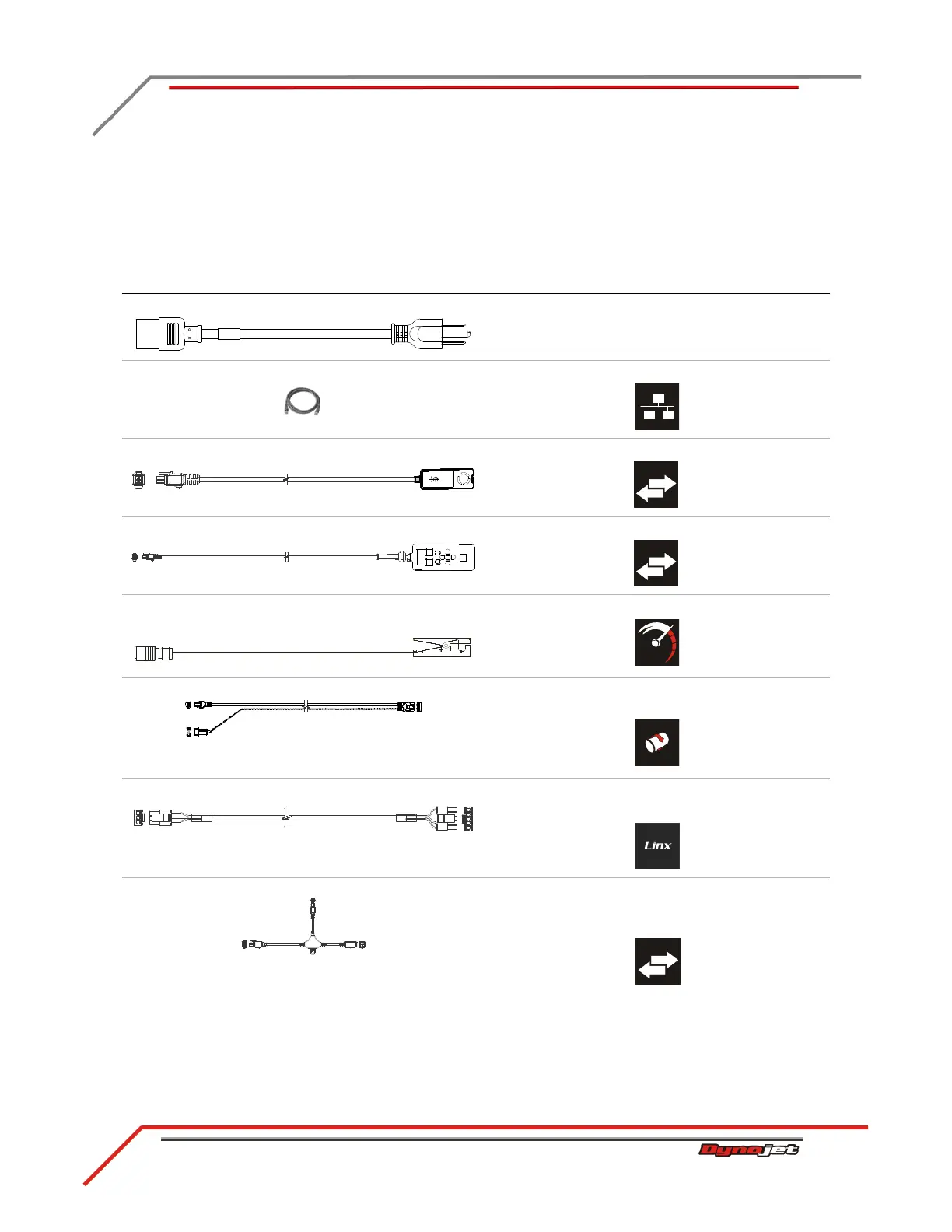
Use the following instructions to identify and route the cables.
IDENTIFYING THE CABLES
cable brief routing description
A - 318110301 power cable connects the DynoWare RT to a power outlet
B - 42900000 network cable connects the DynoWare RT to your local network
C - 66400011 remote atmos cable assembly connects to the DynoWare RT
D - 76100007 CAN pendant cable assembly connects to the DynoWare RT
E - 76950201 primary RPM pickup cable
- 76950203 secondary pickup cable
connects to the DynoWare RT
F - 76950547 speed pickup/brake cable connects the brake solenoid and speed pickup to the
DynoWare RT
G - 76950665 Linx detect sensor cable connects the Linx to the DynoWare RT
*the Linx system is an optional accessory
H - 76950798 CAN dyno user cable, 15' connects the air fuel module to the DynoWare RT
using the CAN adapter cable
*included with optional air fuel module



 To Next Page