CHAPTER 3
Remove the DynoWare EX Electronics
DynoWare RT Upgrade for Model 424x Dynamometers Installation Guide
3-6
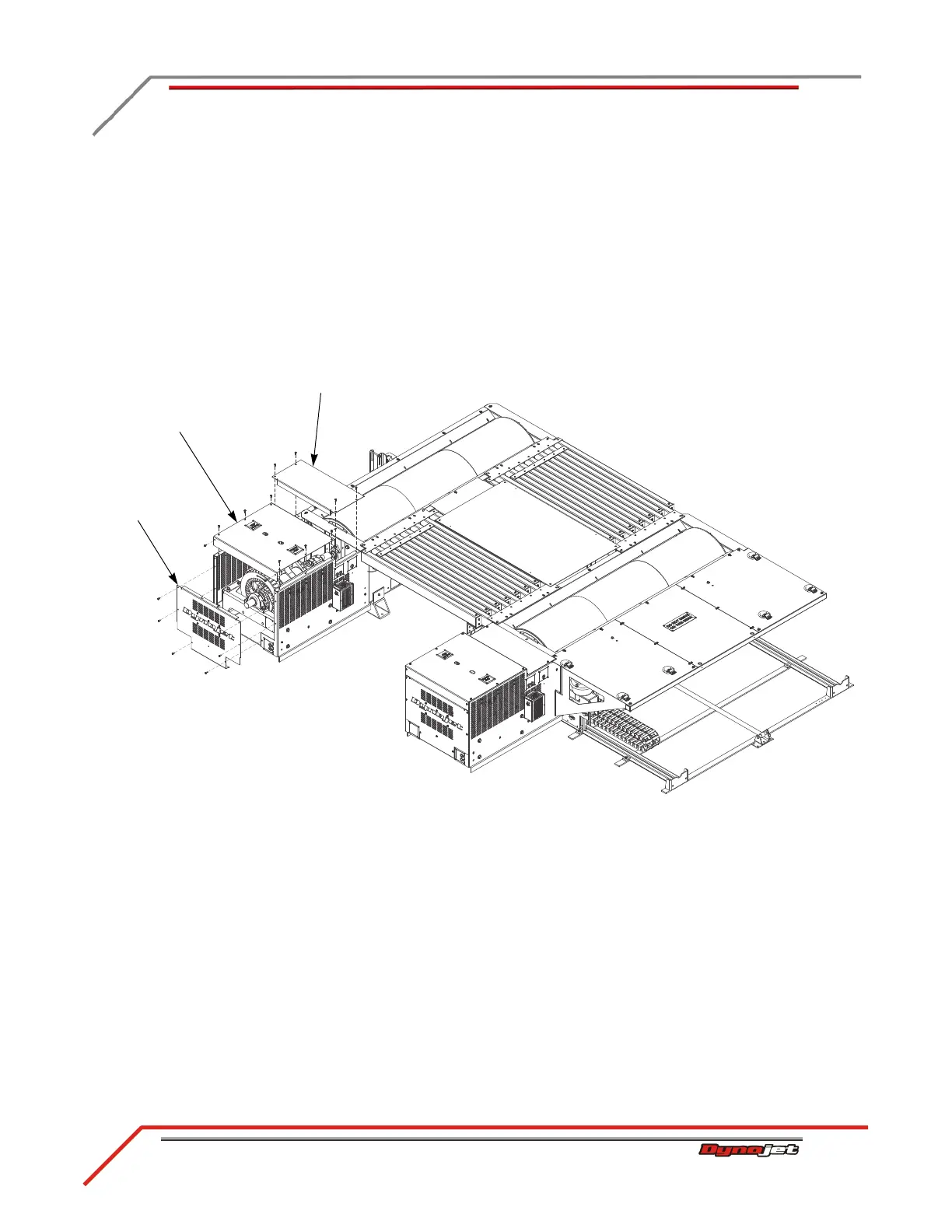
REMOVING THE ECB TOP COVERS AND LOGO PANEL—ABOVE GROUND DYNOS
Remove the eddy current brake top covers and logo panel from both the stationary
and 4WD dynos.
1 Remove the six screws securing the logo panel and set aside.
2 Remove the logo panel and set aside.
3 Remove the four screws securing the small top cover and set aside.
4 Remove the small top cover and set aside.
5 Remove the eight screws securing the large top cover and set aside.
6 Remove the large top cover and set aside.
Figure 3-2: Remove the Logo Panel and ECB Top Covers
logo panel
small top cover
large top cover



 To Next Page