CHAPTER 1
DynoWare RT Electronics
DynoWare RT Upgrade for Model 424x Dynamometers Installation Guide
1-6
NETWORK CONNECTIONS
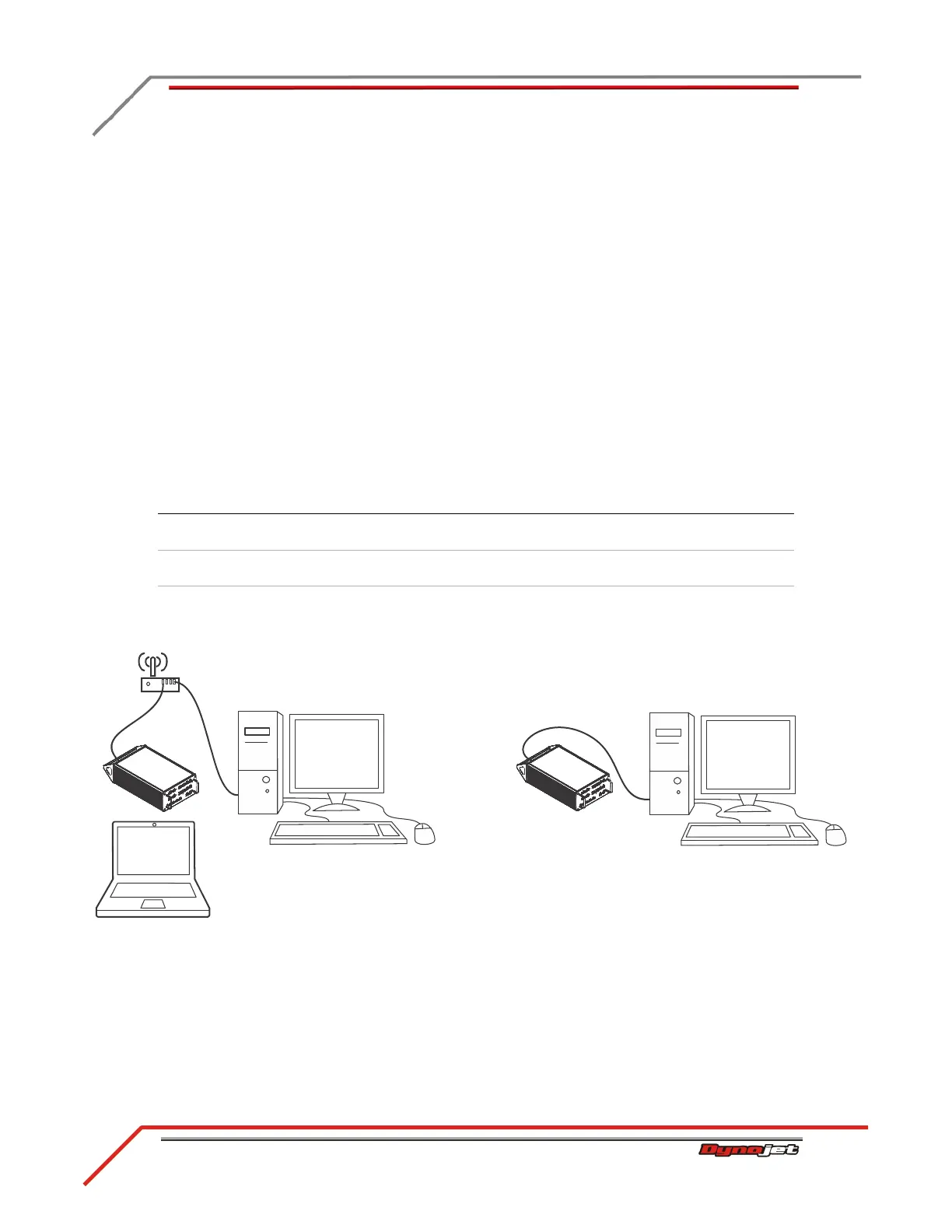
The Dynojet DynoWare RT dyno electronics connects to your computer directly or
over a Local Area Network. If you have an existing network, connect the DynoWare RT
main module to a router or a network switch on your network. If you don't have an
existing network, you can create a network for the DynoWare RT by connecting the
main module to a router.
There are some advantages to connecting the DynoWare RT to a network, particularly
a wireless network. With DynoWare RT on a network, a single dedicated computer for
the dyno is no longer required. Any computer on the network can connect and operate
the dyno. A wireless connection allows you to control the dyno from inside the vehicle
without a cable running to the DynoWare RT main module.
Note: The DynoWare RT allows only one computer at a time to connect.
When the DynoWare RT main module is on a network connected to the internet,
automatic updates for both the DynoWare RT and software are possible.
Figure 1-2: DynoWare RT Network Connections
connection method auto updates
multi-computer
connection wireless connection
Wireless Network
Internet
Yes Yes Yes
Wireless Network
Router
Yes Yes
Direct Connection
Point to Point
wireless network
internet and router
direct connection
point to point



 To Next Page