2-9
MODEL 424 DYNOWARE RT UPGRADE WITHOUT EDDY CURRENT
DynoWare RT Installation
Version 5 DynoWare RT Upgrade for Model 424x Dynamometers Installation Guide
ALIGNING THE SPEED PICKUP CARD
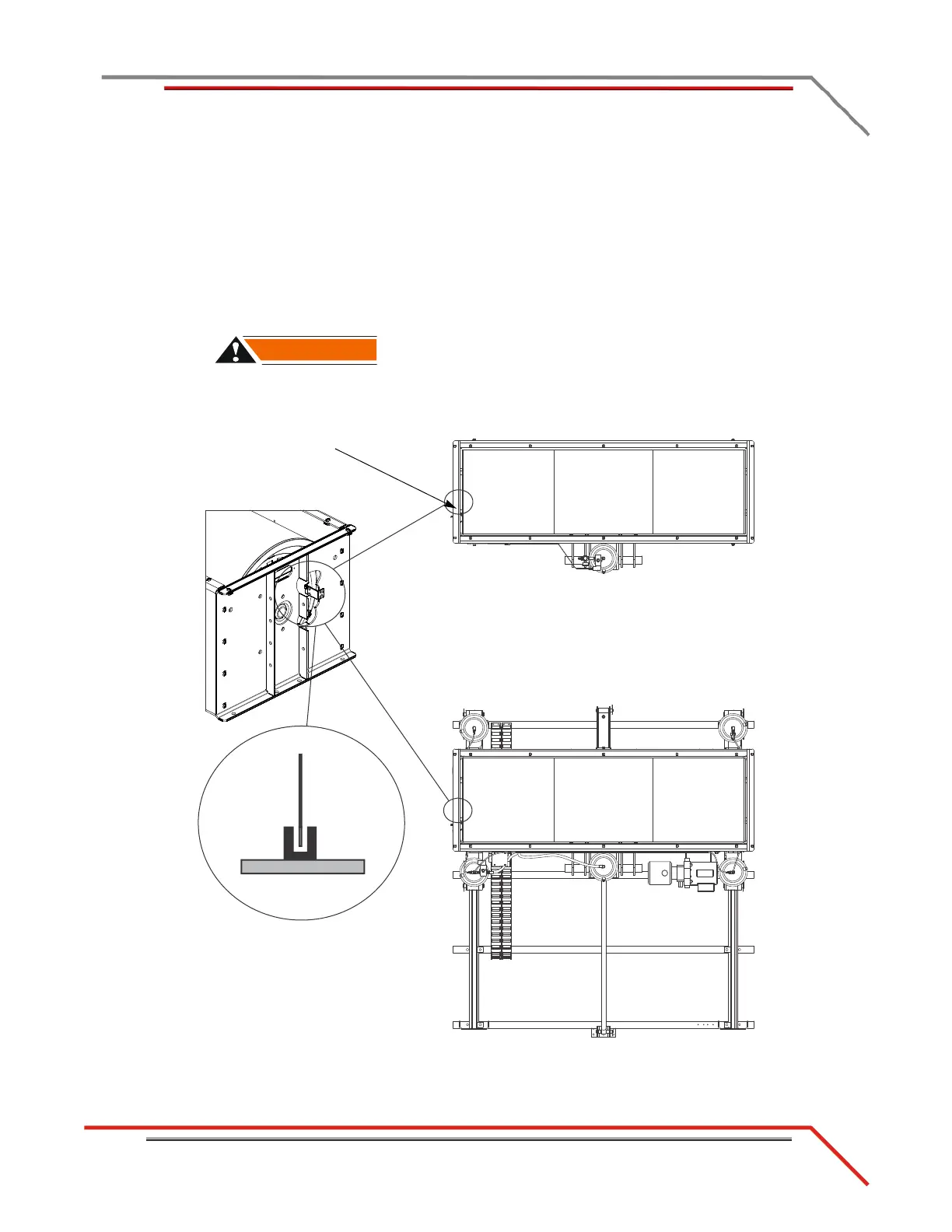
Use the following instructions to align the speed pickup card on both the above and in
ground dynos. Be sure to align the speed pickup card on the stationary and 4WD dyno.
1 While looking through the optical pickup window, note the position of the tab in
the optical pickup. The tab should be centered in the optical pickup and not
contacting it.
2 If the tab is not centered adjust by loosening the mounting screws.
The optical pickup is very delicate. Be careful not to damage the optical
pickup.
Figure 2-8: Align the Optical Pickup Card Tab
optical
pickup
speed pickup card
(not visible from this view)
tab on
dyno
speed pickup
card
top view of speed pickup card,
optical pickup, and tab on dyno



 To Next Page