CHAPTER 4
Connecting the RPM Pickup
DynoWare RT Upgrade for Model 424x Dynamometers Installation Guide
4-8
CONNECTING THE PRIMARY INDUCTIVE PICKUP
The primary inductive pickup cannot be in contact with, or its connecting wire be
crossing other engine electrical wires or stray electrical interference may result.
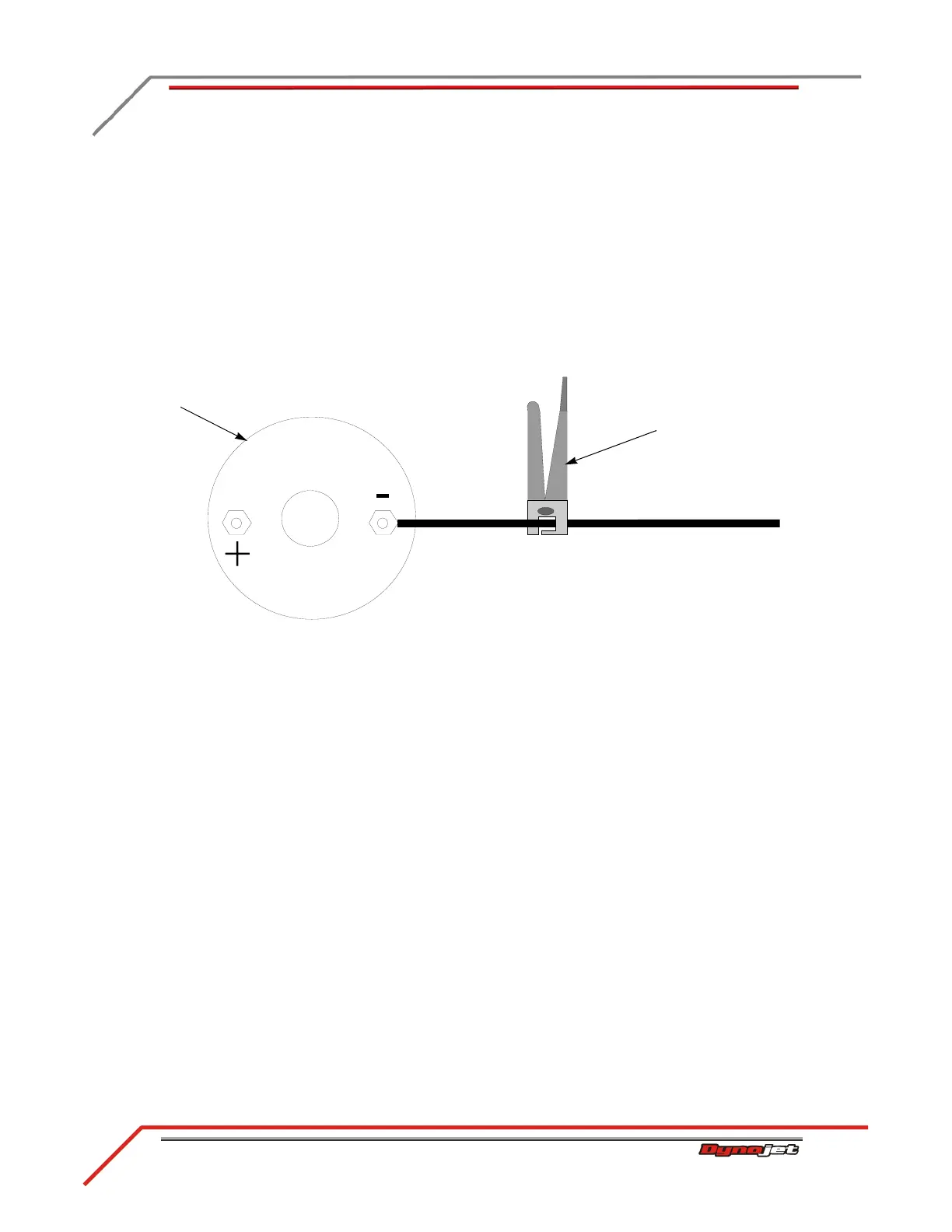
1 Clip the primary inductive pickup around the negative side of the coil.
2 Route the primary wire cable to the RPM port on the DynoWare RT module
making sure the cable is clear of devices that produce electronic noise (spark plug
wires, coil wire, coil etc.).
Note: You must ground the vehicle to the dyno for the electronics to function
properly. Refer to “Grounding the Vehicle” on page 4-9.
Figure 4-5: Primary Inductive Pickup
connect primary
inductive pickup on the
negative side of the coil
coil



 To Next Page