2-17
MODEL 424 DYNOWARE RT UPGRADE WITHOUT EDDY CURRENT
Testing
Version 5 DynoWare RT Upgrade for Model 424x Dynamometers Installation Guide
TESTING
1 Turn on the DynoWare RT module. This switch is located on the rear of the
module.
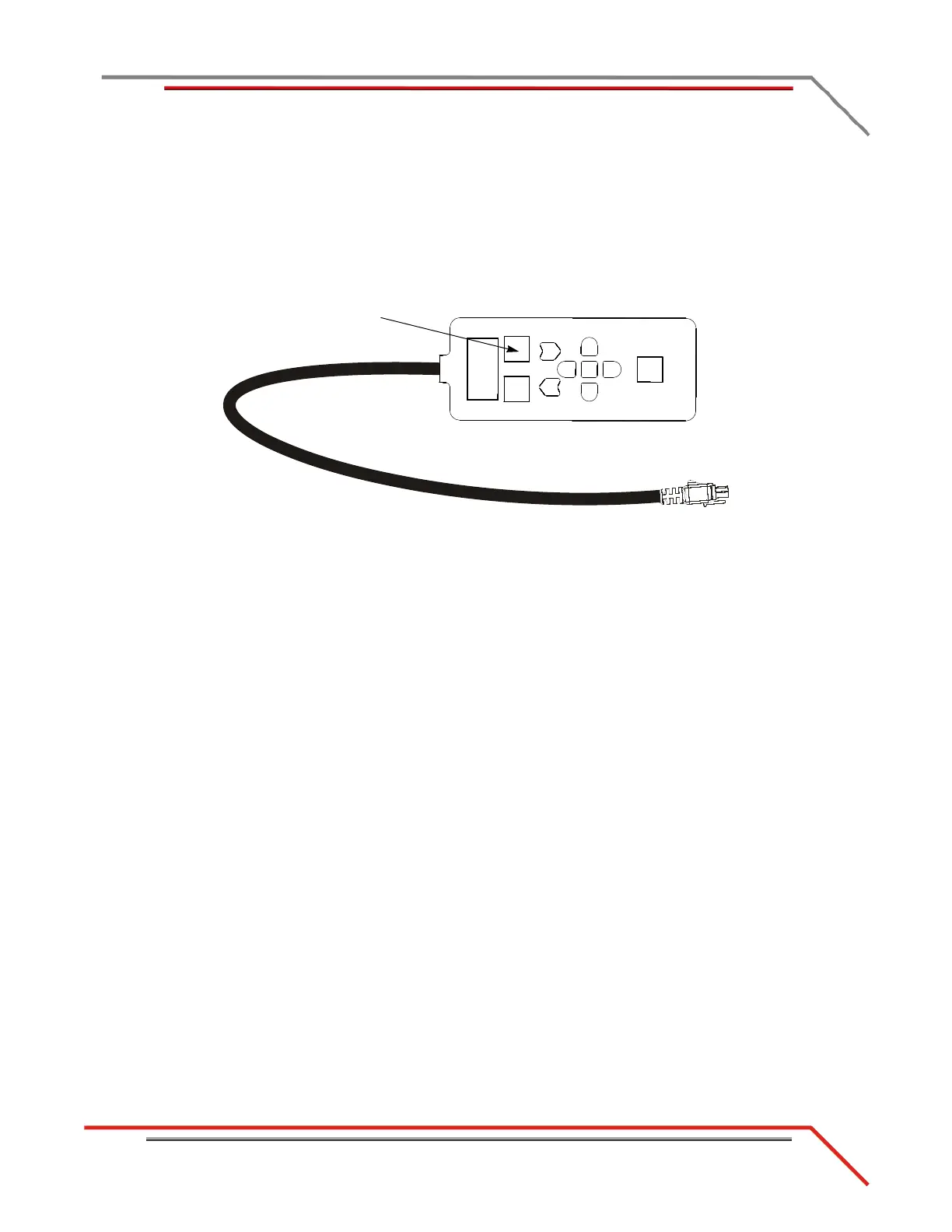
2 Using the pendant, release the brake.
3 Spin each drum. Look for the LED on the speed pickup cards to flash.
4 Apply the brake.
Figure 2-15: Use the Pendant to Release the Brake



 To Next Page