CHAPTER 3
Load Cell Calibration
DynoWare RT Upgrade for Model 424x Dynamometers Installation Guide
3-34
10 With the calibration arm and weights secured, click Next to continue.
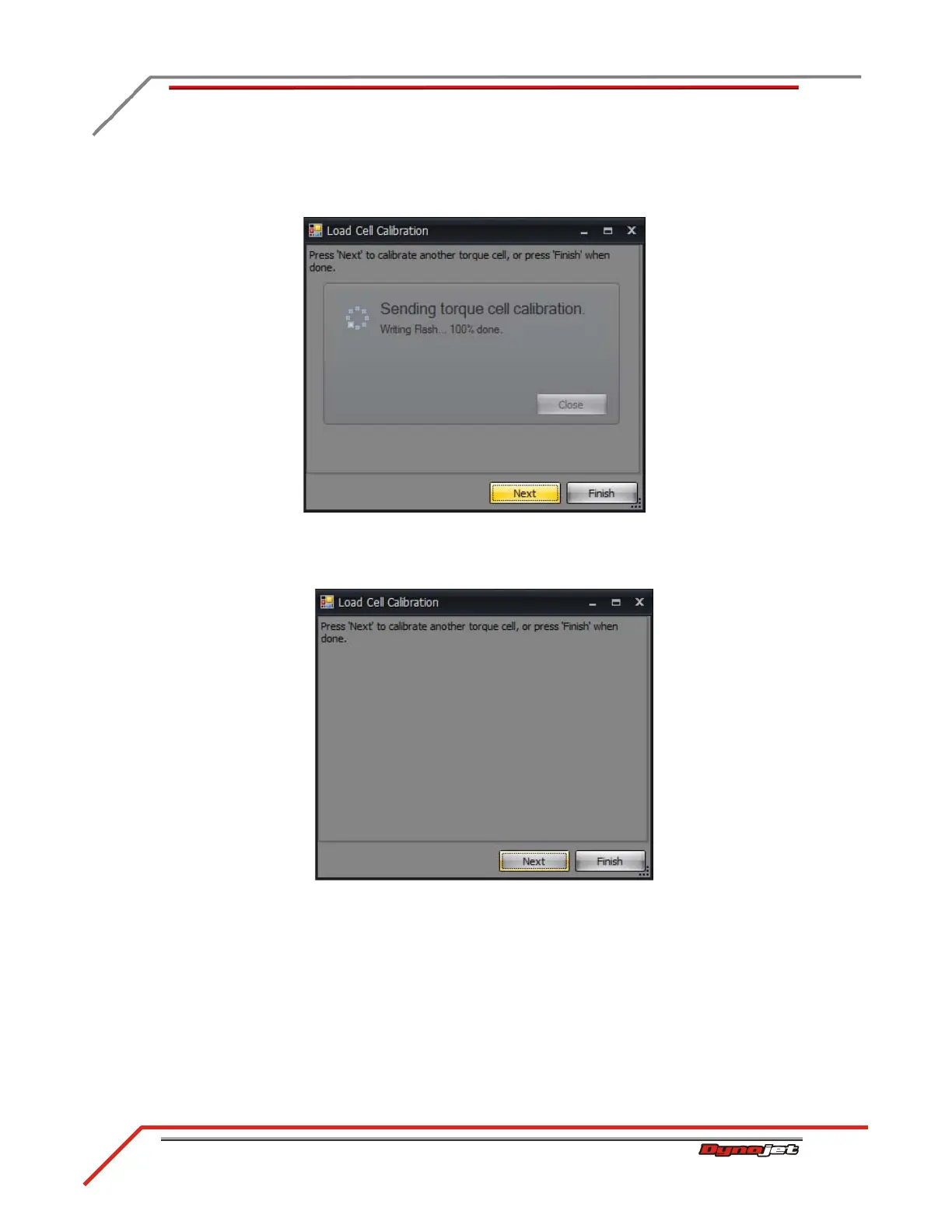
11 Once sending the torque cell calibration is complete, click Next to continue.
Figure 3-30: Sending Torque Cell Calibration Window
12 Remove the calibration arm and weights and click Finish.
Figure 3-31: Calibration Is Complete Window
Refer to your Power Core Help for more information on creating a torque gauge and
viewing torque values.



 To Next Page