Operation of UA 300 D
42
Version 2.03 27. Juni 2008
6.2 Menus and screens
Differentiation is made between menus and screens for operation of the controller.
Numbering of menus and screens:
Each menu in the menu tree can be opened by entering a specific number and each operating screen in a
menu can be opened by selecting it in the menu. This is achieved by distinct marking by numbers and letters in
the menu tree. Numbers 1, 2, etc. identify the menu and the letters a, b, etc. identify the order of the screens in
the menu.
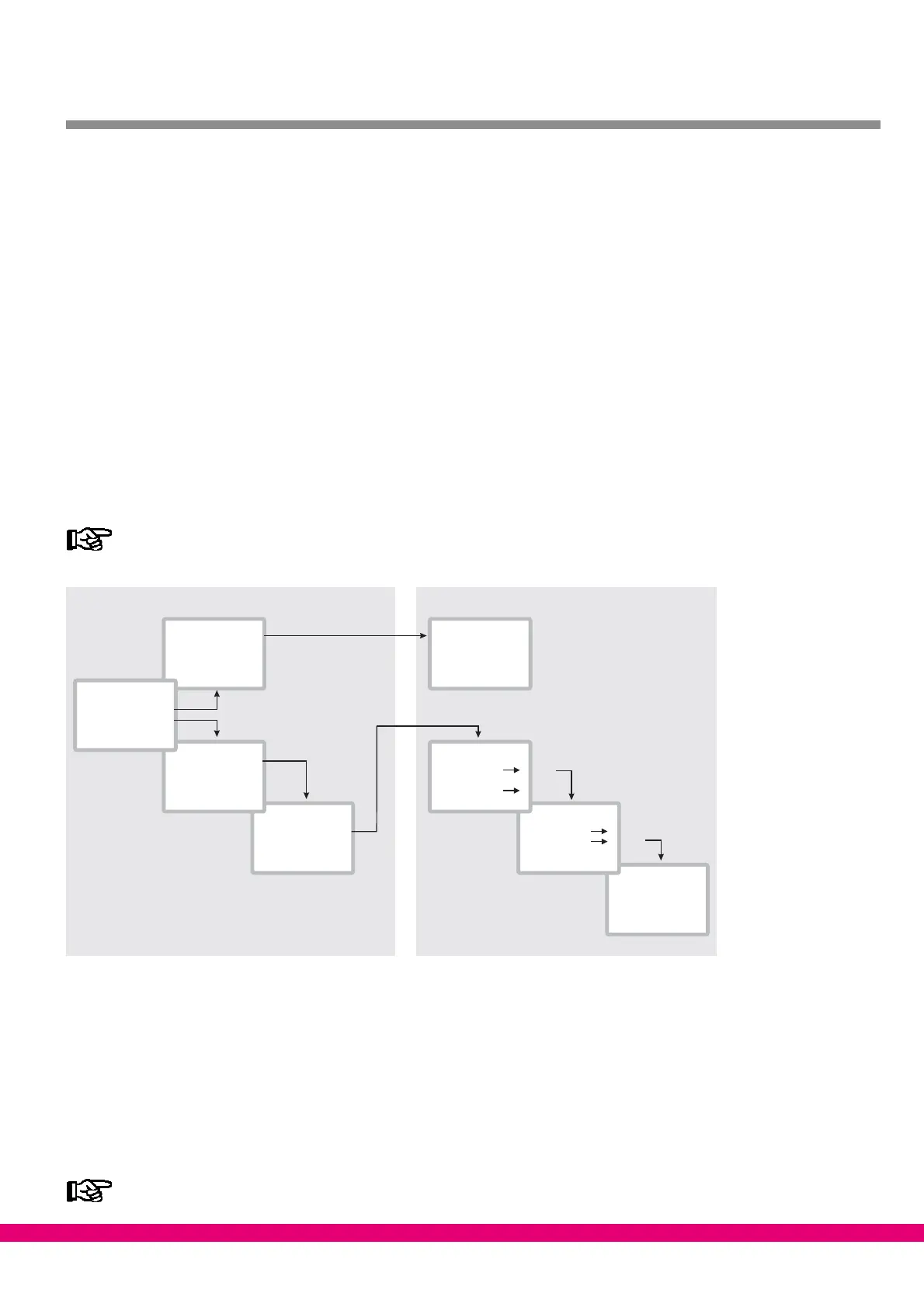
Example of screen numbering:
2 − 1 means that the screen can be opened from the menu tree by entering the numbers 2 − 1. This may be a
display screen or operating screen.
Example of operating screen numbering:
3 − 1 − 2 − a − b means that the higher−level screen can be opened from the menu tree by entering the numbers
3 − 1 − 2. The letter or letters following indicate that one or more additional operating screens or selection lists
can be opened in the screen by selecting them (?). The letters show their order in the screen.
Each operating screen of the UA 300 D can be opened by entering its respective number.
1 Brine LP
3 ...
4 ...
2 Control
1
1 System
2 ...
3 ...
4 ...
3
2
temp ON 10 K
temp OFF -20 K
...
...
Temperature
Temp 1
...
Temp 2
Circuit 1
Circuit 2
Sensor 2
Sensor 1
Main menu
1. Submenu
2. Submenu
1. Screen
2. Screen
Input Screen
b
a
a
b
Menus Screens
ZNR. 51203 51 930 E1
(Level 1)
(Level 2)
(Level 3)
1 Analog. val.
2 ...
3 ...
4 ...
1 Summary
4 ...
2 Actual val.
3 Setpoints
2
PoAct TK1 +1.76b
...
...
...
1
Menus
A menu contains a list of up to nine items for selection. Each item selected may contain separate submenus or
operating screens.
Selecting menu items
Each line of the selection list displayed contains a number from 1 to 9 and 0 and the name of the corresponding
item. The separate items can be selected directly by pressing the appropriate numeric key 1 to 9, or 0 for item
10. If the menu lists more than three items, the cursor keys can be used to scroll through the menu and view
the remaining items.
A menu item can be selected by pressing the respective numeric key regardless of whether the item
itself is visible on the display.



 To Next Page