13
Chapter 2 Adjusting Screens
2-3. Adjusting Color
●
To select the display mode (color mode)
This function allows easy selection of the desired mode according to the monitor application.
Display Modes
Mode Purpose
User1 Selectthistodeneadesiredsetofparametersettings.
User2
User3
FPS1 SuitedtothedisplayofFPSgames
FPS2
RTS SuitedtothedisplayofRTSgames
Web Suitedtodisplayingwebbrowsers
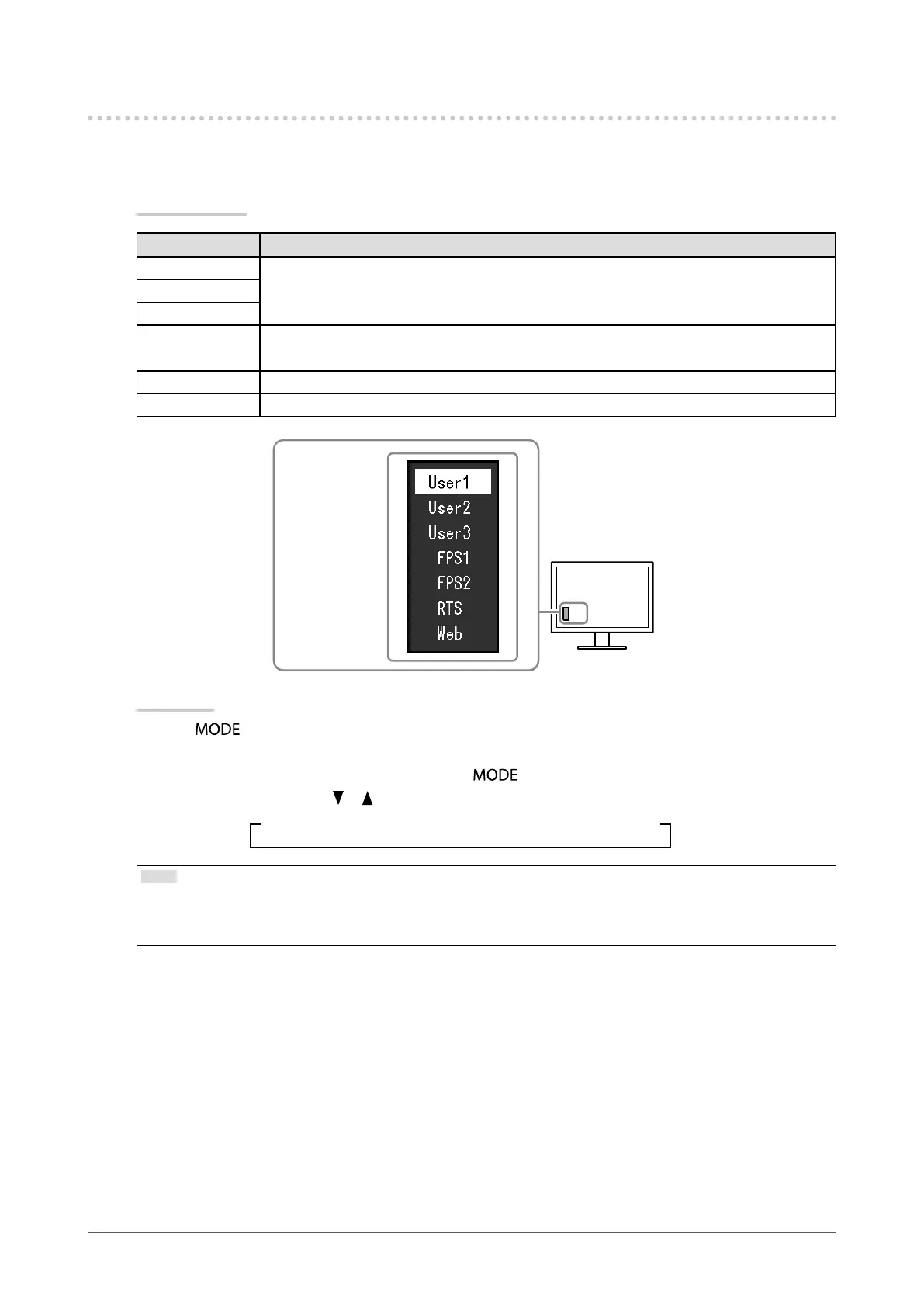
Themodemenu
appears.
Procedure
1. Press
.
The mode menu appears at the bottom left of the screen.
2. The next mode in the list is highlighted each time is pressed.
You can switch the mode with or while the mode menu is displayed.
→User1←→User2←→User3←→FPS1←→FPS2←→RTS←→Web←
Note
• The Setting menu and Mode menu cannot be displayed at the same time.
• “ScreenManager Pro for Gaming” allows you to select the Color mode automatically according to the application used.
For details, refer to the User’s Manual of the ScreenManager Pro for Gaming.












 To Next Page