29
Chapter 5 Connecting Cables
●
To switch among input signals
The input signal switches each time is pressed.
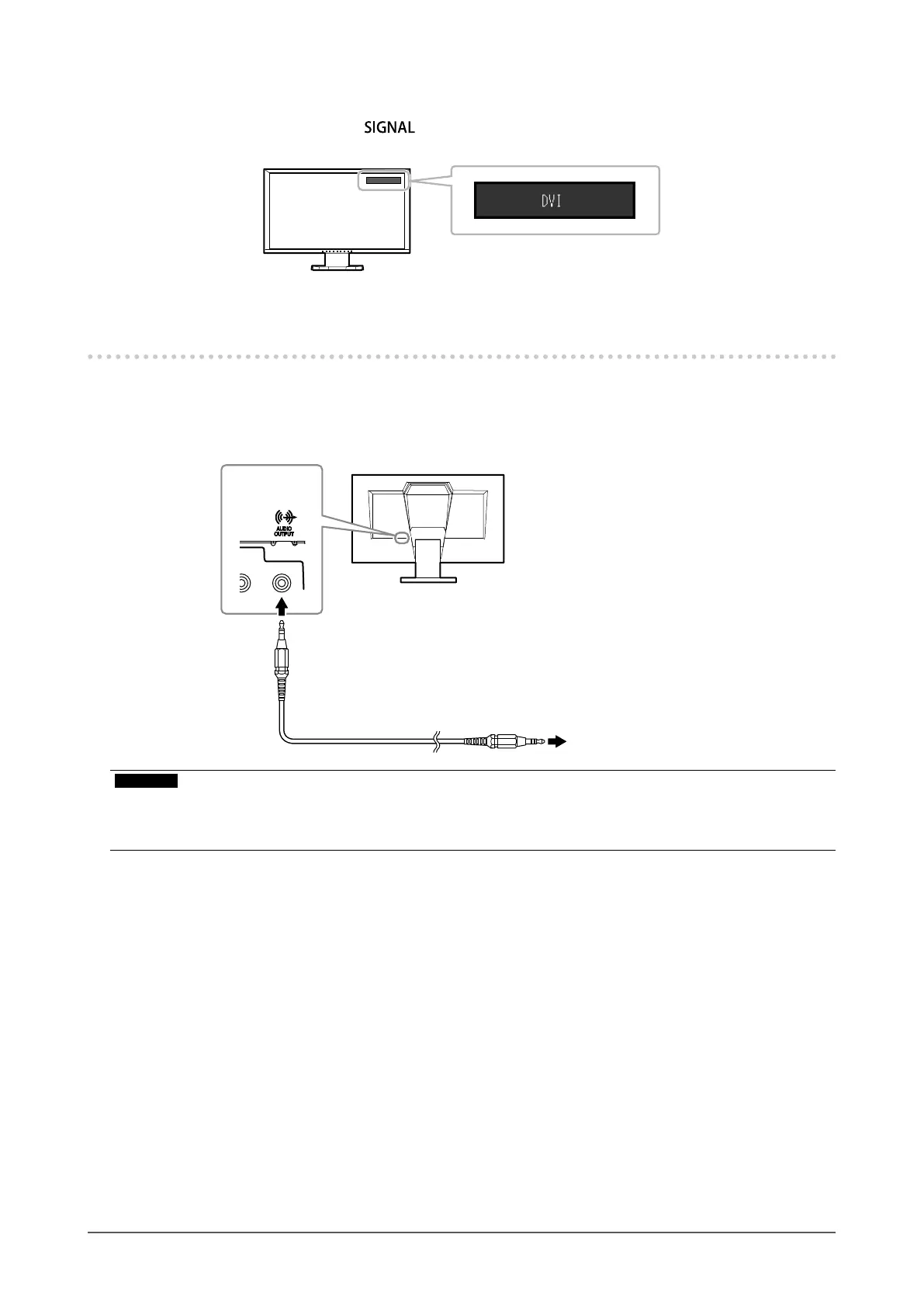
When the signal is switched, the active input port name appears at the top right corner of the screen.
5-2. Connecting the External Speaker
A speaker with a built-in amplier can be connected to this product to output sound from external devices such as
PCs and game players.
Connection examples
Stereominijackcable
(Commerciallyavailableproduct)
Toaspeakerwithbuilt-inamplifier
Lineoutput
connector
Attention
• Adjust the volume on the external speaker. You cannot adjust the volume using the control buttons on the monitor.
• When headphones are connected to the monitor while a speaker with built-in amplier is attached to the line output
connector, the speaker with built-in amplier does not output any sound.












 To Next Page