39
Chapter 7 Reference
7-4. Showing Monitor Information
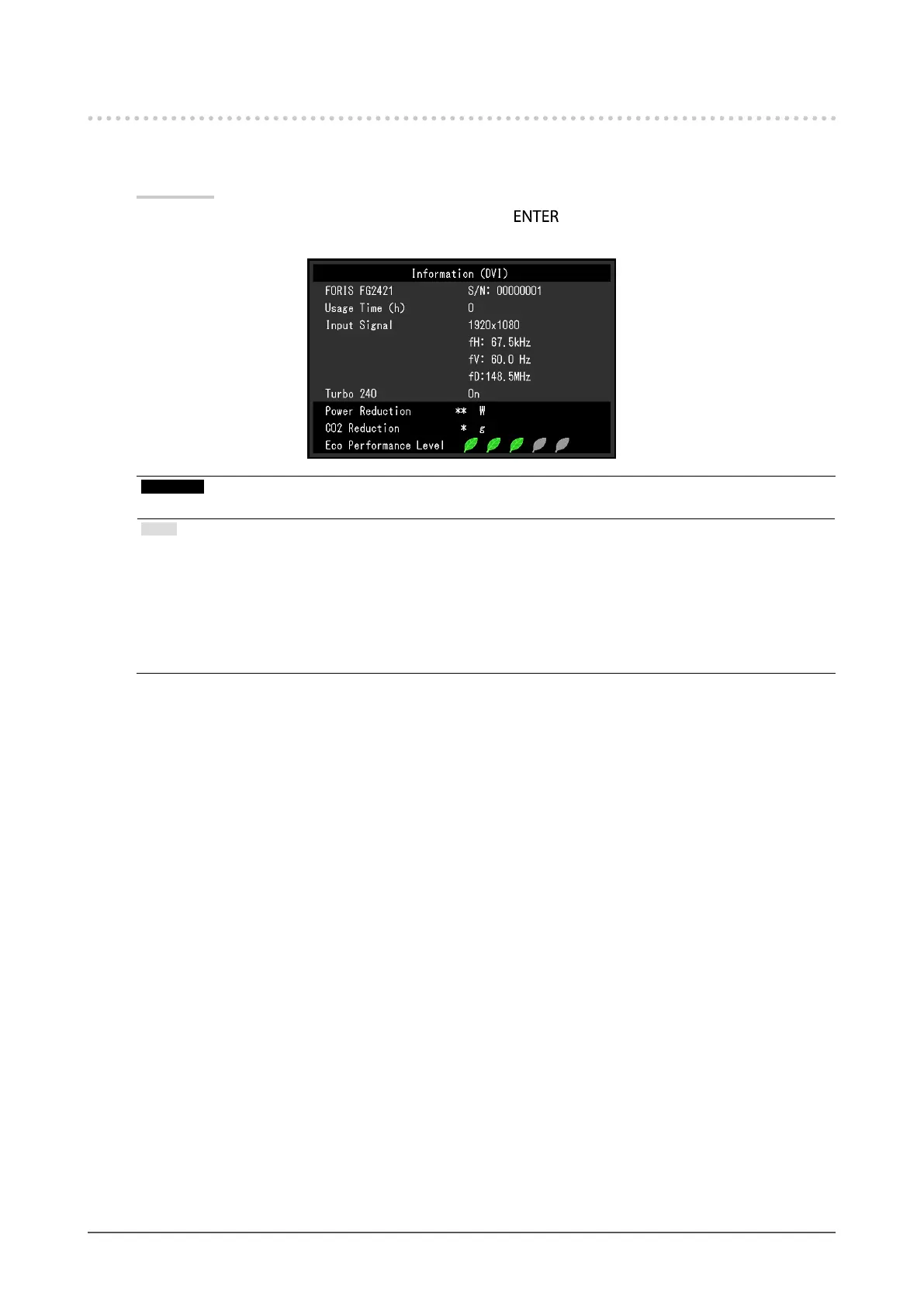
The model name, serial number, usage time, resolution, input signals, Turbo 240 setting (page 18), power reduction,
CO
2
reduction, and Eco Performance Level are displayed.
Procedure
1. Choose “Information” from the Setting menu, and press
.
The “Information” menu appears.
Attention
• Due to inspection at the factory, the usage time when the power to the monitor is rst turned on may not be “0”.
Note
• The more indicators light up representing the Eco Performance Level, the higher the power saving level attained.
• Power reduction: the backlight’s reduction of power consumption as a result of the adjusted brightness value.
CO
2
reduction: converted from the “Power reduction” value, this is an estimate of the quantity of CO
2
emissions
reduced when using the monitor for 1 hour.
* The numeric value is a result of a calculation based on a default setting (0.000555 t -CO2/kWh) determined by a
Japanese ministerial ordinance (2006, Ministry of Economy, Trade and Industry, Ministry of Environment, civil
code article 3) and may differ depending on the country and year.












 To Next Page