26
Chapter 4 Power Saving Functions
Chapter 4 Power Saving Functions
4-1. Setting Power Saving
●
Monitor
This function allows you to specify whether to set the monitor in the power saving mode, depending on the
state of an external device connected to it. When the monitor has shifted to the power saving mode, the images
on the screen are not displayed.
Attention
• Turning off the main power switch or unplugging the power cord completely shuts off power supply to the monitor.
• When the monitor is in power saving mode, devices connected to the USB downstream port will still work. Therefore,
the power consumption of the monitor varies with the connected devices even in the power saving mode.
• Power consumption varies even when the stereo mini jack cable is connected.
Note
• The monitor changes to the power saving mode about 15 seconds after the signal input ceases to be detected.
Procedure
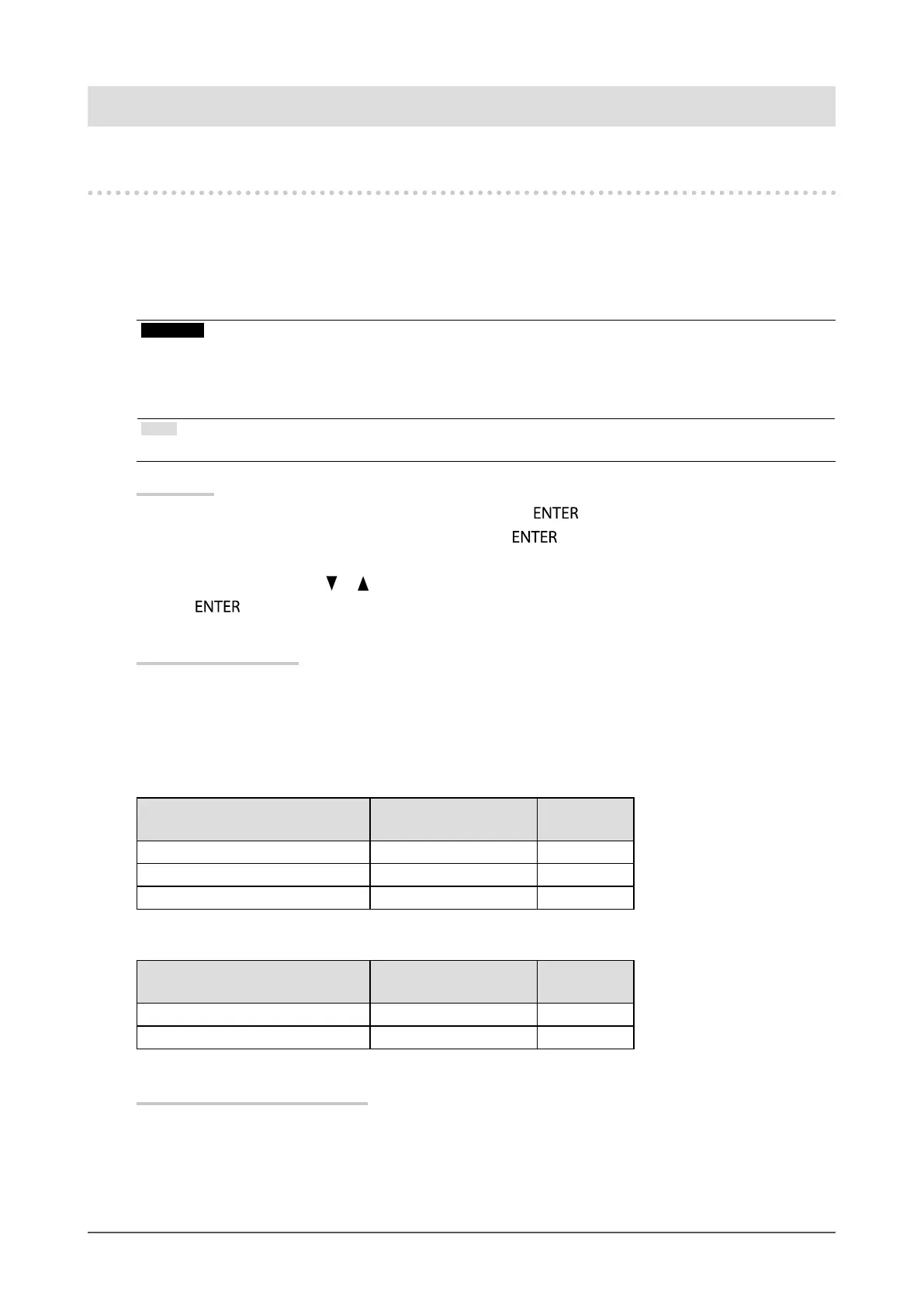
1. Choose “PowerManager” from the Setting menu, and press
.
2. Choose “Power Save” from “PowerManager”, and press
.
The “Power Save” menu appears.
3. Select “On” or “Off” with or .
4. Press
to exit.
Power Saving System
When the external device connected is a PC
At DisplayPort signal input
This monitor complies with the “DisplayPort Standard v1.1a”.
At DVI signal input
This monitor complies with the “DVI DMPM” standard.
PC Monitor
Power
Indicator
On Operating Blue
Powersavingmode Powersavingmode Orange
Poweroff Powersavingmode Orange
When the external device connected is not a PC
Ext. Device Monitor
Power
Indicator
PowerOn Operating Blue
Poweroff Powersavingmode Orange
Exiting the power saving mode
If the monitor receives input, it automatically exits the power saving mode and returns to the normal display
mode.












 To Next Page