24
Chapter 3 Setting the Monitor
3-7. Locking Buttons
This function allows you to lock the buttons on the monitor.
Procedure
1. Press
to turn off the monitor.
2. Press
while holding down to turn on the monitor.
This operation alternately locks and unlocks the buttons.
Note
• The following operations are still possible in the locked state.
- Turning the power on/off with the power button.
3-8. Changing the Authentication Method for HDMI
Signal Input
Depending on your external device of use, the device may not be authenticated successfully and the screen cannot
be displayed. In this case, follow the procedure below to change the authentication method.
Procedure
1. Press
to turn off the monitor.
2. Press
while holding down to turn on the monitor.
The authentication method changes and the monitor power is turned on.
Note
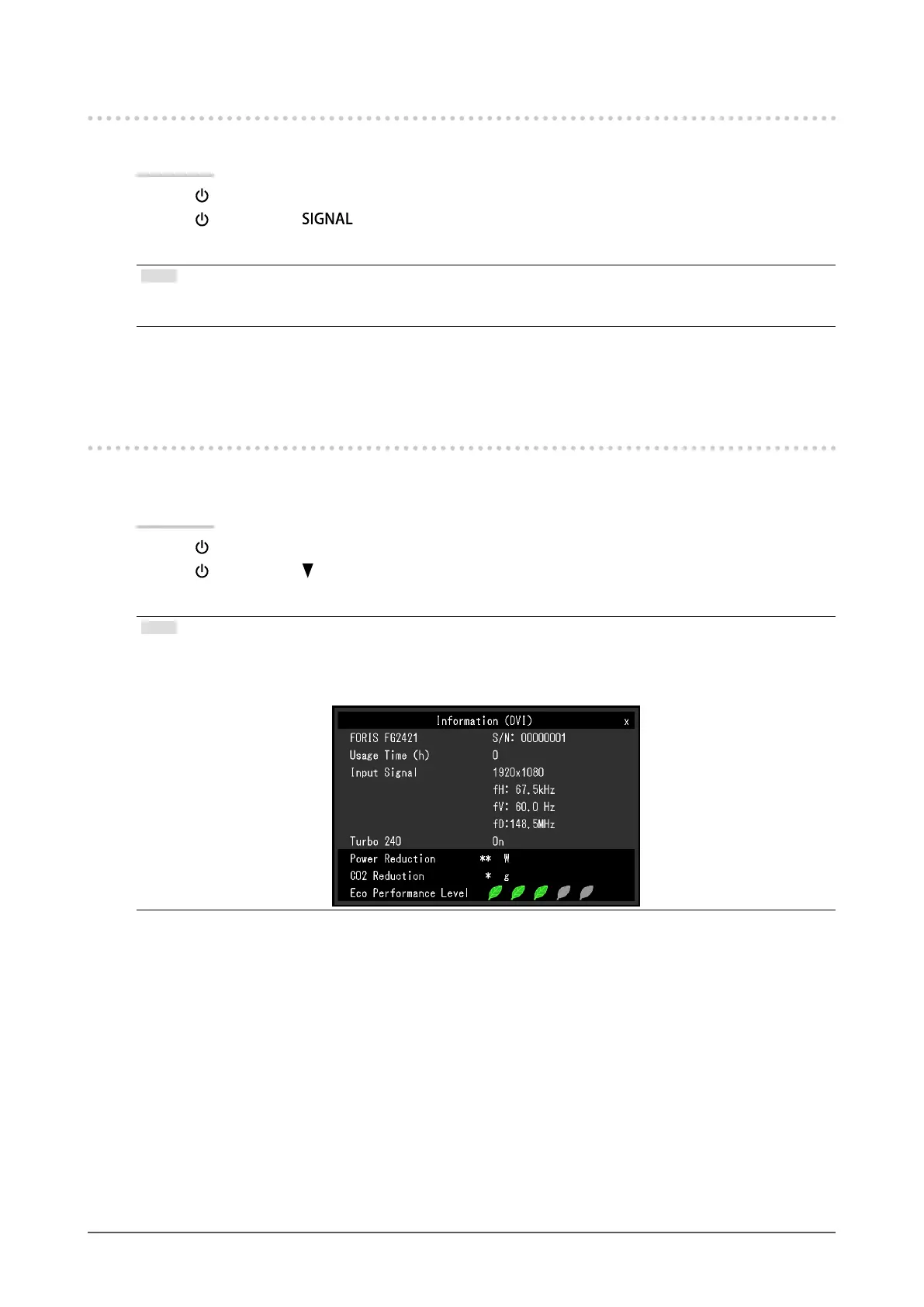
• “x” is displayed in the menu title of “Information” of the Setting menu. To return to the previous setting, perform steps
1 and 2 again.
Example:












 To Next Page