34
Chapter 7 Reference
Chapter 7 Reference
7-1. Detaching/Attaching the Stand Base
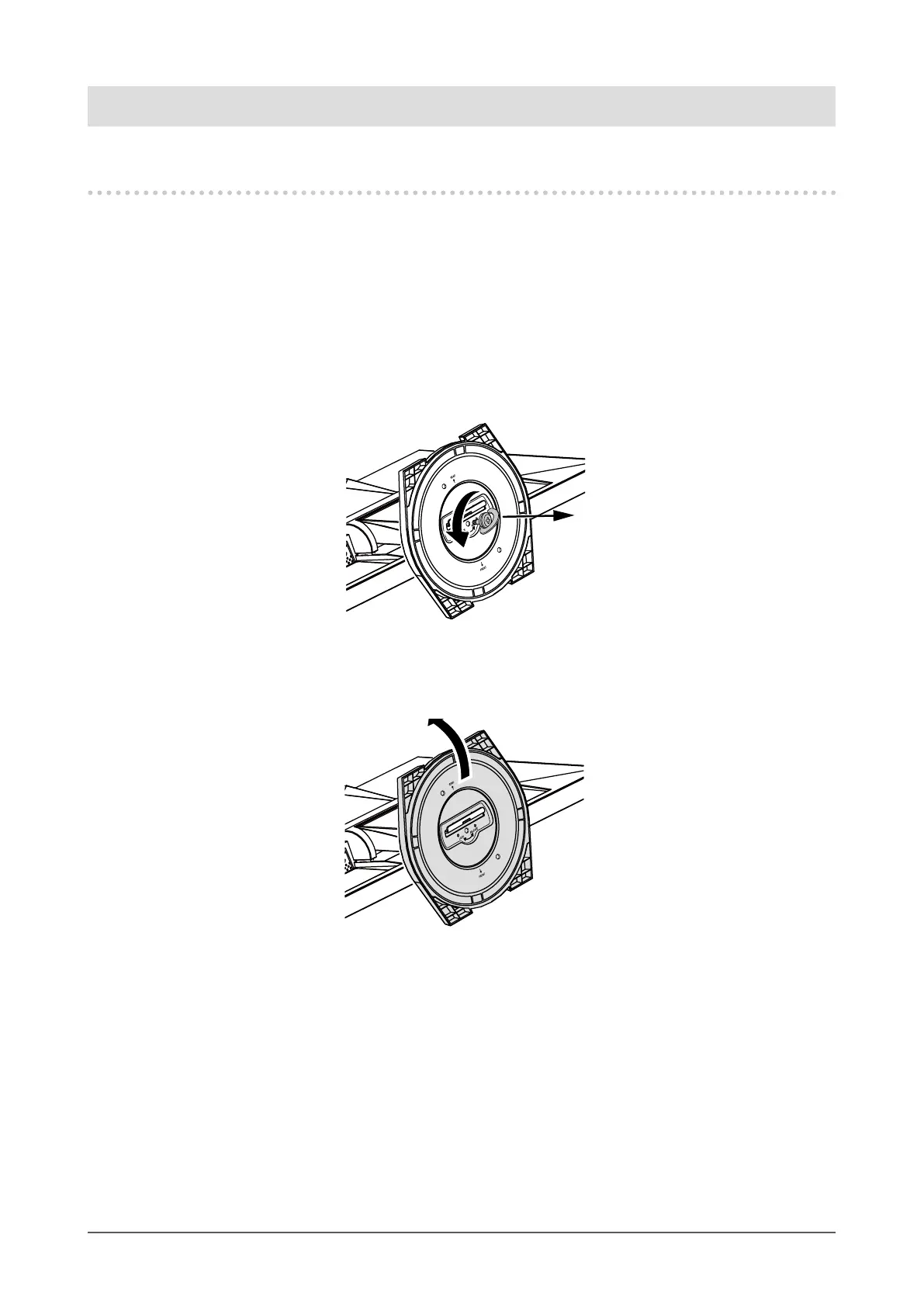
Detaching procedure
The stand base that was attached during setup can be detached by using the following procedure.
1.
Lay the LCD monitor on a soft cloth spread over on a stable surface with the
panel surface facing down.
2.
Turn the xing screw for the stand base in the “RELEASE” direction to detach
the base.
3.
Remove the stand base while lifting it up.












 To Next Page