30
Chapter 6 Troubleshooting
Chapter 6 Troubleshooting
If a problem still remains after applying the suggested remedies, contact your local EIZO representative.
6-1. No picture
Problem Possible cause and remedy
1. No picture
• Thepowerindicatordoesnotlight.
• Checkwhetherthepowercordisconnectedproperly.
• Turnthemainpowerswitchon.
• Turnoffthemainpower,andthenturnitonagainafew
minuteslater.
• Thepowerindicatorislitinblue. • Increase“Brightness”,“Contrast”,and/or“Gain”inthe
Settingmenu(see“Toperformadvancedadjustments”
(page14)).
• Thepowerindicatorislitinorange. • Checkwhetherthesignalcableisconnectedproperly.
• Checkwhethertheexternaldeviceisturnedon.
• Movethemouseorpressanykeyonthekeyboard.
• Switchtheinputsignal.
• IfanexternaldeviceispluggedintotheHDMIport,
changetheauthenticationmethod.Poweroffonceand
thenturnitbackonwhileholdingdown
.
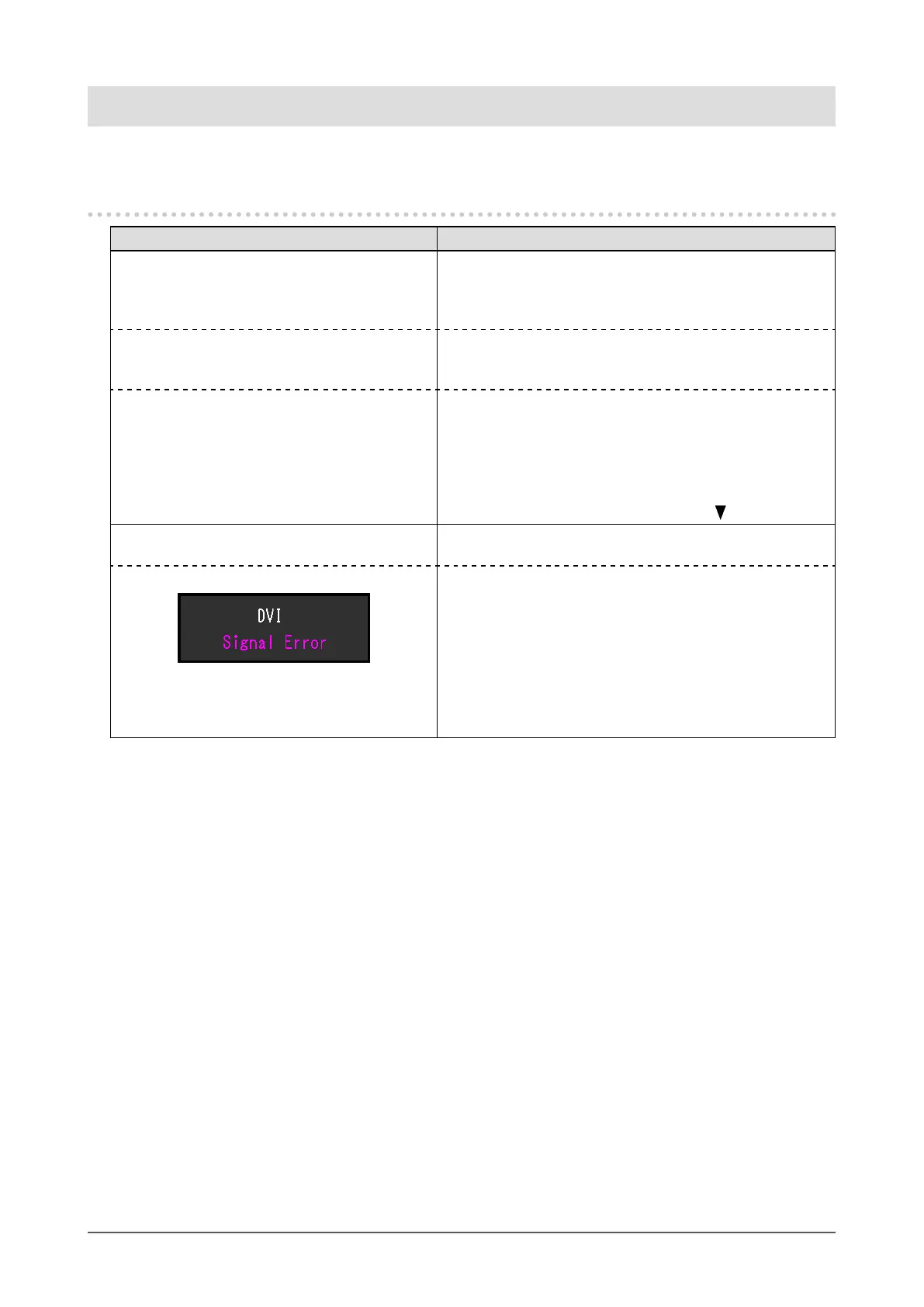
2. The message below appears. Thismessageappearswhenthesignalisnotinputcorrectly
eventhoughthemonitorfunctionsproperly.
Example: • Themessageshowsthattheinputsignalisoutofthe
speciedrange.
• CheckwhetherthePCisconguredtomeettheresolution
andverticalscanfrequencyrequirementsofthemonitor
(see“2-1.CompatibleResolutions/Formats”(page11)).
• RebootthePC.
• Selectanappropriatesettingusingthegraphicsboard’s
utility.Refertothemanualofthegraphicsboardfor
details.












 To Next Page