8
Chapter 1 Introduction
19. Stand Adjuststheheightandangle(tiltandswivel)ofthemonitor.
20. Cable holder Coversthemonitorcables.
*1 See “Basic Setting menu operations” (page 9) for how to use.
1-3. EIZO LCD Utility Disk
An “EIZO LCD Utility Disk” (CD-ROM) is supplied with this product. The following table shows the disk contents
and the overview of the software programs.
●
Disk contents and software overview
The disk includes application software programs for adjustment, and the User’s Manual. Refer to the Readme.
txt le on the disk for software startup procedures or le access procedures.
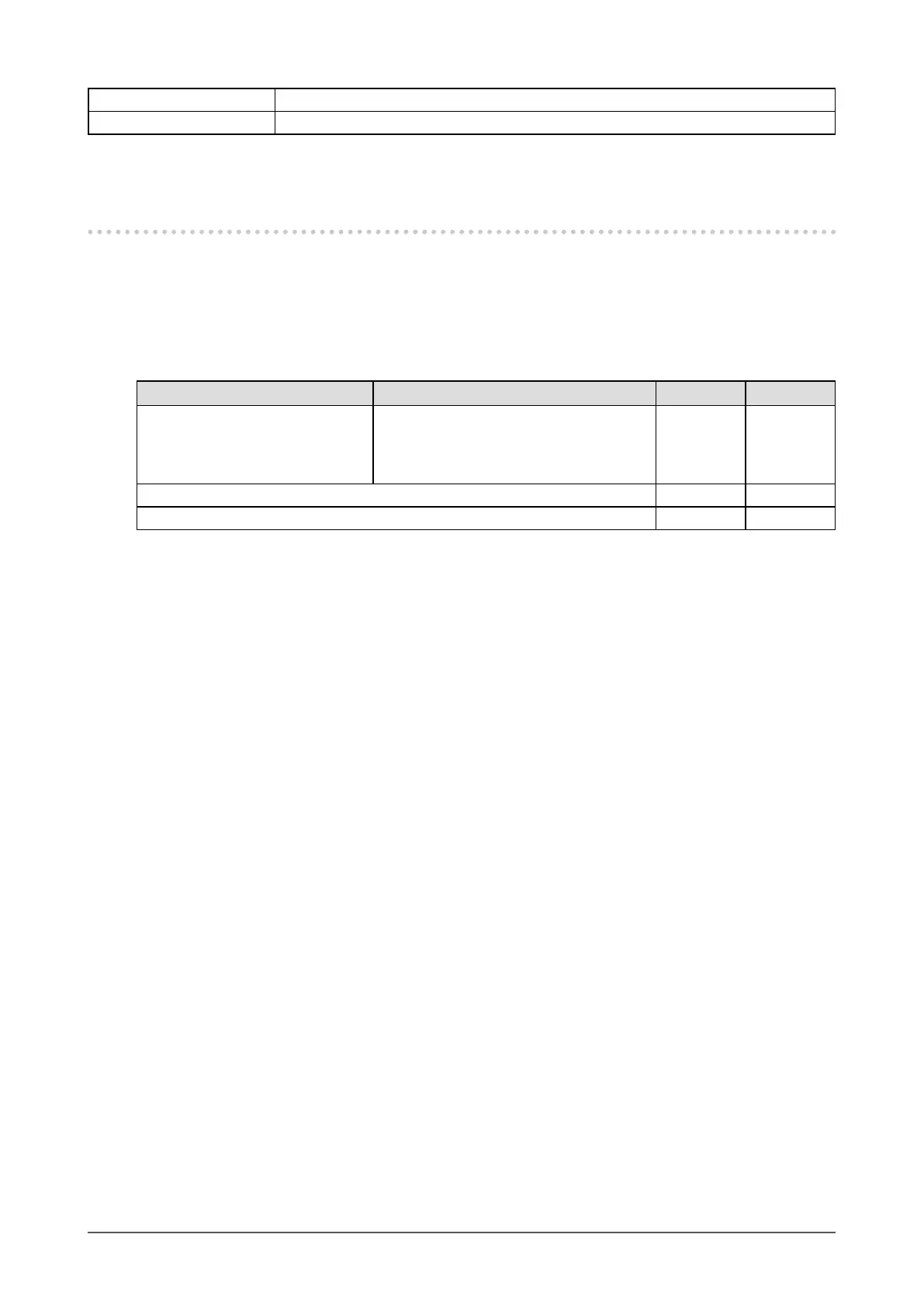
Contents Overview Windows Macintosh
ScreenManagerProforGaming Thisissoftwareforadjustingthescreen
usingthemouseandkeyboard.Connect
themonitortothePCwiththesuppliedUSB
cablebeforeinstallation.
√ -
User’sManualforthismonitor(PDFle) √ √
Readme.txtle √ √
●
To use ScreenManager Pro for Gaming
For the installation and use of “ScreenManager Pro for Gaming”, refer to the respective User’s Manuals on the
disk.












 To Next Page