53
Operation
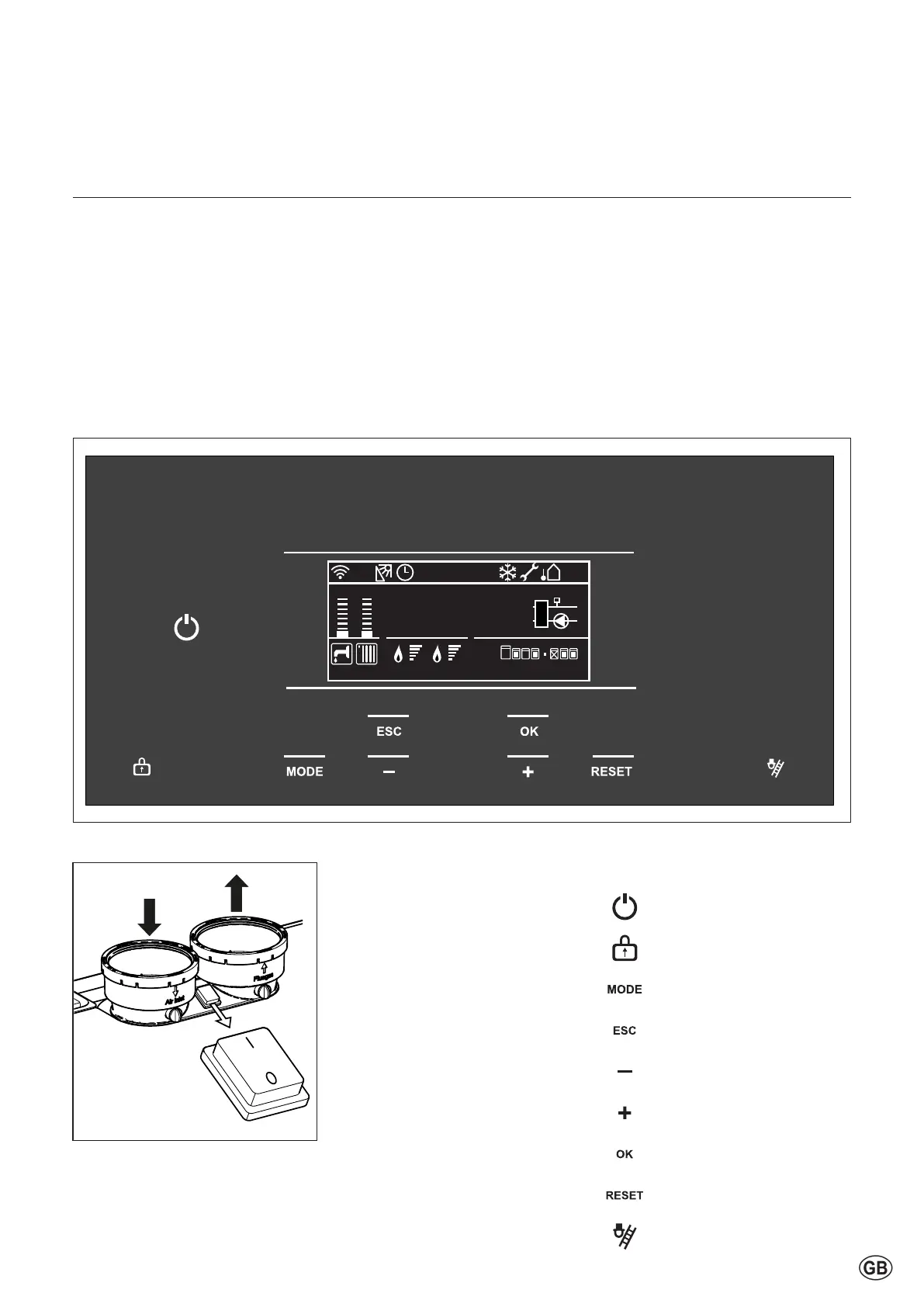
Description of display and keyboard
Boiler status Status description
C.Heating active Burner active for heating
Storage active Burner active for Storage Tank
CH pump overrun Overrun time pump over CH
DHW Pump overrun Overrun time pump over DHW
Pump frost prot Pump active for frost protection
Burn frost prot Burner active for frost protection
Storage frost prot Burner active for Tank Frost protection
Thermal Cleanse in progress AntiLegionella cycle in progress
DHW serving from solar DHW request serving from solar
Heatgenerationlock Burnerinactiveforboilerheatgenerationlock
Chimney active Burner in service mode stage
Air purge active Pump in air purge stage
Thekeyboardconsistsofalogical
buttonallocationformenucontrol,
conrmation,andcorrectionand
emission measurement.
* Reset only functions in case of
an Error or Message.
Recommendation: First identify the
faultbyndingthefaultcodeinthe
fault-codelistintheproblem-shooting
chapterandsolvetheproblem.
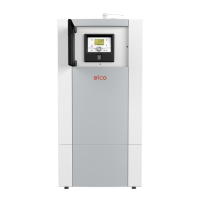
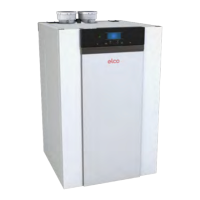
The main switch is located on top
oftheboilerbetweentheairsupply
andtheueconnection.Thisswitch
controls the 230V power supply
(L and N).
25/03/19 09:00
–10
°
1.5 bar
CH Pump Overrun
1 2
T10
BMS
32
°
Boiler mode and power button color:
The Power Button has four colors:
-White: boileriso
(usingpowerbutton).
-Green: boilerison
(usingpowerbutton),butnot
active (no heating).
-Blue: boilerisonandactive
(heating).
- Red: there is an error.
Powerbutton
Display lock/unlock
Mode
Escape/back/correction
Value decrease / down / left
Value increase / up / right
Conrmselection
Reset
Chimney sweeper mode
Description of the keyboard:



 To Next Page