72
Operation
Detail parameter description
Date and time
DHW preheating
Date and time
The control unit is equipped with a
365-day clock that displays day, month,
yearandtime.Toensurecorrectboiler
operation when using time programs,
thedateandtimemustbesetcorrectly.
IftheboilerisconnectedtotheAppvia
Wi,theInternettimeisautomatically
taken over.
Hot water preheating function
(comfort function)
This parameter allows the end user
to select the hot water comfort. The
higher the comfort, the higher the
energy consumption.
- OFF:Theboilerstartstoheatthe
hot water only in the case of a tap
- TIME:aftereachtapping,theboiler
maintains the comfort temperature
for 30 minutes
- ON: Boiler keeps hot water 365
/ 24h at the desired comfort
temperature.
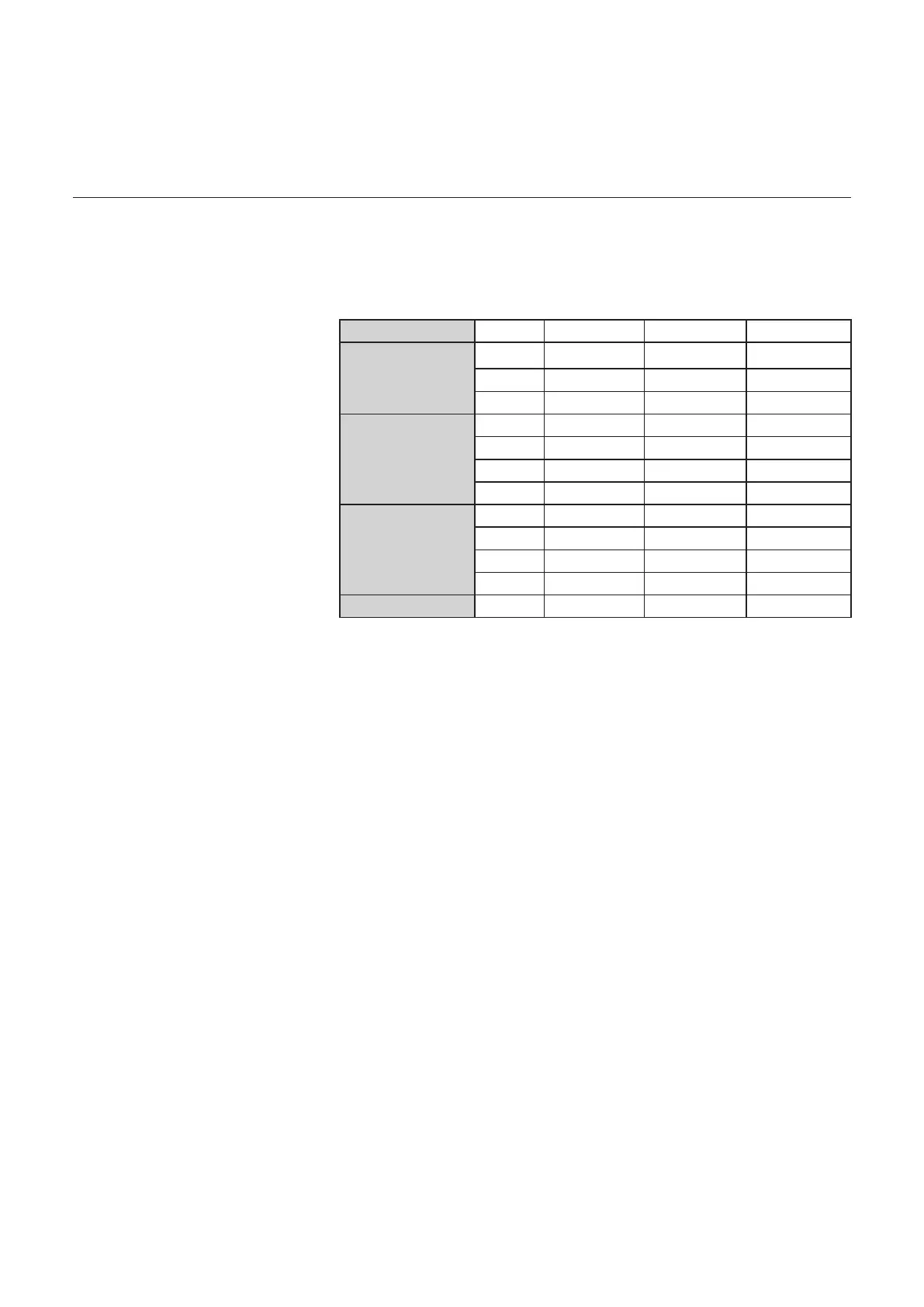
Time program Comfort function
DHW
Fivedierentpre-denedtime
programsareavailableforDHW
heating. These programmes are
0-24h
Mo-So 00:00 – 24:00
P1
Family program
Mo-Do 06:00 – 22:00
Fr-Sa 06:00 – 23:00
So 07:00 – 22:00
P2
Program without
noon
Mo-Do 06:00 – 08:00 16:00 – 22:00
Fr 06:00 – 08:00 15:00 – 23:00
Sa 07:00 – 23:00
So 08:00 – 22:00
P3
Program with lunch
Mo-Do 06:00 – 08:00 11:30 – 13:00 16:00 – 22:00
Fr 06:00 – 08:00 11:30 – 23:00
Sa 06:00 – 23:00
So 07:00 – 22:00
6-22h
Mo-Do 06:00 – 22:00
activated when DHW preheating is set
to “TIME”. The programs control the
DHW set point for the various switching
times. Outside these time windows, hot
water preheating is deactivated.



 To Next Page