37
37EN
EPIR3 User Manual v1.3
3.3.3. How to arm the system by EKB3W
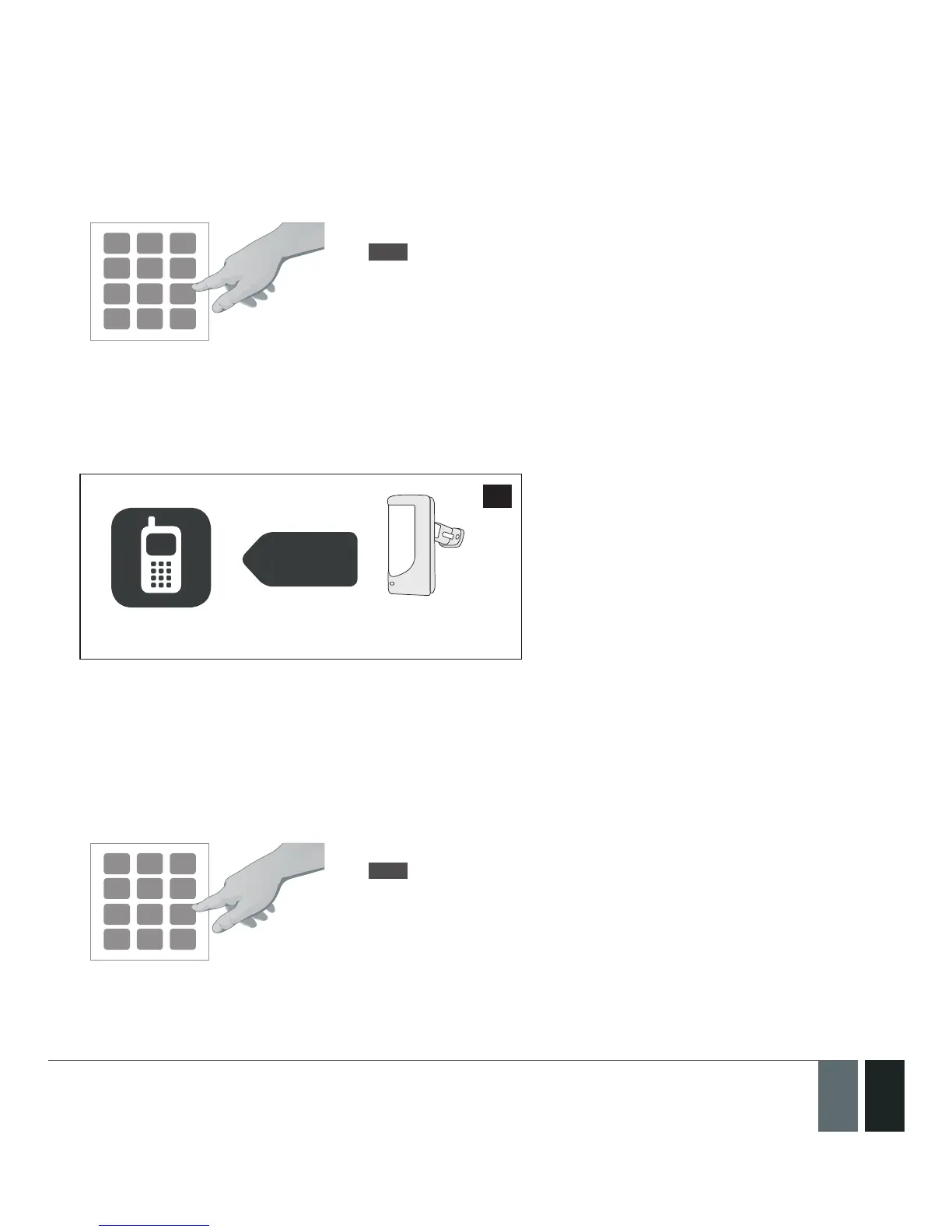
1. To arm the system, enter any out of 10 available 4-digit user codes using the number keys:
1
7
4
2
8
5
0
3
9
6
Enter user code:
uuuu
Value: uuuu – 4-digit user code
Example: 1111
2. The system will initiate the exit delay countdown (by default – 15 seconds) intended for user to leave the
secured area. The countdown is indicated by short beeps provided by the mini- buzzer built in to the keypad
(if tted).
3. After the system is successfully armed, the keypad‘s LED indicator ARMED will light up and the system will
reply with conrmation by SMS text message to User 1 phone number (by default).
EPIR3
SMS
User
70
3.3.4. How to disarm & turn o alarm by EKB3W
1. The system will initiate the entry delay countdown (by default – 15 seconds) after the user has entered the
secured area. Entry delay countdown is intended for user to enter a valid user code and disarm the system
before the alarm is caused.
2. To disarm the system or turn o the alarm, enter any out of 10 available 4-digit user codes using the number
keys:
1
7
4
2
8
5
0
3
9
6
Enter user code:
uuuu
Value: uuuu – 4-digit user code
Example: 1111



 To Next Page