Appendix D: Installing IP Cameras (Relevant to GPRS/Ethernet & ELAS Configuration)
iConnect Installation Manual
129
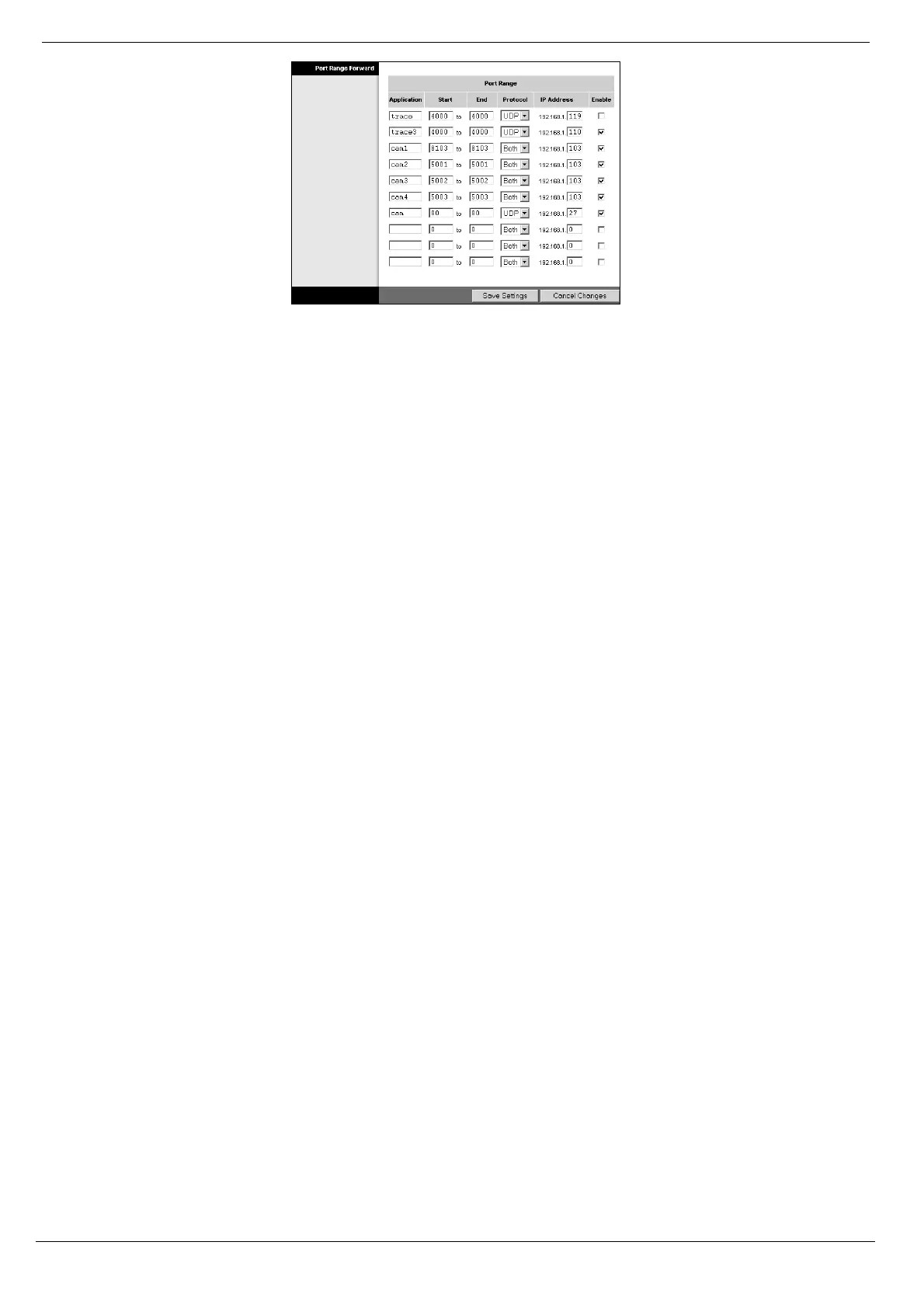
Figure D- 5: Example of Router Port Forwarding Configuration Page
9. Configure port forwarding rules using the following guidelines:
Create a separate rule for each port that is used by each camera.
In the "Start" and "End" fields (sometimes labeled "Private" and "Public"), enter the same port
number in both fields. For example, if the HTTP Port is 8103, enter "8103" in both fields.
Select the Protocol as "Both" (i.e. use both UDP and TCP protocols).
Enter the IP address that was automatically allocated to the IP camera – see step 4 of this
procedure.
For further information on how to install an IP camera and configure the router, refer to the manufacturer’s
instructions that are supplied with both products.



 To Next Page