6 Home Automation and PGM Control
iConnect Installation Manual
42
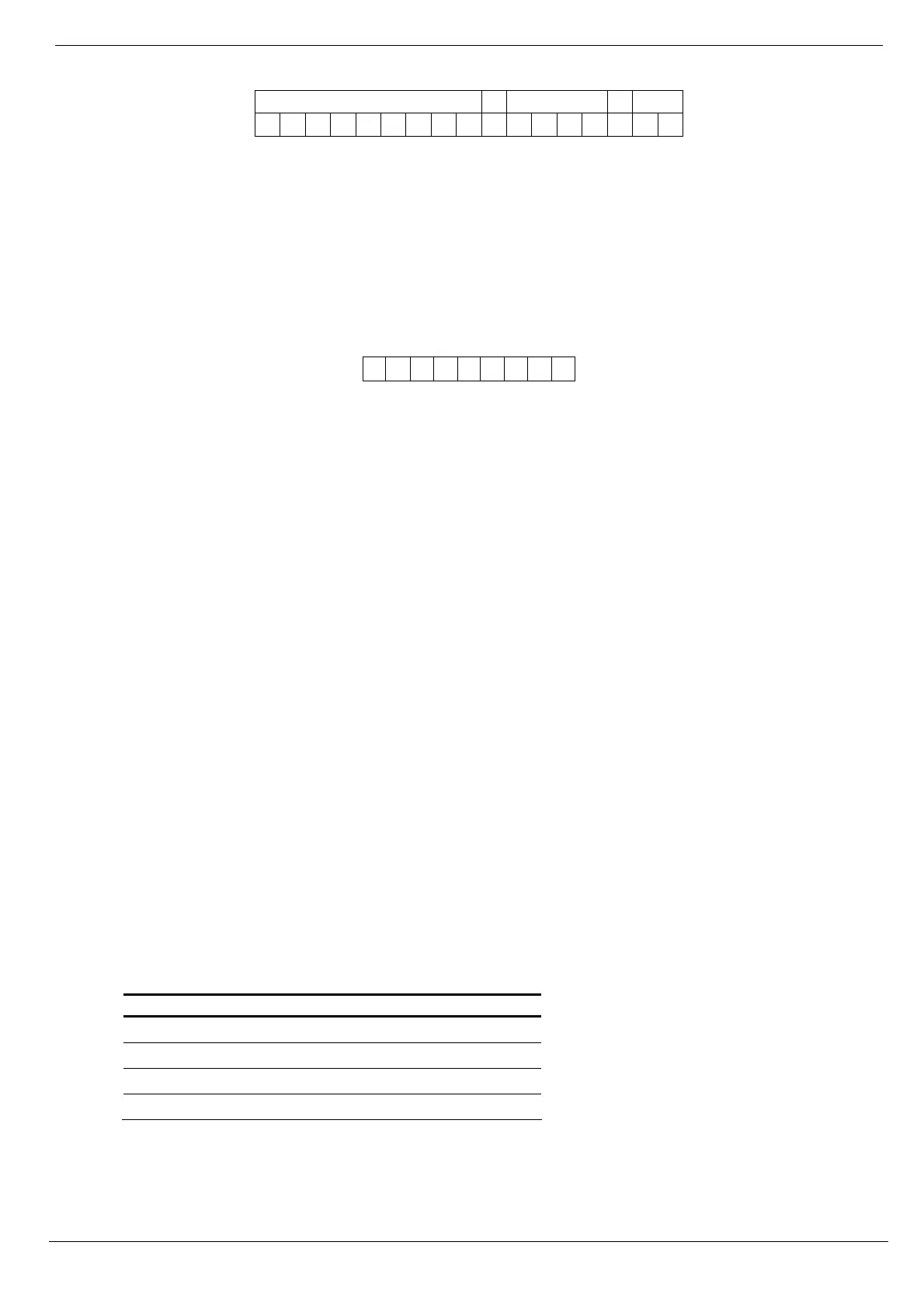
The following example shows the format of an SMS command to switch on a water boiler controlled by HA unit 8.
BO I L E R ON#1234108
Caution: While the SMS Command Descriptor is optional, you must start the SMS command with the #
symbol for the system to accept the command.
6.3.3. SMS Confirmation Message Format
After an SMS command is executed, the system can return a confirmation SMS message to the sender. This message
includes the descriptor of the HA unit or PGM descriptor and the command that was sent. For further information on
how to enable this feature, see p. 73, 10.7.5 SMS Confirmation.
The following example shows the confirmation message the sender receives for the sample command from the
previous section.
BOI L ER- ON
6.4. Scheduling (not relevant to PGM)
Scheduling allows you to program the Control System to send On/Off commands to HA units at specific times. You can
also program the days of the week that the schedule is active. Scheduling is also available in the WUAPP (Web User
Application) – see p. 125, Automation
6.4.1. On Time
To edit an HA unit’s "On" Time:
1. From the main menu, select HA Schedules [8].
2. Select an HA unit.
3. From the HA unit’s sub-menu, select On Time [#1].
4. Enter a time (HH:MM).
6.4.2. Off Time
To edit an HA unit’s "Off" Time:
1. From the main menu, select HA Schedules [8].
2. Select an HA unit.
3. From the HA unit’s sub-menu, select Off Time [#2].
4. Enter a time (HH:MM).
6.4.3. Weekly Schedule
To program the days of the week that the schedule is active:
1. From the main menu, select HA Schedules [8].
2. Select an HA unit.
3. From the HA unit’s sub-menu, select Schedule [#3].
4. Use keys 1 to 7 to toggle the days on and off.
Key Value Key Value
1 Sunday 5 Thursday
2 Monday 6 Friday
3 Tuesday 7 Saturday
4 Wednesday
Table 6-1: Weekly Schedule



 To Next Page