52
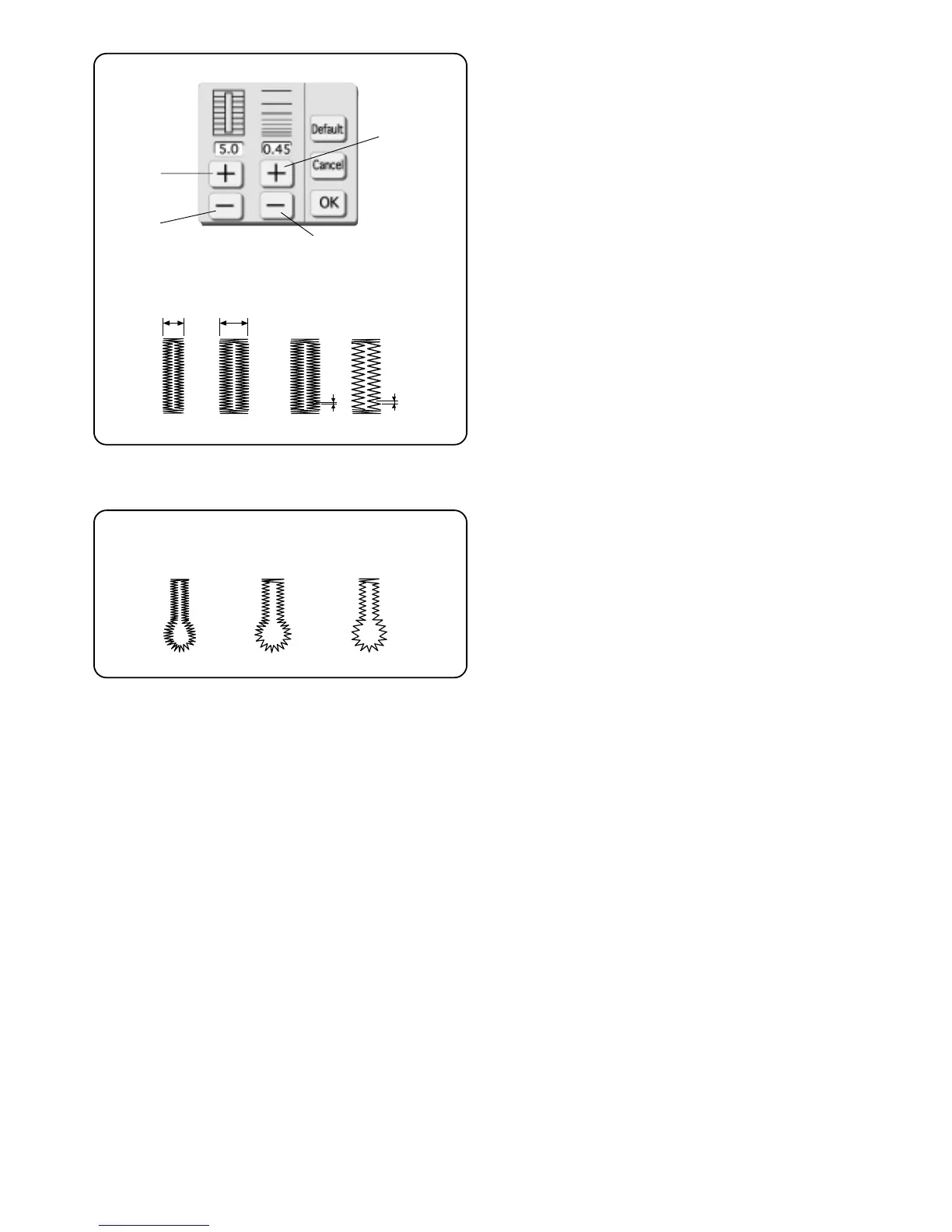
How to Adjust Buttonhole Stitch Width and Length
Touch “Adjust” key. (See page 33 for explanation
regarding operation of keys.)
Touch the “+” or “–” keys to change the buttonhole for
different weights of fabric and thread.
q “–”key = Narrower width
w “+”key = Wider width
e “–”key = Shorter stitch
r “+”key = Longer stitch
NOTE: Manual settings are canceled when a different
stitch is selected or the power is turned off.
Adjust Keyhole Buttonhole Stitch Length
According to Fabric and Thread
q 0.40 – Lightweight fabric
(for lawn and batiste)
w 0.45 – Mediumweight fabric
(for gabardine, linen and wool)
e 0.80 – Heavyweight fabric
(for coating and polar fleece)
qw
e
r
qw
e
w
q
r
e



 To Next Page