48
EMC VNX5500 File Installation Guide
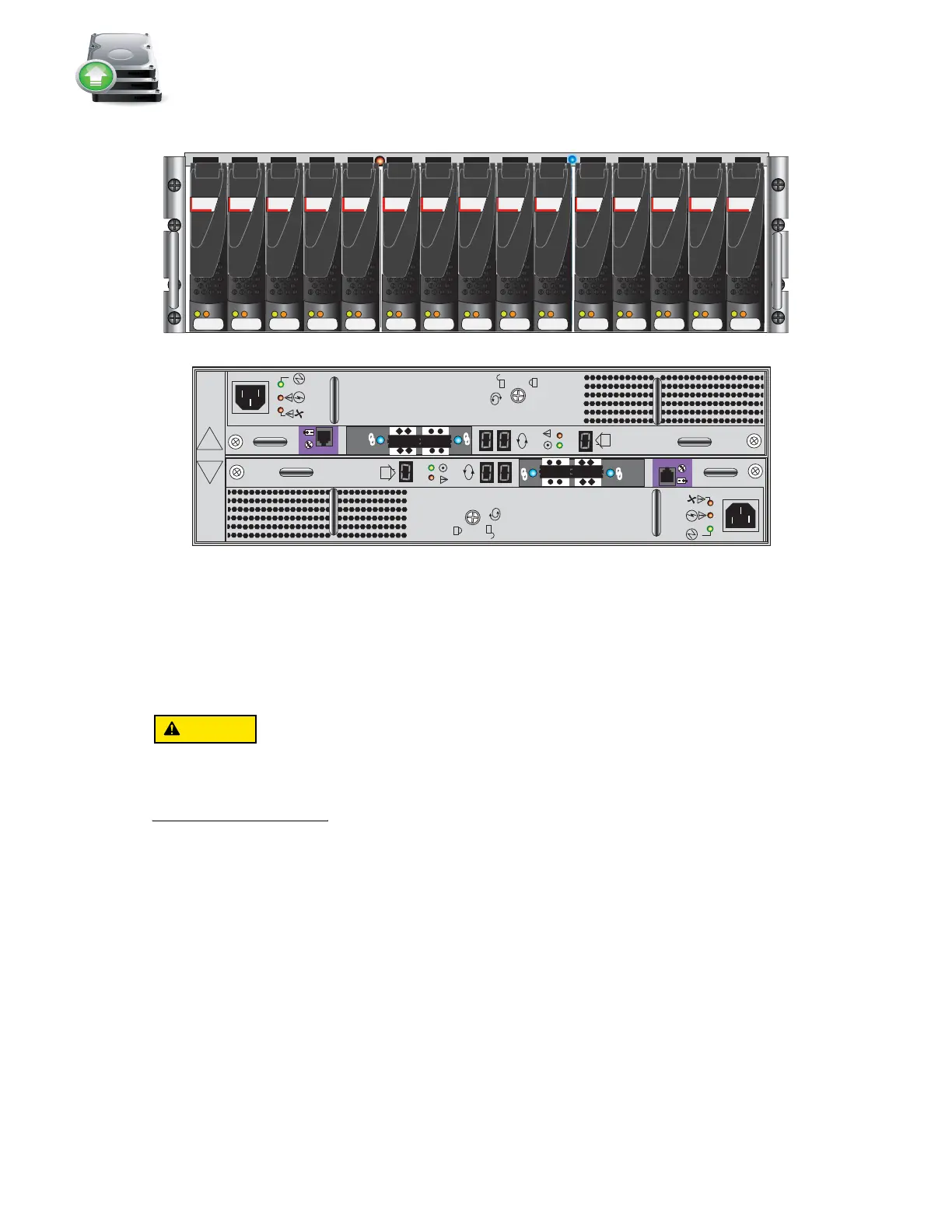
Figure 38 3U, 15 3.5'' drive DAE
Assembling the DAEs
The DAE is heavy and should be installed into a rack by two people. To avoid personal injury
and/or damage to the equipment, do not attempt to lift and install the enclosure into a rack
without a mechanical lift or help from another person.
1. Unpack shipping containers.
2. Verify that the following DAE components were shipped:
•Mounting screws
• Bezel and bezel key
•SAS cables
• Power cables
3. Label the cables:
a. Locate the DAE cables and the sheet of labels.
b. Attach the cable labels by matching the icons on the connectors with the icons on the
labels as shown in Figure 39 and Figure 42 on page 52.
14
0
3U, 15 3.5” drive DAE
VNX-000729
Front
SAS SAS SAS SAS SAS
A
B
#
X4
6Gb SAS
#
X4
6Gb SAS
Rear
SAS SAS SAS SAS SAS SAS SAS SAS SAS SAS



 To Next Page