Verify DAE Status
57
Verify 2U, 25 2.5'' drive DAE status
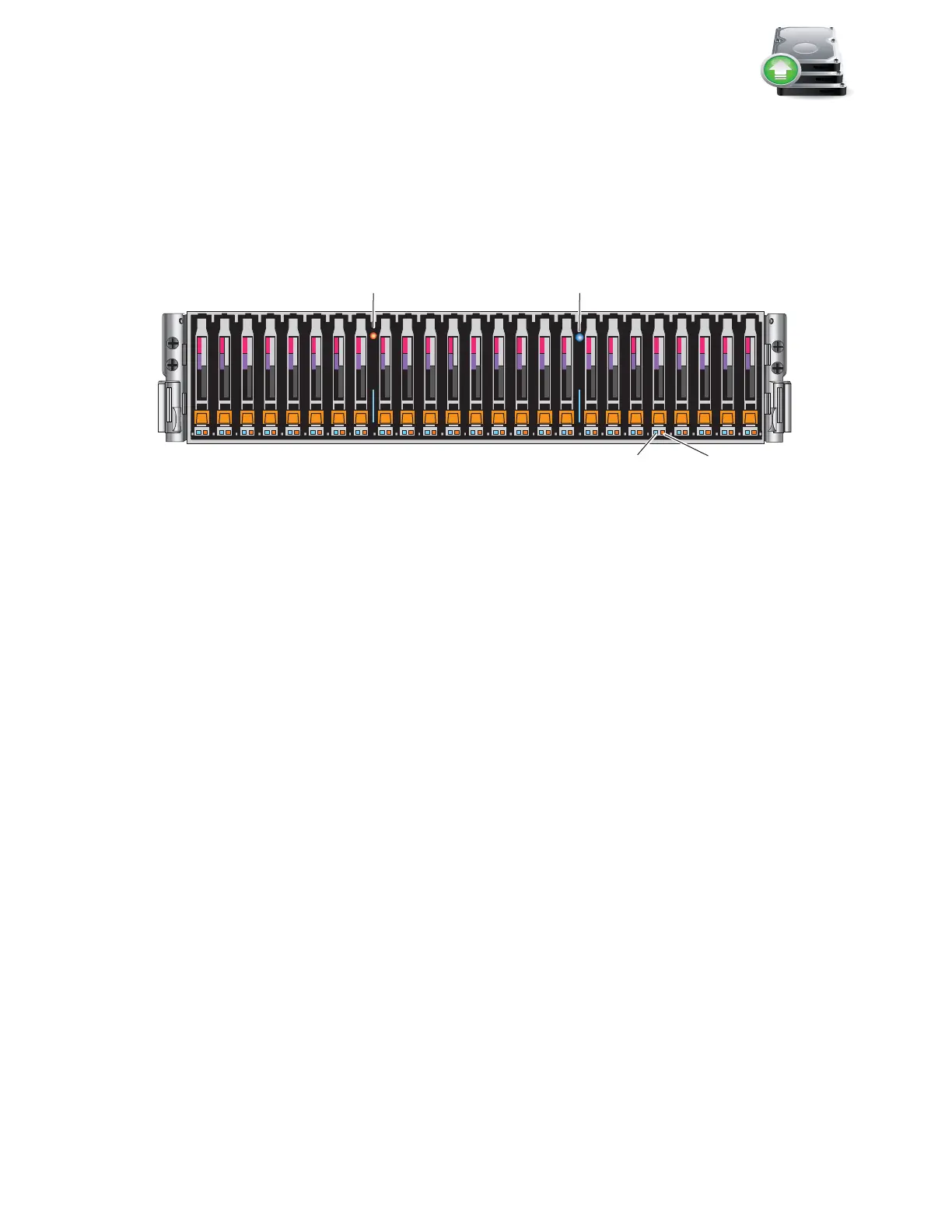
1. Verify that the status of the 2U DAE Power LED located on the front is blue and the DAE
Fault/Status is off as shown in Figure 46.
2. If any fault LEDs are on, or if any power LEDs remain flashing, contact your authorized service
provider.
Figure 46 2U, 25 2.5'' drive DAE LEDs
0
24
0
24
Disk drive
power
DAE fault/status DAE power
VNX-000734
Disk drive
fault/status
2U, 25 2.5” drive Disk-array enclosure2U, 25 2.5” drive Disk-array enclosure2U, 25 2.5” drive Disk-array enclosure
Front



 To Next Page