Cable storage processors and blades
33
Cable storage processors and blades
You will have received a pair of Fibre Channel cables per blade.
Cabling storage processor A (SP A)
Ensure that you remove the dust caps from the cables before installation.
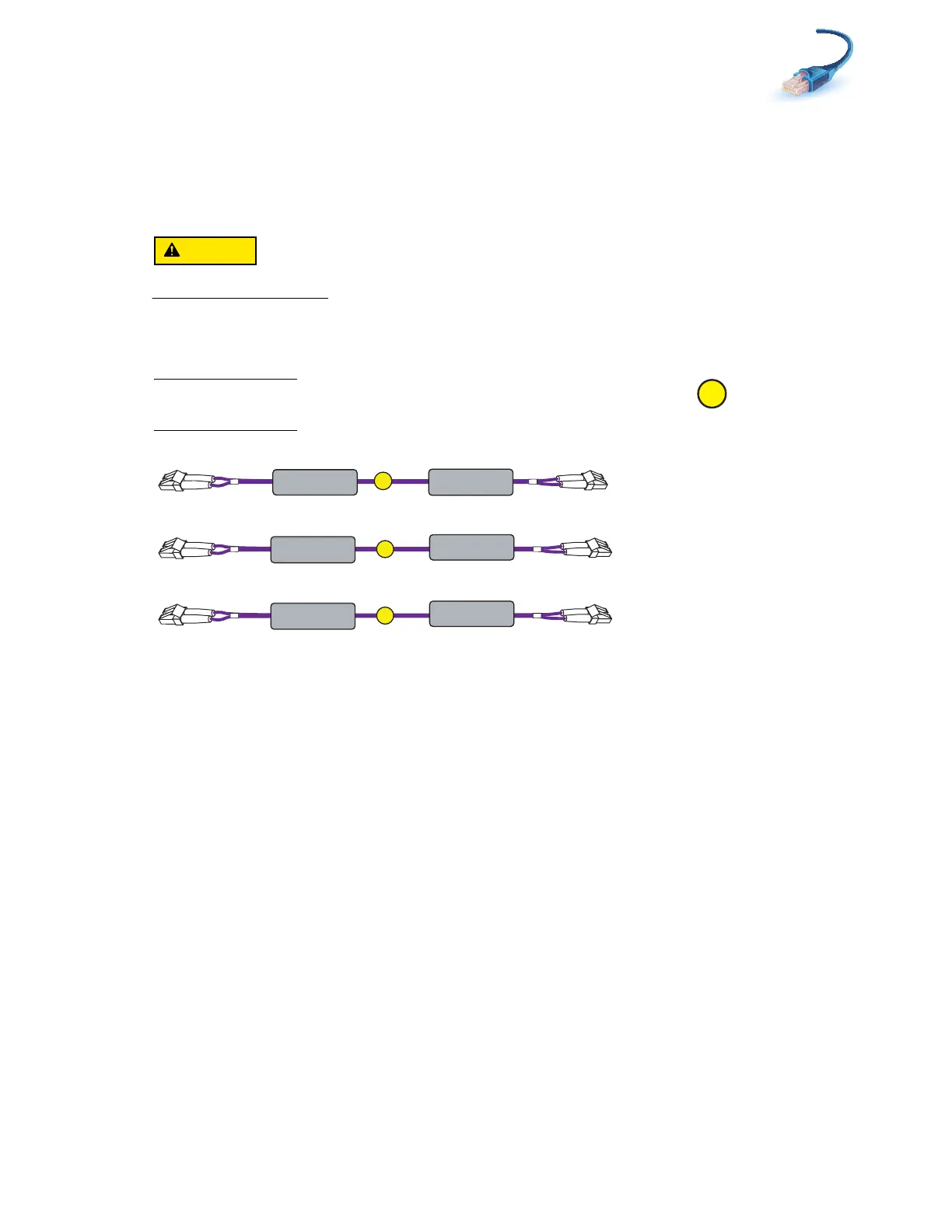
1. Locate the Fibre Channel cables as shown in Figure 20. Only blades 2, 3, and 4 will be set up
at this time.
Note: If an optional blade enclosure (blade enclosure 1) is installed, cable is included as
shown in Figure 20.
Figure 20 SP A Fibre Channel cables
B
SP A FC4
Blade3 Slot 0
Port 0
A
SP A FC5
Blade2 Slot 0
Port 0
C
SP A FC3
Blade4 Slot 0
Port 0
VNX-000250



 To Next Page