Cable your system
27
Cable your system
Cables for your system have cable labels pre-attached.
Cabling Control Station, modem, and public LAN
Your system may contain one or two Control Stations. The primary Control Station is CS0 and an
optional secondary Control Station is CS1.
Cabling CS0
1. If you have not removed the labels from the front of CS0 and CS1 (if applicable), remove them
now and attach to the inside front cover of this document.
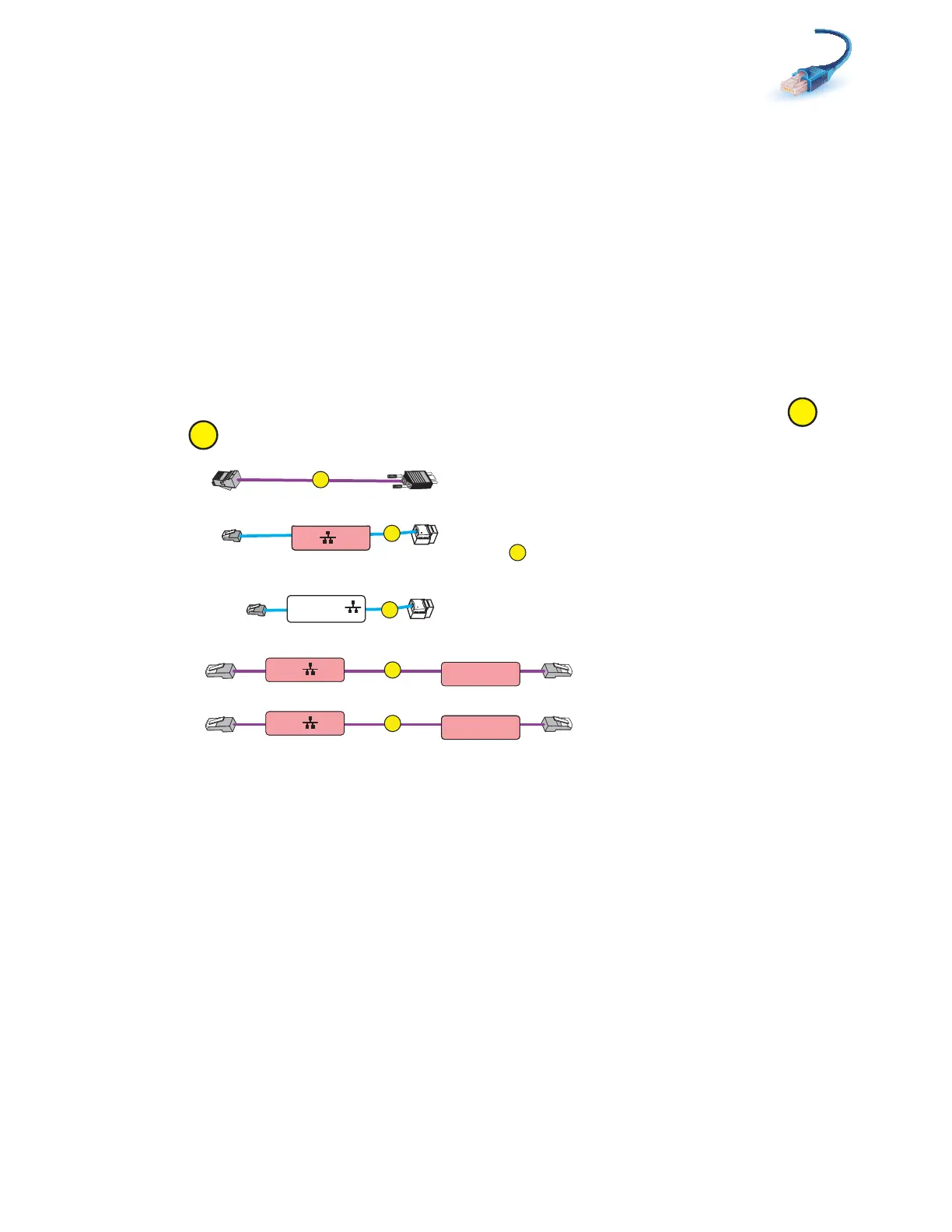
2. Locate the cables shown in Figure 14. You have already connected extension cables and
when you installed the Control Station.
Figure 14 CS0 cables
CS0 B
CS0 MGMT
CS0 MGMT
Modem
CS0 B
D
CS0 A
Blade Encl 0
MMA Port 1
E
CS0 B
Blade Encl 0
MMB Port 1
CS0
CS0
A
B
C
Extension cable to
public LAN
Extension cable to
cable
CS modem port
E
A-Side
B-Side
VNX-000200



 To Next Page