PACSystems VersaMax Genius Network Interface User Manual Section 2
GFK-1535D Jan 2023
Installation 32
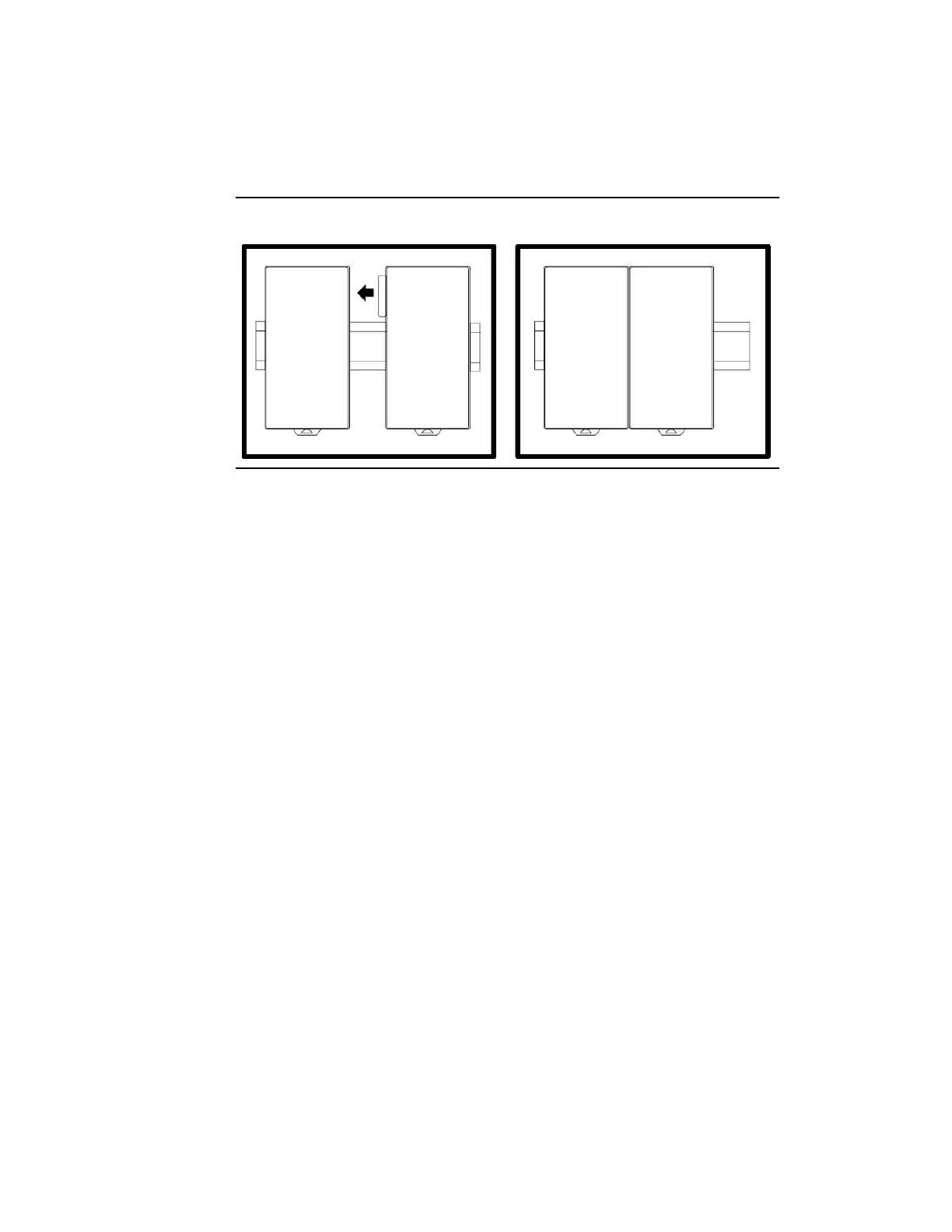
Install additional modules by mounting modules on their carriers and
sliding them along the DIN rail to fully engage the connectors in the sides
of the carriers.
Figure 26: Connecting Additional Modules
Hot insertion of modules in an I/O Station is permitted. However, if an I/O
Station is part of a Genius Modular Redundancy system, hot
insertion/removal of I/O modules is not recommended.
If the Enhanced Diagnostics feature of the Genius NIU is configured as
Enabled, hot insertion/removal of I/O modules is prohibited.


 To Next Page
 Loading...
