PACSystems VersaMax Genius Network Interface User Manual Section 2
GFK-1535D Jan 2023
Installation 44
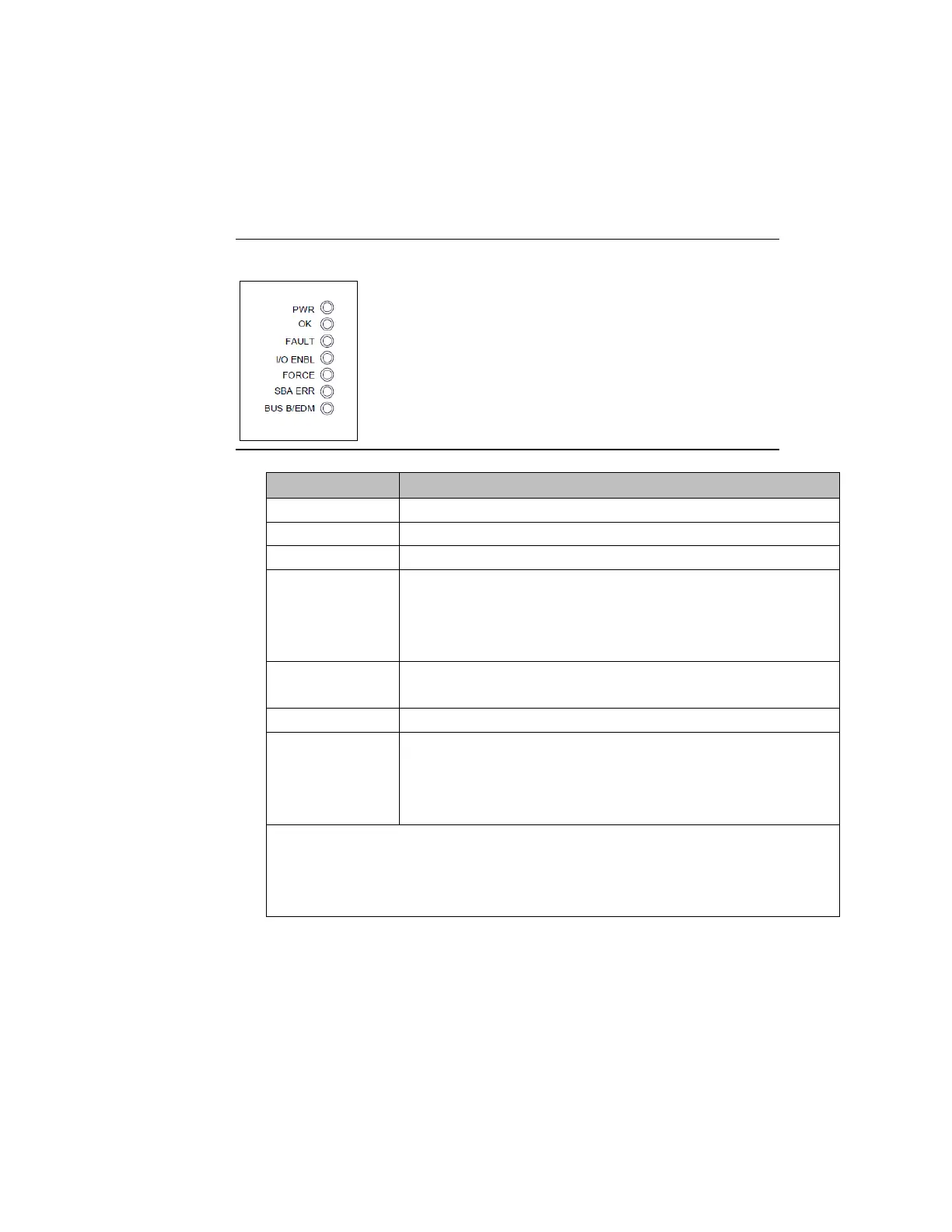
2.13 Observing the LEDs
The LEDs indicate the presence of power and show the operating mode
and status of the NIU.
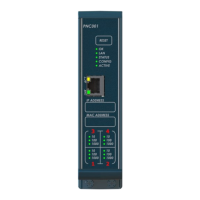
Figure 35: LED Panel
Indicates that the NIU is receiving power.
Indicates powerup diagnostics executed successfully.
Is ON if there are one or more faults.
This bicolor LED is green if the I/O scan is enabled and output
messages are being received from the bus. Otherwise, this LED
is amber.
Is ON if one of more I/O points is forced* or bus switching is
forced.
Is ON if a duplicate device SBA or no valid SBA is selected.
Is ON if:
•
the NIU has selected Genius bus B
or
•
the NIU’s Enhanced Diagnostics Mode is active
* Forcing I/O references of the host controller only affects the input data received
and/or the output data sent to the NIU. To force I/O points at the Genius NIU level,
send one or more Genius datagrams to the NIU.




 To Next Page