PACSystems VersaMax Genius Network Interface User Manual Section 4
GFK-1535D Jan 2023
Configuration 79
4.4.2 Autoconfiguration Assigns Reference
Addresses
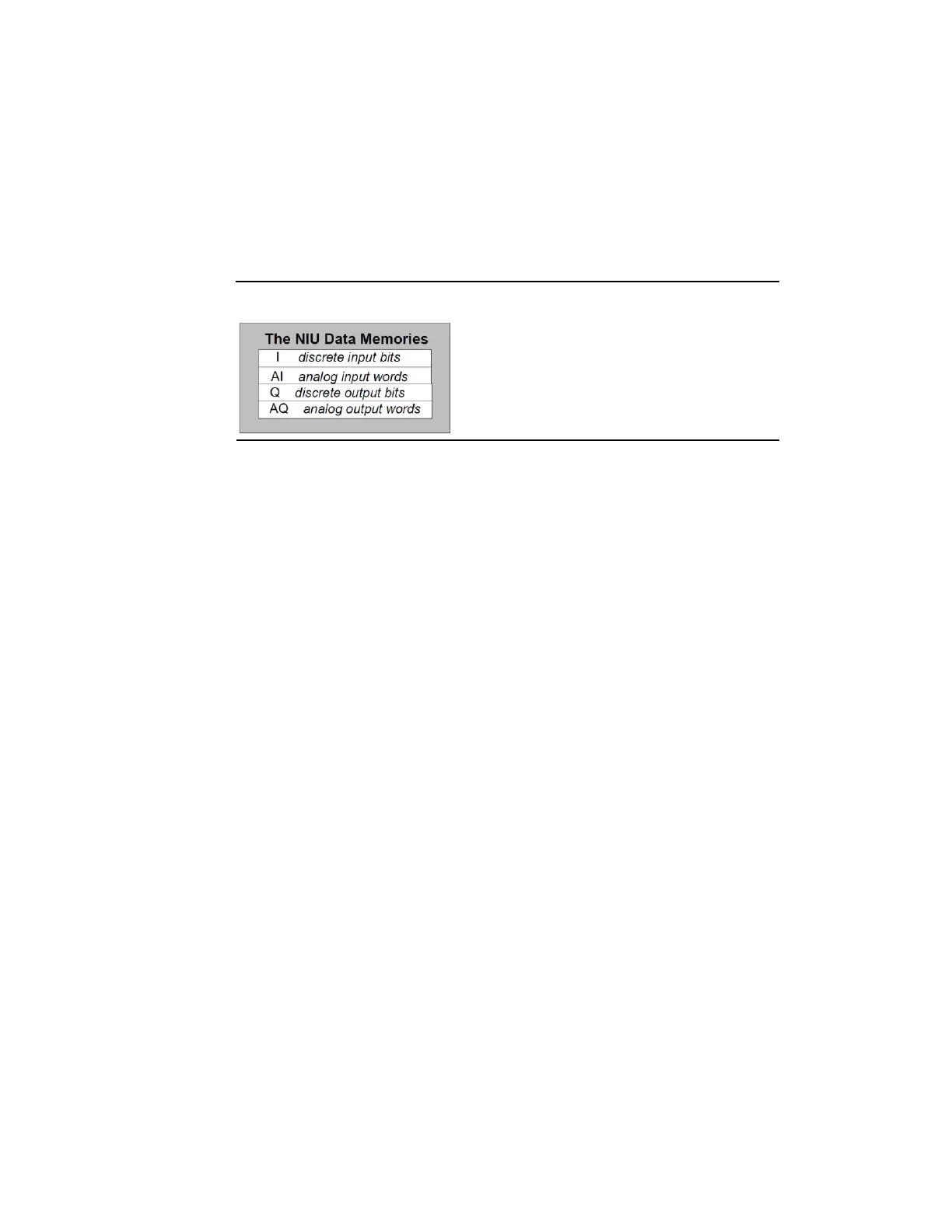
The NIU stores I/O data internally as discrete input bits, discrete output
bits, analog input words, and analog output words.
Figure 58: NIU Data Memory Definitions
During autoconfiguration, the NIU automatically assigns reference
addresses to the modules. Reference addresses are assigned in
ascending order. For modules that have multiple data types (for example,
mixed I/O modules), each data type is assigned reference addresses
individually.
When autoconfigured, modules that have software-configurable features
use their default configuration settings. The default configuration
settings are described in the VersaMax Modules, Power Supplies, and
Carriers Manual (GFK-1504).
4.4.3 Adding I/O modules to an Autoconfigured
I/O Station
If additional I/O modules are added to an existing I/O Station, they do not
become part of the autoconfiguration until the NIU is power-cycled. See
the section titled How Autoconfiguration Handles Equipment Changes
below.
4.4.4 Clearing an Autoconfiguration
To clear an existing autoconfiguration, power down the NIU, disconnect
the NIU from the first I/O module, disconnect the expansion rack cable if
present, and power up the NIU. This clears the NIU’s configuration and
enables autoconfiguration for the next power-up.
Note: This does not clear a configuration that was downloaded using a programmer. A
configuration that was downloaded using the programmer can be cleared by using
the programmer’s clear command, as described previously in this section.



 To Next Page