PACSystems VersaMax Genius Network Interface User Manual Section 3
GFK-1535D Jan 2023
Operation 50
I/O Data Handling by the PLC or Computer
How a PLC or computer handles input data from the NIU depends on its
type:
•
A Series 90 PLC places the data in the %I and %AI references selected
in the PLC’s configuration for the corresponding serial bus address.
•
A Series Six or Series Five PLC places the data into the I/O table or
register memory. A beginning address in Series Six or Series Five I/O
Table memory can be entered during station configuration.
•
A host computer with a PCIM places the data into the input table
segment that corresponds to the serial bus address (Device Number)
of the NIU.
3.3.3 Output Data Format
Each time the PLC or computer that controls the NIU has the bus
communications token, it sends fresh output data on the bus. Outputs for
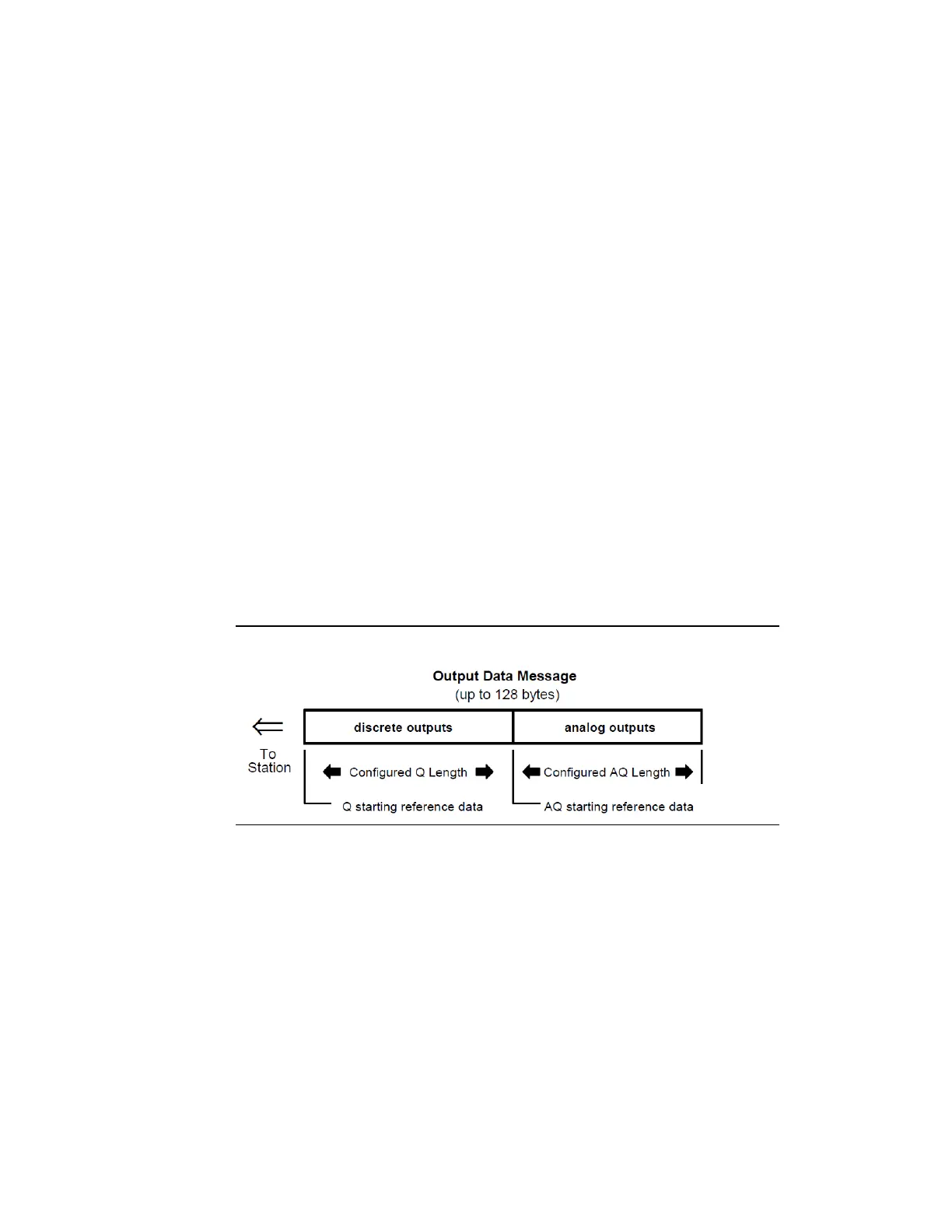
the NIU are sent in one output data message, with all configured discrete
outputs followed by all configured analog outputs.
Figure 40: Output Data Format
The data lengths are equal to the configured lengths of %Q and %AQ
data selected for the NIU (regardless of the host type or the amount of
output data needed for the modules physically present in the station).
Either length may be zero.
When generating the output data message, a Series 90 bus controller
automatically places the %Q data ahead of the %AQ data. Other types of
controllers must send an output message consisting of the correct
number of bytes of discrete output data followed by the correct number
of bytes of analog output data. The output data format shown above is
required by the NIU. As soon as new output data is received, the NIU
checks to be sure the data is error-free and of the correct length. After
verifying the accuracy of the data, the NIU puts the data in its %Q and



 To Next Page