CadJet 3D Service Manual
ASSEMBLY/
DISASSEMBLY
Assembly\Disassembly 5-49
4. Position and hold the Fan Assembly under the Lower Drive Roller
Assembly and between the first and second rollers. Continue to
insert the Lower Drive Roller Assembly into the Platen.
5. Reaching inside the Fan Exhaust hole under the Platen, position
and secure the Fan Assembly using a #2 Phillips screwdriver.
6. Reinstall the Fan Exhaust Assembly using a #2 Phillips
screwdriver.
7. Install the Lower Drive Roller Assembly support brackets using a
#2 Phillips screwdriver.
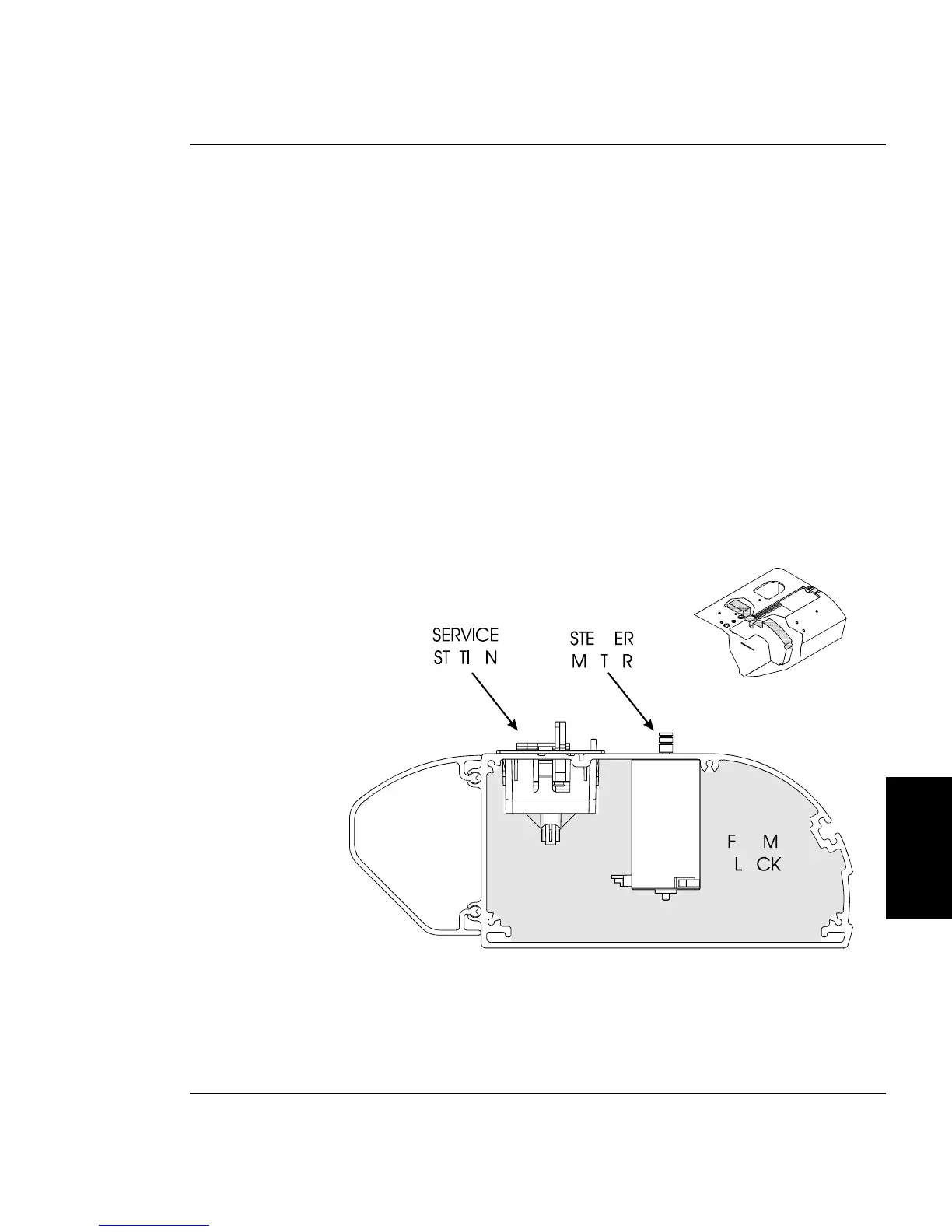
8. Reinsert the right Foam Block. Make sure that the Stepper Motor
and Fan cables are exiting out of the back corner of the Foam Block.
See Figure 5-26. The Foam Block is positioned between the Stepper
Motor and the Servo Motor. Make sure it is not tilted at an angle.
Figure 5-26. Inside Platen, Right Side.
9. Reinsert the Service Station.



 To Next Page