Maintenance 3-25
CadJet 3D Service Manual
MAINTENANCE
To perform the Color Calibration:
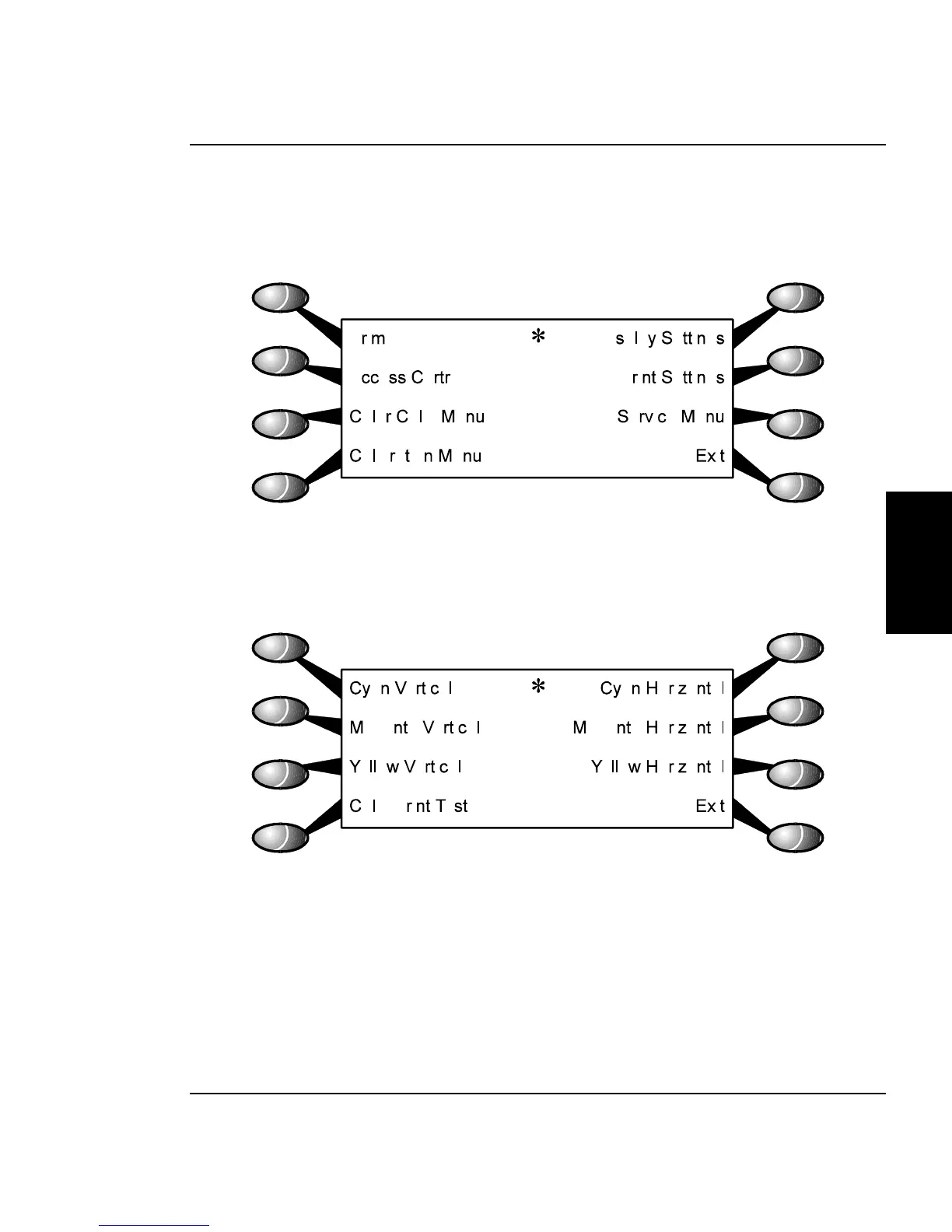
1. Select “Utility Menu” from the Main Menu. This brings up the
Utility Menu as shown in Figure 3-18.
Figure 3-18. Utility Menu.
2. From the Utility Menu, select “Color Calib Menu”. This brings
up the color calibration menu and it looks like Figure 3-19.
Figure 3-19. Color Calib Menu.
3. Select “Calib Print Test” to print the color calibration plot as
shown in Figure 3-17.



 To Next Page