Theory of Operation 2-13
CadJet 3D Service Manual
THEORY OF
OPERATION
Interface Circuits: Serial & Parallel
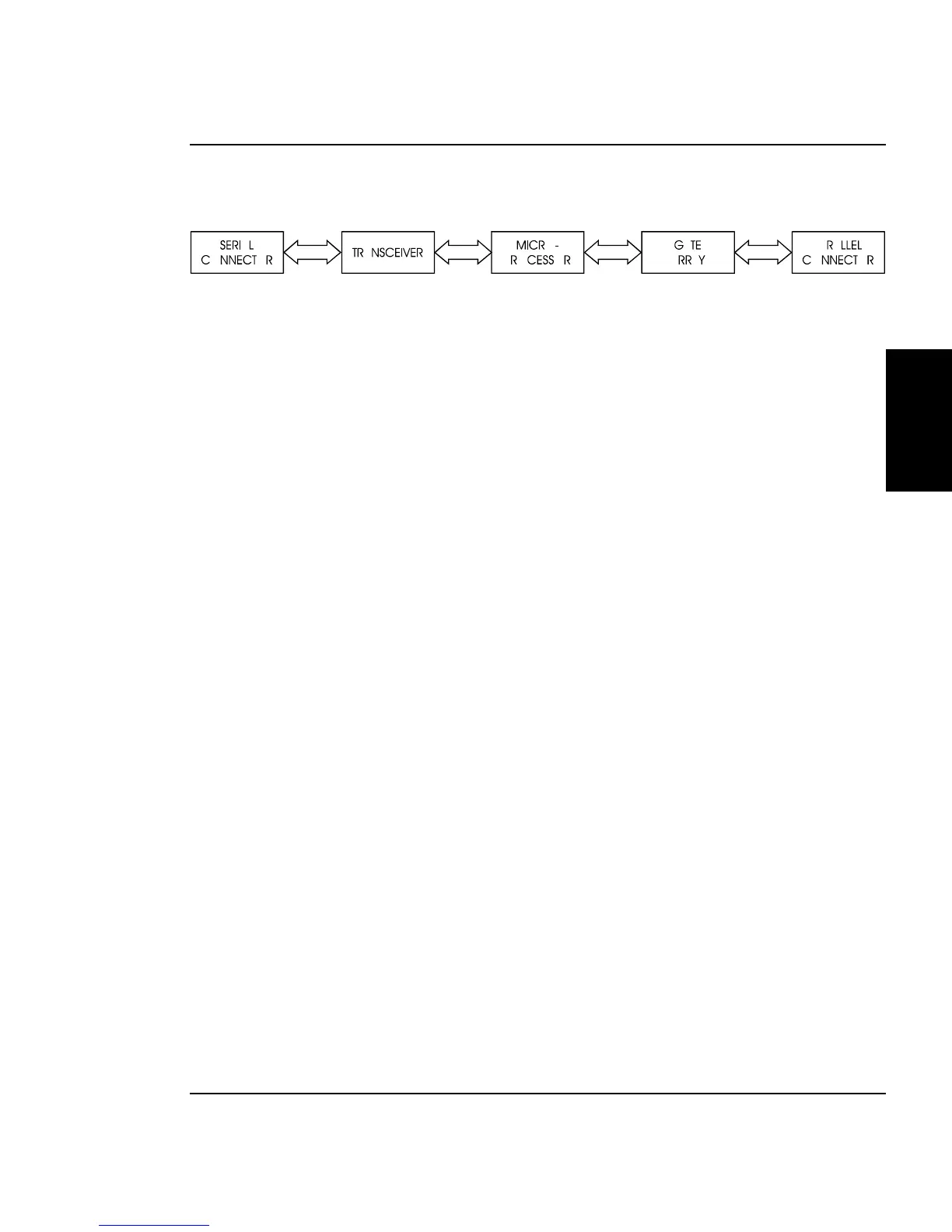
Figure 2-9. Interface Circuits.
Data from the host computer is received either through the Centronics
parallel port or the serial port. The gate array provides the control
signals for DMA transfers from the parallel port to DRAM.
The serial port is designed primarily to interface to a Macintosh®
computer. It has an eight pin Mini-DIN connector. The data (TXD,
RXD) signals meet RS-422 electrical specifications, and the control
signal (DTRCLK) meets the RS-423 electrical specifications.
Due to the data flow speed limitations of using the serial interface with
a Macintosh computer system ENCAD does not recommend using this
port for production usage with these printers. Hesitation may result if
using this port and that can degrade the quality of the output print.
Possible solutions for the Macintosh computer user include using a
print server device with an established network or installing a parallel
port add-on card in the computer to interface with the printer.
The serial port is still required to download new firmware to the printer
with a Macintosh computer.
The serial port is compatible with RS-422 devices when an appropriate
adapter cable is used. This cable is available from ENCAD.
The parallel port is the connection of choice for sending print jobs to the
printer. This port can be connected to a wide variety of computers
running various operating systems. It is also used to connect the
printer to a network print server device such as the XCD Print Server
that came with the printer.



 To Next Page