Theory of Operation 2-15
CadJet 3D Service Manual
THEORY OF
OPERATION
The paper sensor circuitry senses for the presence of loaded media. It
does this automatically during the start-up and load sequences. It
also constantly monitors the media during printing to determine if the
media has run out.
If no paper is sensed, the paper sensor sends this information to the
MPCB, which immediately begins an ‘out of paper’ subroutine. This
subroutine stops the printer from printing until more media is loaded.
The sensor also checks for the size of the media loaded so it can
determine the proper printing parameters.
Control Panel
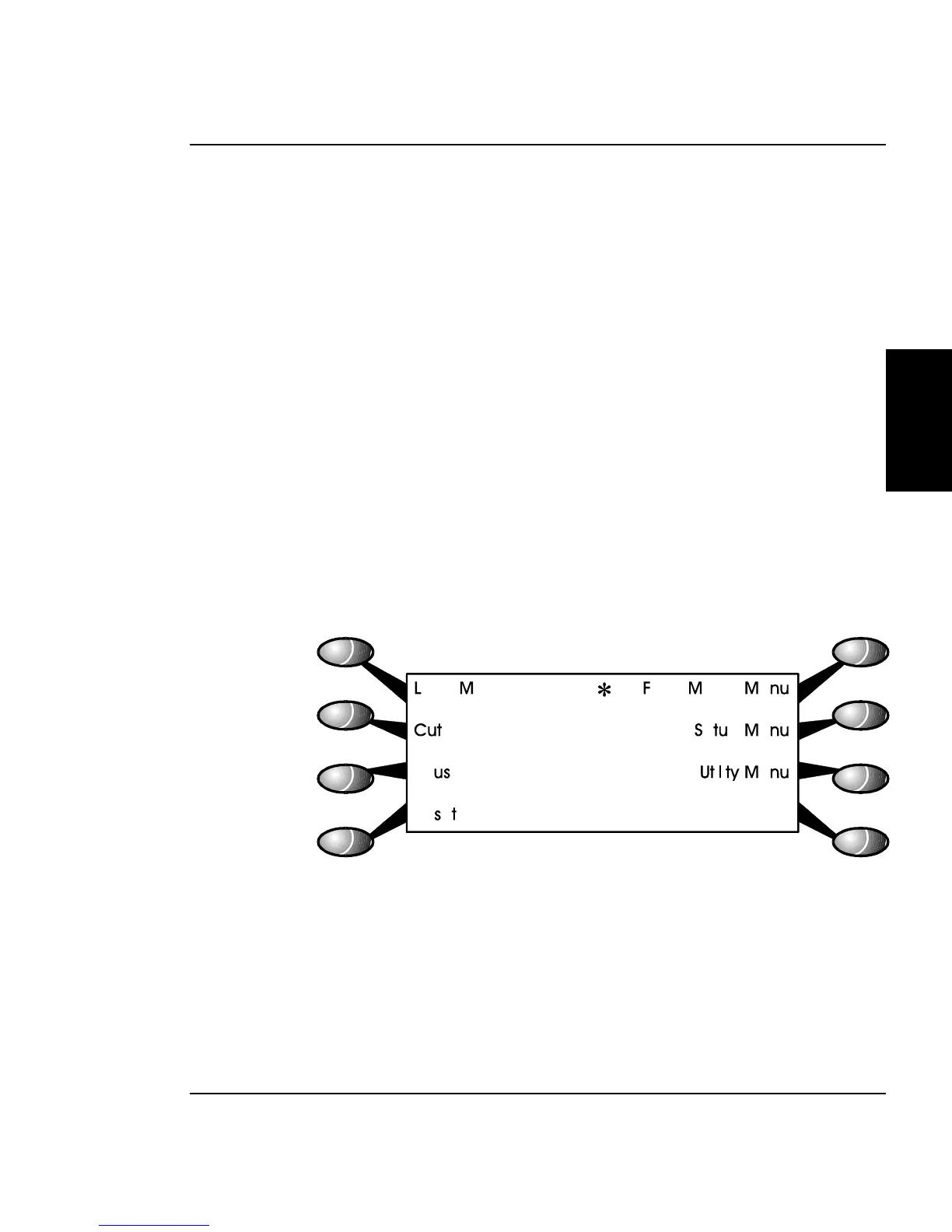
The Control Panel is located on the right side of the printer and
consists of 8 variable-action control buttons and an LCD graphics
display. The control buttons are assigned to different functions and
are dependant upon the selections that were previously selected. There
are four buttons on the left of the display and four buttons on the
right, with the display showing up to eight possible selections.
Figure 2-11. Main Menu.
Figure 2-11 shows the keypad after the printer has been turned on
and finished the start up process. As seen in the figure, the control
buttons are assigned to the corresponding command that is displayed
closest to the physical location of the button.



 To Next Page