3-30 Maintenance
CadJet 3D Service Manual
Color Deadband Alignment
The color deadband alignments are necessary to ensure that the
output images are being produced with the highest quality standards
available while using the ENCAD printer in a bidirectional mode.
These adjustments help to compensate for any deviations that may
have become apparent due to the carriage speed and/or the type of
media loaded. Precise calculations are being performed to time the
release of the ink drop so that they land on the media at the correct
location. Differences in media thickness make the distance that the
ink has to fall vary and this variable needs to be compensated for in
the calculations.
To perform the Color Deadband Alignments
1. Select “Utility Menu” from the Main Menu. This brings up
the Utility Menu as shown in Figure 3-18.
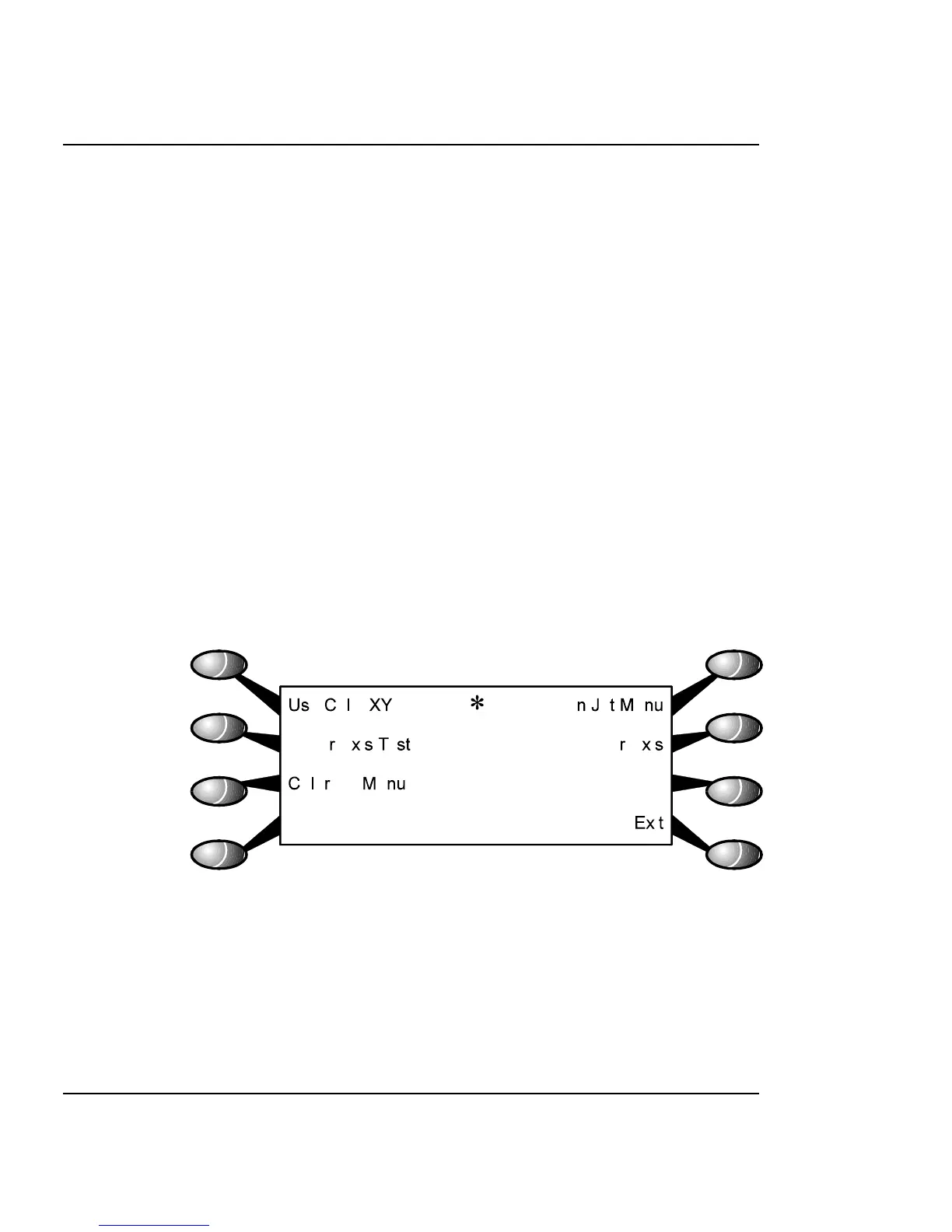
2. Select the “Calibration Menu” from the Utility Menu. This
brings up the Calibration Menu as shown in Figure 3-24.
Figure 3-24. Calibration Menu.
3. Select the “Color Db Menu” from the Calibration Menu.
4. The Color Db Menu is shown in Figure 3-25 and is where the
color deadband test is performed.



 To Next Page