Maintenance 3-29
CadJet 3D Service Manual
MAINTENANCE
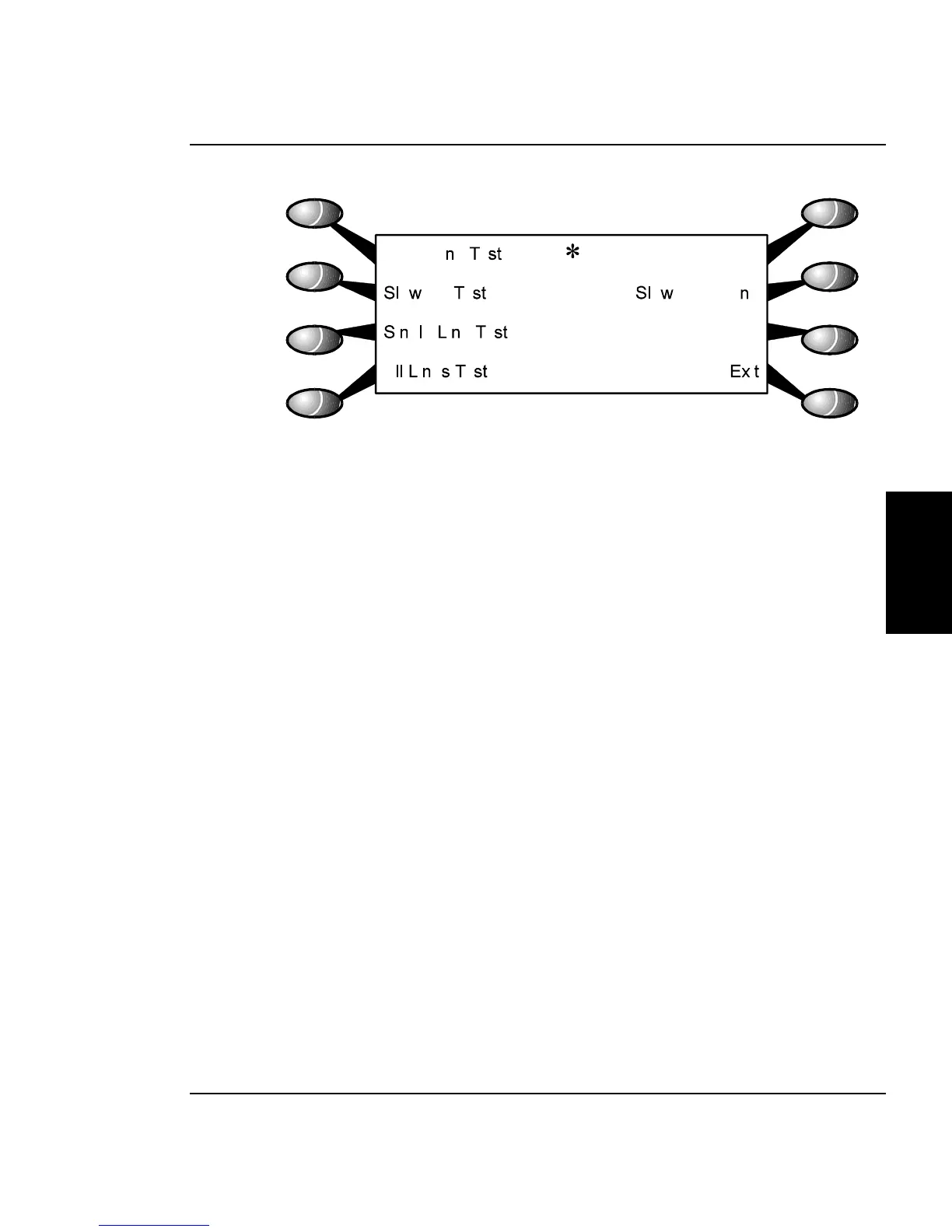
Figure 3-23. Calibration (Deadband) Menu.
5. When the plot is complete, select “Slow Deadband” at the
Calibration Menu. This brings up the options menu for the
slow deadband adjustment. This menu is similiar to the
menu depicted in Figure 3-20.
6. Observe the plot and using either “Prev Option” or “Next
Option”, rotate through the selections until the value you
want is selected. Press “Ok” to accept the selection and
return to the Calibration Menu.
7. Continue performing steps 4 through 6 until the slow
deadband adjustment is correct.



 To Next Page